81
QM00991-1
OPTION menu
Item Description
SCHEDULE
(continued)
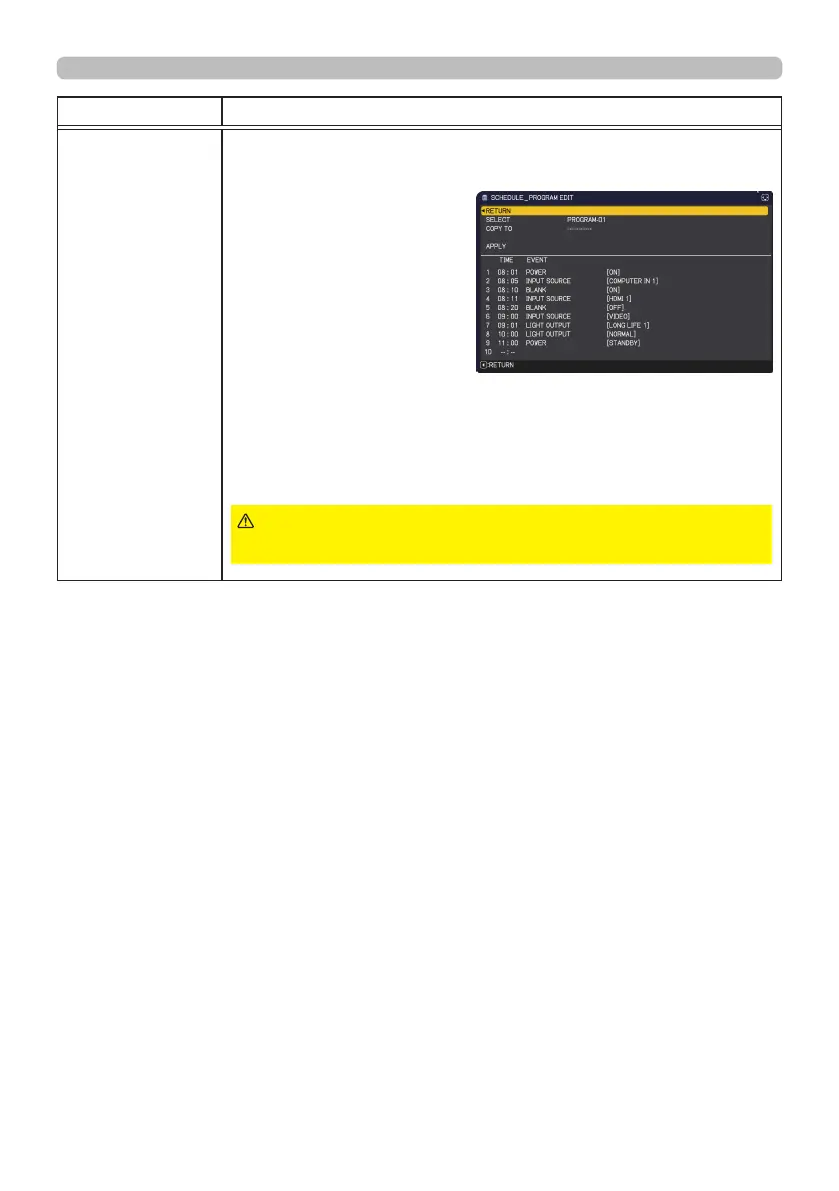
■ PROGRAM EDIT
The TIME and EVENT for Program 1 to 16 can be edited.
• RETURN
Select this to go back
to the top menu of the
SCHEDULE.
• SELECT
Select from PROGRAM-01
to 16 to edit.
Up to 20 events can be set
in each program.
• COPY TO
The selected program (with the settings of TIME and EVENT)
can be copied to other program.
• APPLY
Select this to apply and save all adjustments and settings.
(continued on next page)
►
Be sure to conrm that the projector has been
installed and connected safely even if it is turned on automatically.
WARNING



 To Next Page