USER Manual
45
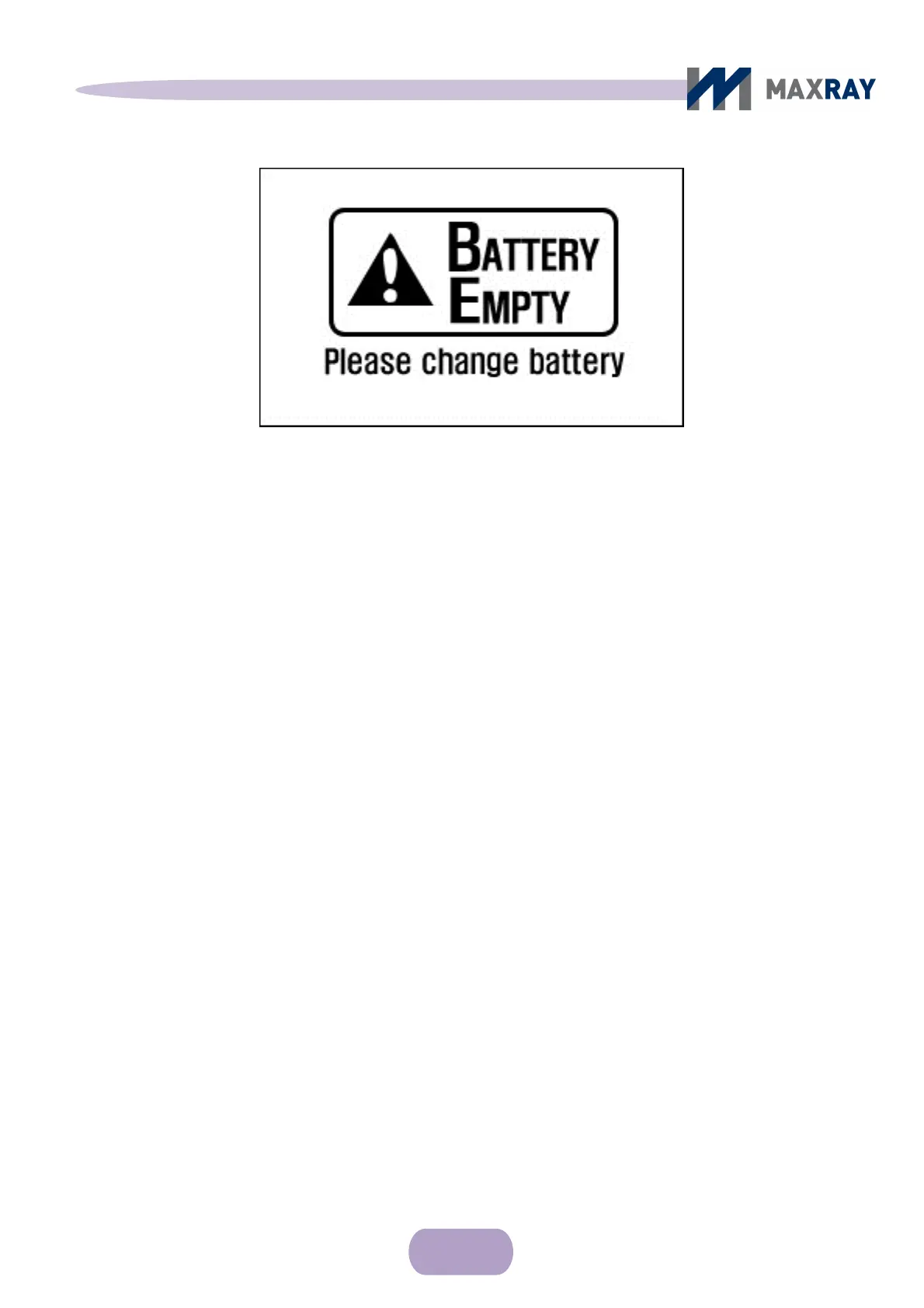
Figure 7.13 LCD screen after battery dies
The battery charger consists of a charging adapter and a charging cradle (Figure 7.14).
Connect the charger adapter DC plug to the charging jack on the back side of
the charging cradle. Use a bundled AC power line to connect the charger adapter,
and connect it to AC power. The AC power voltage range and frequency is 100 -
220V AC and 50 - 60 Hz, respectively. Confirm the device is rated for the AC power
before connection.
Place the battery in the charge cradle (Figure 7.15). Insert the battery until it
fits smoothly into the groove of the charging cradle.
When charging has begun, a red light will be displayed on the charger cradle.
Once charging is complete, the red light will turn green.
If the battery is not correctly connected to the charger or another problem occurs,
the charge indicating light will be yellow.



 To Next Page