157
Controls in detail
Control system
Control system
The control system is activated as soon as
the SmartKey in the starter switch is
turned to position 1. The control system
enables you to
call up information about your vehi-
cle
change vehicle settings
For example, you can use the control sys-
tem to find out when your vehicle is next
due for service, to set the language for
messages in the multifunction display,
and much more.
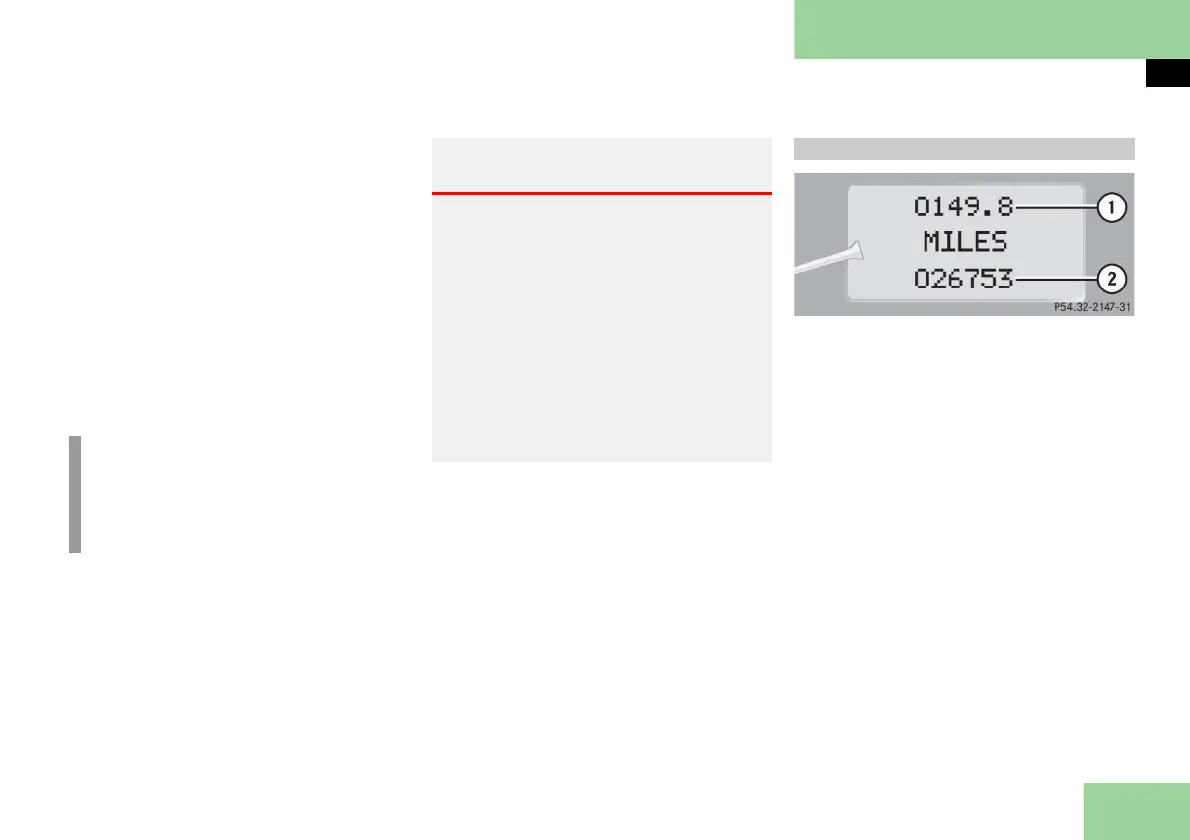
The control system relays information to
the multifunction display.
1 Trip odometer
2 Main odometer
i
The displays for the audio systems
(radio, CD player) will appear in En-
glish, regardless of the language
selected.
Warning! G
A driver’s attention to the road and traffic
conditions must always be his/her primary
focus when driving.
For your safety and the safety of others, se-
lecting features through the multifunction
steering wheel should only be done by the
driver when traffic and road conditions
permit it to be done safely.
Bear in mind that at a speed of just 30 mph
(approximately 50 km/h), your vehicle is
covering a distance of 44 feet (approxi-
mately 14 m) every second.
Multifunction display



 To Next Page