165
Controls in detail
Control system
You can use the functions in the
PHONE
menu to operate your telephone, provid-
ed it is connected to a hands-free system
and switched on.
Switch on the telephone and
COMAND.
Press button ÿ or è on the
steering wheel repeatedly until you
see the
PHONE
menu in the multifunc-
tion display.
Which messages will appear in the multi-
function display field depends on wheth-
er your telephone is switched on or off:
If the telephone is off, the message in
the multifunction display is:
PLEASE
TURN PHONE ON
.
If the telephone is on:
The telephone will then search for a
network. During this time the multi-
function display reads
NO SERVICE
.
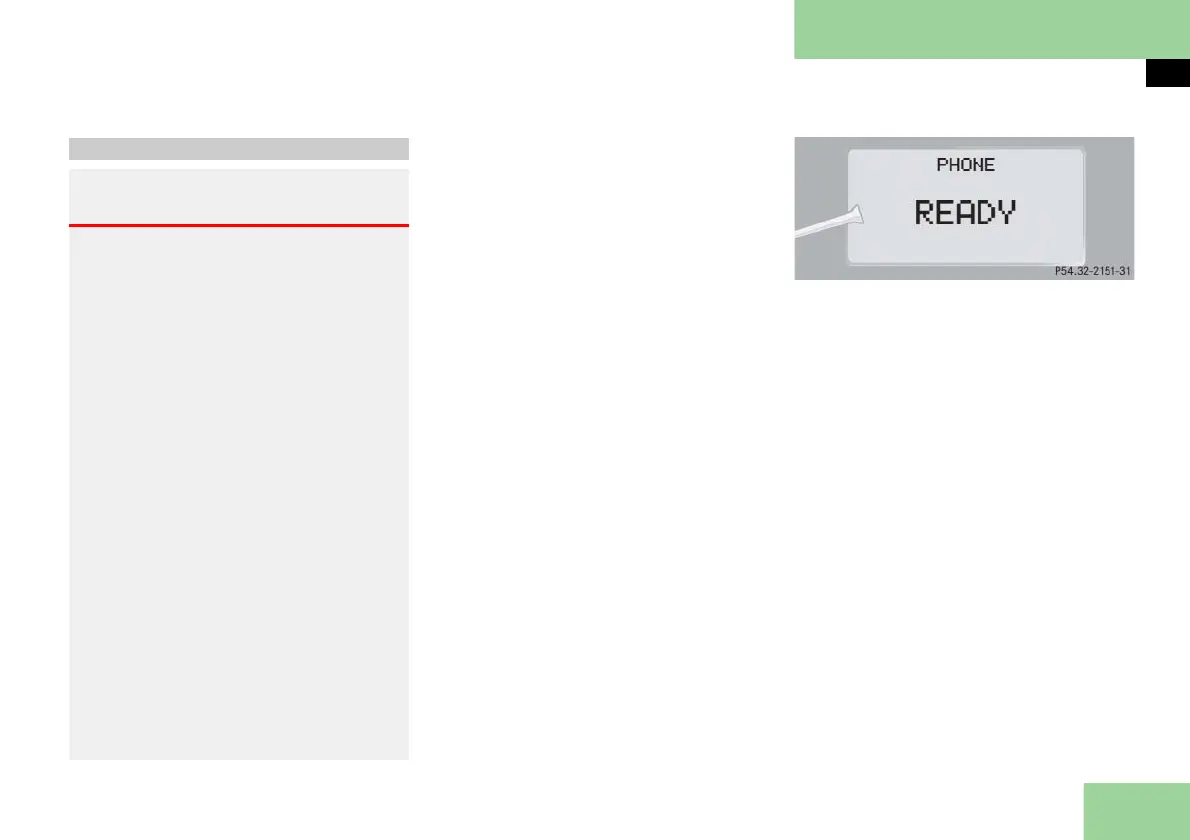
As soon as the telephone has found a
network,
READY
is indicated in the
multifunction display.
The standby message indicates that your
telephone is ready for use and you can
operate it using the control system.
Telephone menu
Warning! G
A driver’s attention to the road and traffic
conditions must always be his/her primary
focus when driving. For your safety and
the safety of others, we recommend that
you pull over to a safe location and stop
before making or taking a telephone call.
If you choose to use the telephone while
driving, please use the hands-free device
and only use the telephone when weather,
road and traffic conditions permit.
Some jurisdictions prohibit the driver from
using a cellular telephone while driving a
vehicle.
Bear in mind that at a speed of just 30 mph
(approximately 50 km/h), your vehicle is
covering a distance of 44 feet (approxi-
mately 14 m) every second.
Never operate radio transmitters equipped
with a built-in or attached antenna (i.e.
without being connected to an external
antenna) from inside the vehicle while the
engine is running. Doing so could lead to a
malfunction of the vehicle’s electronic sys-
tem, possibly resulting in an accident and/
or personal injury.



 To Next Page