166
Controls in detail
Control system
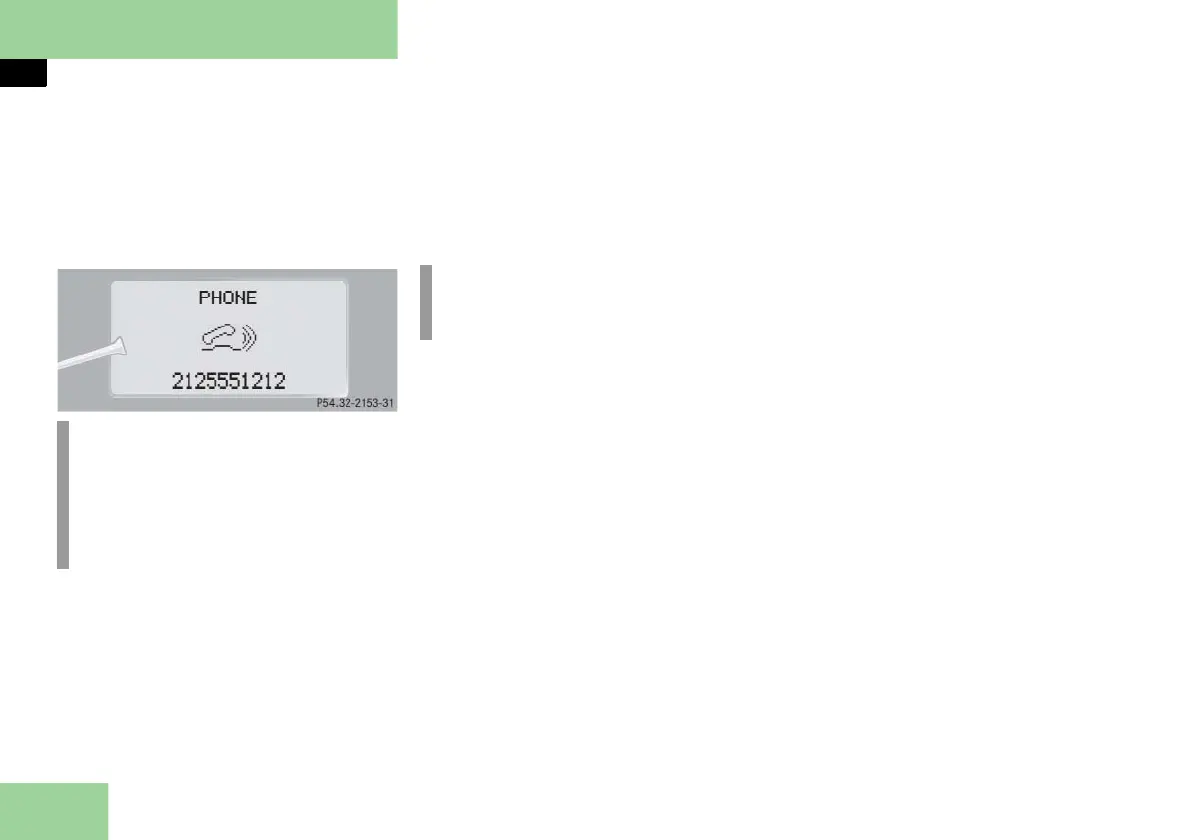
Answering a call
When your telephone is ready to receive
calls, you can answer a call at any time. In
the multifunction display you will then
see the message:
Press button s.
You have answered the call. In the
multifunction display you see the
length of the call positioned above
the number.
Ending a call
Press button t.
You have ended the call. In the multi-
function display you will again see
the standby message.
Dialing a number from the phone book
If your telephone is ready to receive calls,
you may select and dial a number from
the phone book at any time.
Press button ÿ or è repeatedly
until you see the
PHONE
menu in the
multifunction display.
Press button j or k.
The control system reads the phone
book which is stored in the tele-
phone. This may take up to
30 seconds. In the multifunction dis-
play you will see the message
LOADING
PHBOOK!
.
When the message
LOADING PHBOOK!
disappears, the phone book has been
loaded.
i
The caller’s number appears only if it
is transmitted.
The caller’s name appears only if the
number and the name are stored in
the phone book.
i
If you do not wish to accept a call,
press button t.



 To Next Page