184
Controls in detail
Control system
Setting parking position for exterior rear
view mirror
Use the
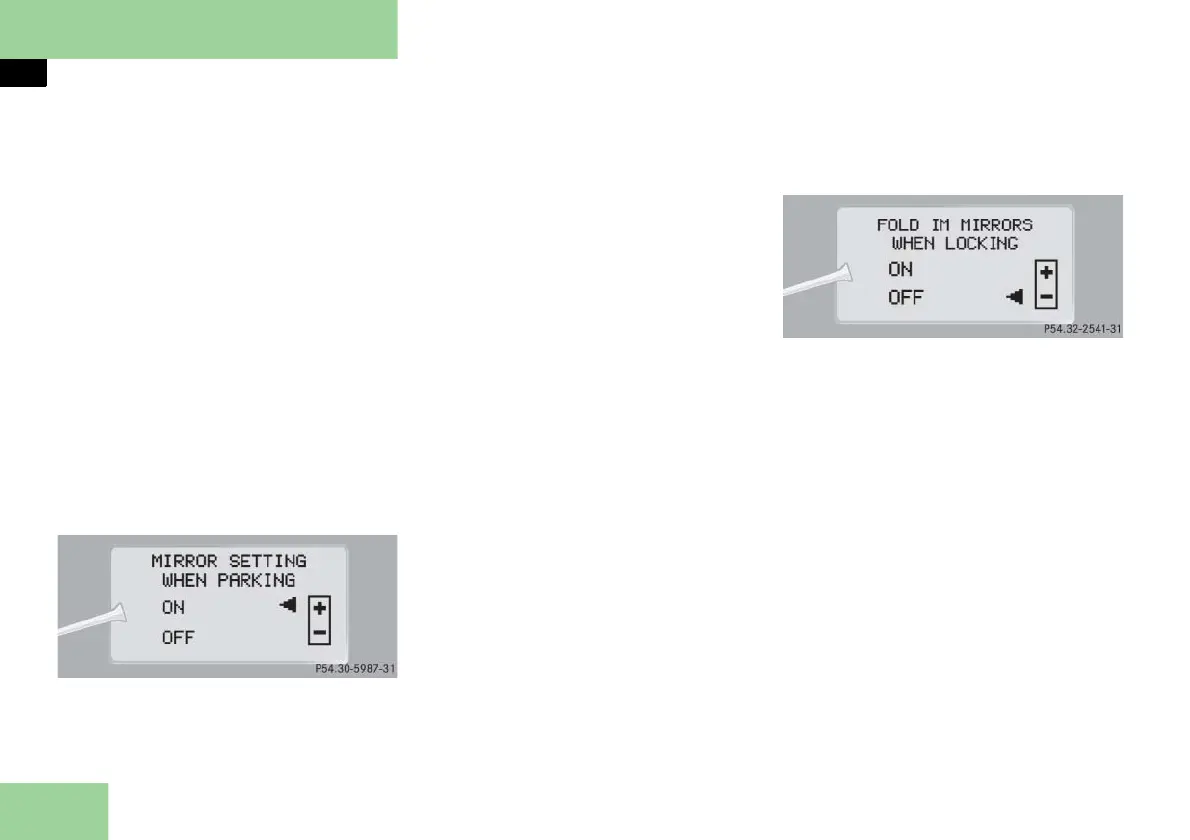
MIRROR SETTING WHEN PARKING
function to select whether the passenger
side exterior rear view mirror should be
turned downward during parking ma-
neuvers when reverse gear is engaged.
For additional information (
page 194).
Move the selection marker to
the
CONVENIENCE
submenu using
button
æ
or
ç
.
Press button
j
or
k
repeatedly
until the message
MIRROR SETTING
WHEN PARKING
appears in the display.
The selection marker is on the current
setting.
Press button
æ
or
ç
to switch
function
ON
or
OFF
.
Setting fold-in function for exterior rear
view mirrors
Using this function, you can set the exte-
rior rear view mirrors to be automatically
folded in when you lock your vehicle
(
page 195).
Move the selection marker to
the
CONVENIENCE
submenu using
button
æ
or
ç
.
Press button
j
or
k
repeatedly
until the message
FOLD IN MIRRORS
WHEN LOCKING
appears in the display.
The selection marker is on the current
setting.
Press button
æ
or
ç
to switch the
automatic fold-in setting for the mir-
rors
ON
or
OFF
when the vehicle is
locked.



 To Next Page