335
Controls in detail
Pocket PC remote control*
Choosing automatic mode
Press symbol 4.
Depending on the ambient bright-
ness, the display assumes either the
daytime or the nighttime setting.
Choosing manual mode
Press symbol 3.
Regardless of the ambient brightness,
the selected daytime or nighttime
setting is constant.
Choosing daytime or nighttime setting
Press symbol 6.
The display assumes the daytime set-
ting.
or
Press symbol 5.
The display assumes the nighttime
setting.
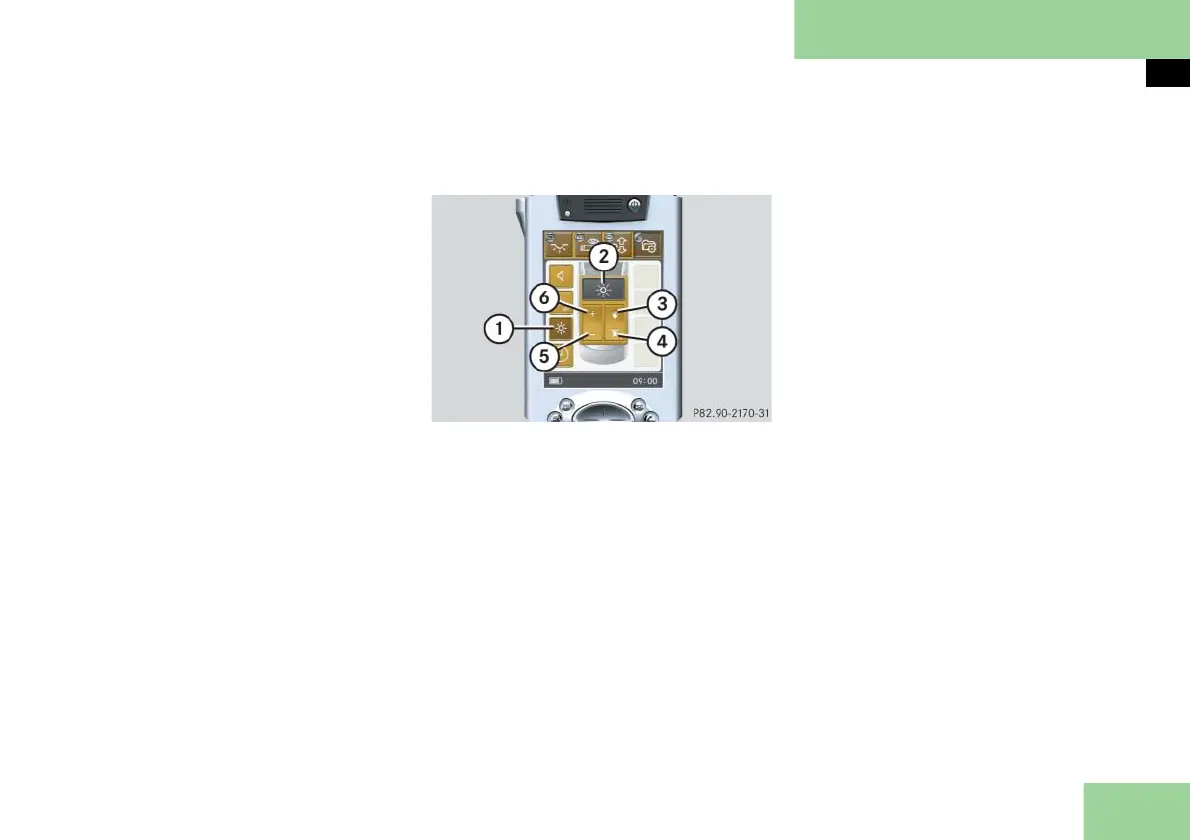
Selecting submenu: Display brightness
and selecting settings
1 Submenu: Display Brightness
2 Settings menu
3 Manual mode
4 Automatic mode
5 To make display darker
6 To make display brighter
Press submenu button: Display
Brightness 1.
The selected symbol in button 1 is
highlighted in the display and you
will see the corresponding settings
menu 2.
Choosing automatic mode
Press symbol 4.
Depending on the ambient bright-
ness, the display becomes either
brighter or darker.
Choosing manual mode
Press symbol 3.
Regardless of the ambient brightness,
the selected display brightness re-
mains constant.
Adjusting display brightness
Press button 5 or 6 repeatedly until
the desired display brightness has
been reached.



 To Next Page