EasyManua.ls Logo

McCulloch Mini-Mac 6 - Page 9

McCulloch Mini-Mac 6
40 pages
Print Icon
To Next Page IconTo Next Page
To Previous Page IconTo Previous Page
Loading...
Follow
these
steps
to
adjust
chain
tension:
1.
Loosen
the
bar
mounting
nut.
See
Figure
3.
2. With
the
bar
nose
or
rounded
end
of
the
bar
held
up!
turn
the
ten-
sion
adjusting
screw
clockwise
to
tighten
the
chain.
Turn
the
screw
counterclockwise
to
loosen
the
chain.
See
Figure
4.
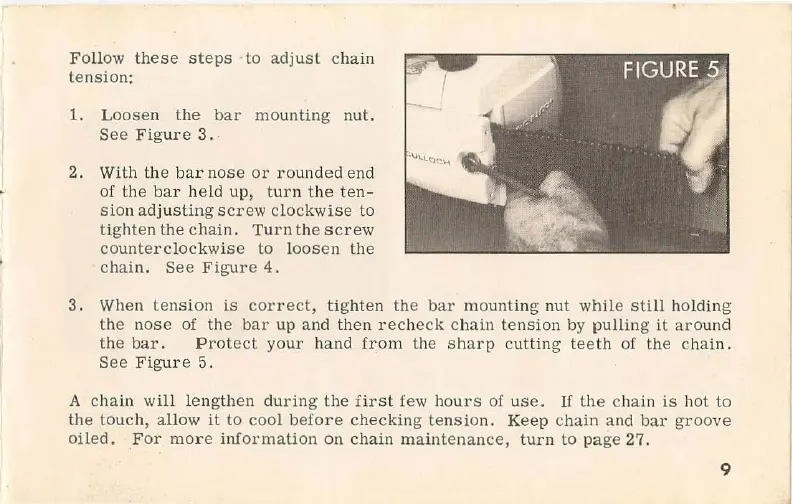
3.
When
tension
is
correct!
tighten
the
bar
mounting
nut
while
still
holding
the
nose
of
the
bar
up and
then
recheck
chain
tension
by
pulling
it
around
the
bar.
Protect
your
hand
from
the
sharp
cutting
teeth
of
the
chain.
See
Figure
5.
A
chain
will
lengthen
during
the
first
few
hours
of
use.
If
the
chain
is
hot
to
the
touch,
allow
it
to cool
before
checking
tension.
Keep
chain
and
bar
groove
oiled.
For
more
information
on
chain
maintenance,
tUrn to
page
27.
9

Related product manuals