McHale F5500 Baler
71
7.2.8 Net wrap system
In an Auto cycle, the control box emits a series of beeps when the bale chamber is full.
An image of a bale will appear on the screen. When the bale has reached the
predetermined density, this alerts the operator that netting is about to start. Net will
automatically feed after a preset amount of time.
Next, a continuous beep informs the operator that the netting has started. After the
preset number of net layers are applied to the bale, the net is cut. The chamber door
can then be opened to eject the bale from the bale chamber. Once the bale is ejected,
the chamber door can then be closed and baling can resume as normal. In Auto, one
press of Button 2 anytime before the bale is full will start netting. Pressing and holding
Button 2 will delay netting start, when the bale is full.
In Manual mode, when the bale chamber is full, a series of warning beeps will sound
and the chamber door will appear open on the screen. Button 2 needs to be pressed
on the control unit to manually begin feeding net. When the net knife trips and cuts the
net, a short beep will sound to alert the operator to open the chamber door and eject
the bale. If the net breaks or runs out then the net warning screen will be displayed.
When the chamber door is fully closed again, a 1 second beep will sound to indicate
that baling can resume and 1 bale will be added to the bale counters.
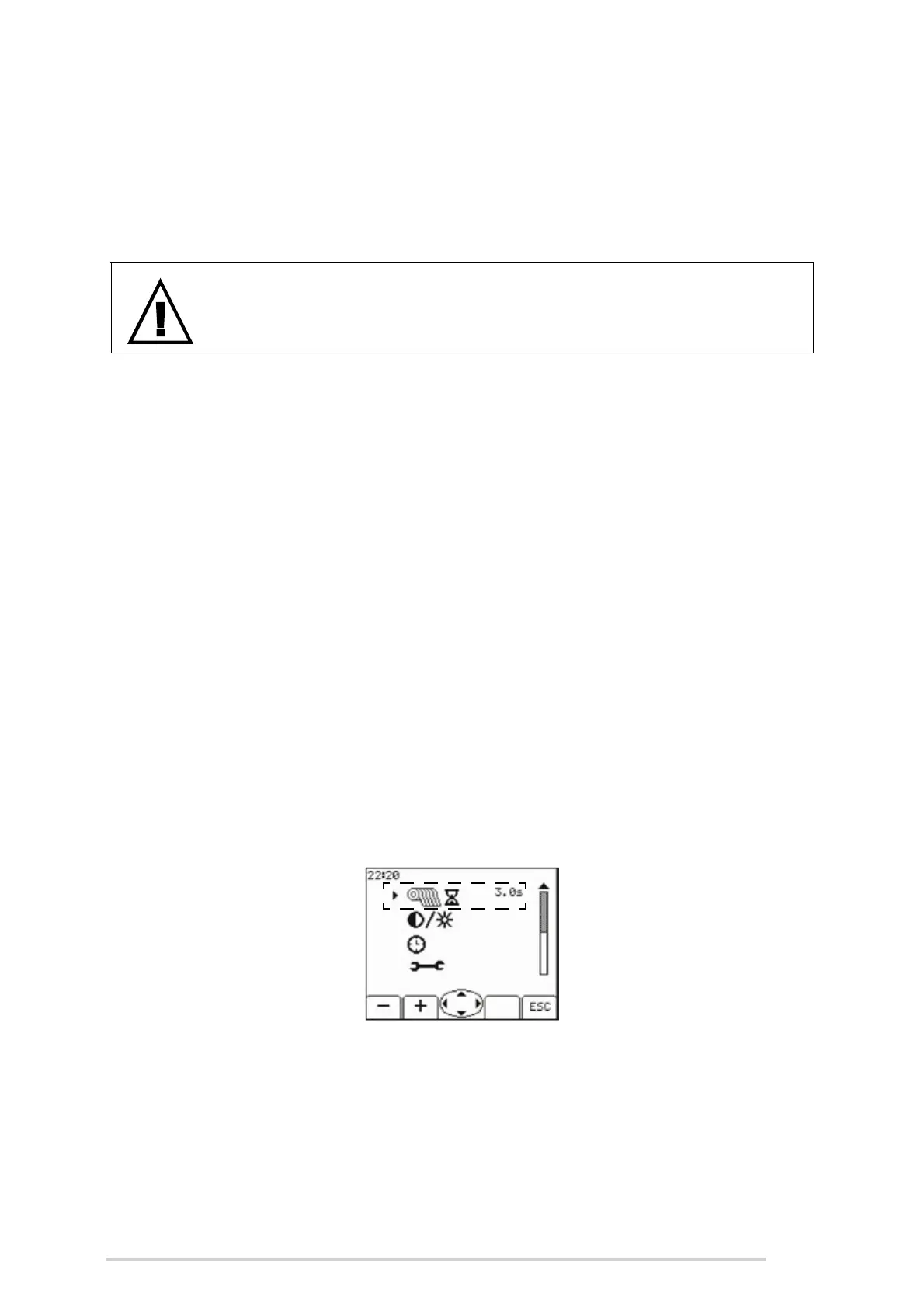
Net Delay
This is the delay between the bale full beeps sounding and net actually starting to feed
when in Auto mode. Use Buttons 1 + 2 to increase or decrease the time setting. The
standard time setting is 3 seconds but this can be changed from 0 - 5 seconds
depending on operator preference. When baling light crops at faster speeds, some
operators prefer to have more time to stop before netting begins.
WARNING: When netting starts, stop forward movement!
The operator must stop the forward movement of the tractor at once!
Net delay setting



 To Next Page