McHale Fusion Vario Baler & Wrapper
76
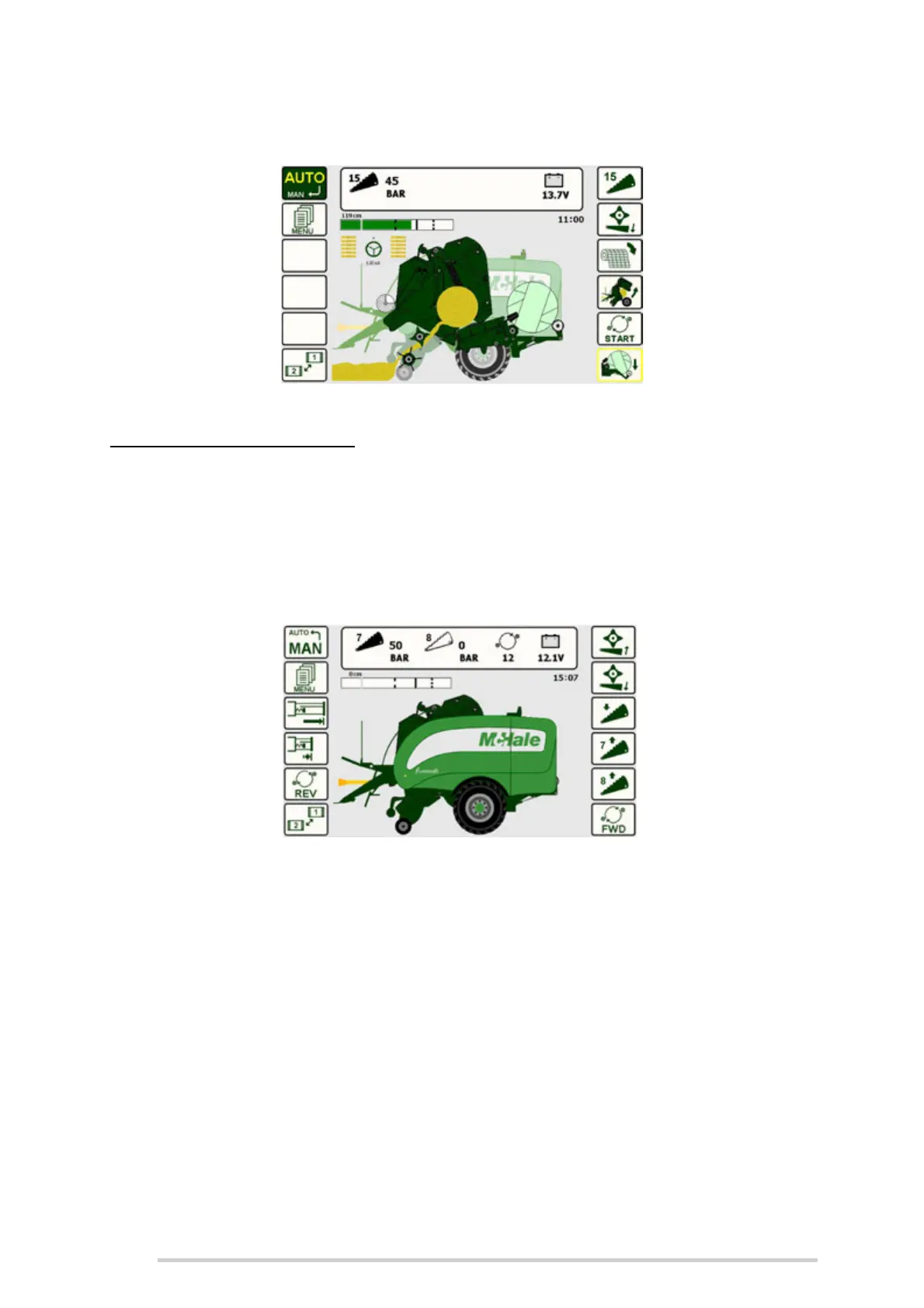
Completely black when the knives are up
Only an outline of the knife will be shown if they are down
Standard knife operation (Automatic)
Selectable knives operation is an optional extra with the Fusion Vario which allows
the selection of 0, 7, 8 or 15 knives (0, 12, 13 or 25 with 25 knife option) from the control
unit.
In Manual mode, on Screen 2, there are 2 buttons used to the raise the knives, one for
7 knives (Button R4) and one for 8 knives (Button R5). Pressing ‘knives down’ (Button
R3) lowers both sets (7 & 8) together. There are two knife pressure displays, one for
the set of 7 knives and one for the set of 8.
Selectable knife operation (Manual)
In Automatic mode, 0, 7, 8 or 15 (12, 13 or 25 with 25 knife option) knives can be
selected. This is done by toggling the knives button (Button R1) to the desired knife
setting.
A sensor indicates when the knives are fully up. The knife symbol, for 7 & 8 knives will
be shown as follows:
Completely black when the knives are up
Only an outline of the knife will be shown if they are down



 To Next Page