93808 – October 2014 Page 15
6092RT Operating Instructions
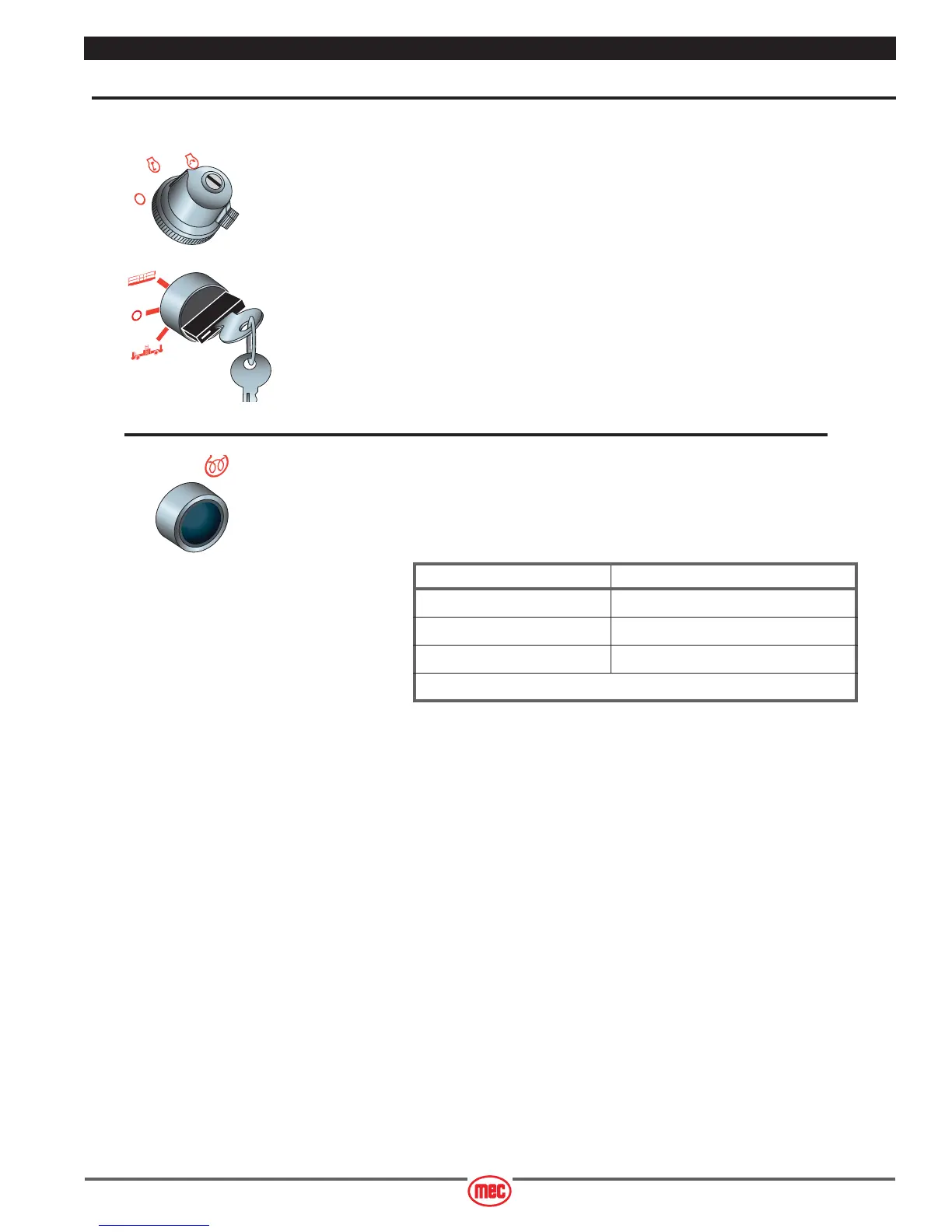
Starting Engine from Lower Control Panel
Be sure that the upper and lower EMERGENCY STOP Switches are reset.
• Upper Control Box: Turn Engine Start Switch to RUN.
• Lower Control Box: Turn key switch to BASE.
Diesel Engine
• Press and hold the START button - release the button when the engine starts.
• Cold Start: press and hold the GLOW button as indicated in the Preheat table.
• With the GLOW Button held press and hold the START Button until the engine starts.
• Release both buttons once the engine starts.
ART_2404 R1
ART_3035
ART_3212
Preheat Table
Ambient Temperature Preheat Time
Above 50°F (10°C) 5 Seconds
50°F to 23°F (10°C to –5°C) 10 Seconds
Below 50°F (–5°C) 20 Seconds
20 Seconds = Limit of Continuous Use



 To Next Page