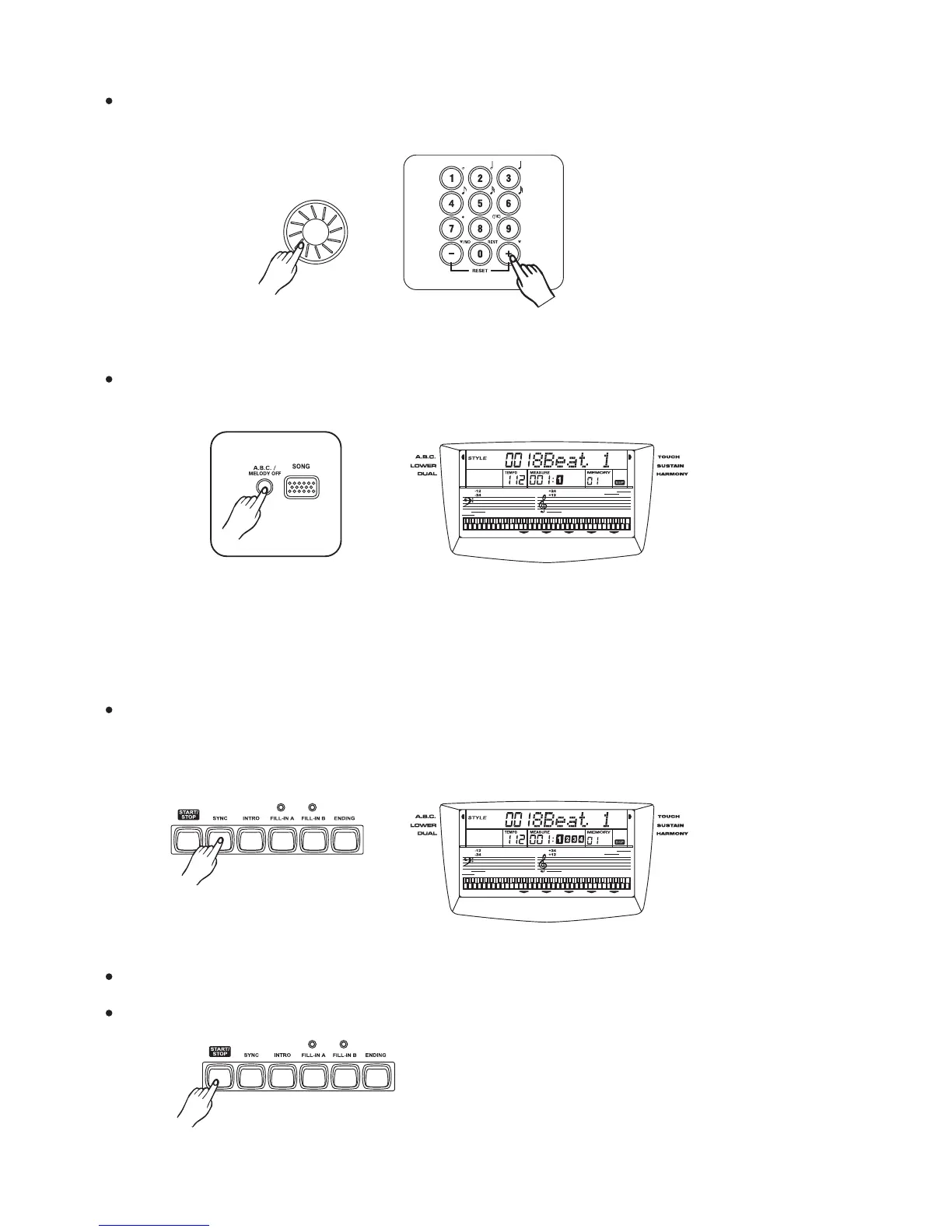
select a style.
the dial [+/YES] [-/NO] or [0]-[9]Select the desired style number with , , .
(See the appendix 2 style list)
3
A.B.C (ATUO BASS CHORD)
[ABC MELODY/OFF]Press the button after choosing the style.
Any fingers play on the left side of keyboard can be recognized as a chord.
The recognized chord name will be shown on the display.
Press the button. The Beat display will flash at the current tempo when a
synchronized start mode has been selected.
SYNC Start
[SYNC]
The accompaniment style start to play while any keys is pressing on the keyboard.
Press the button to stop playing the style.[START/STOP]
13



 To Next Page