11
12
13
14
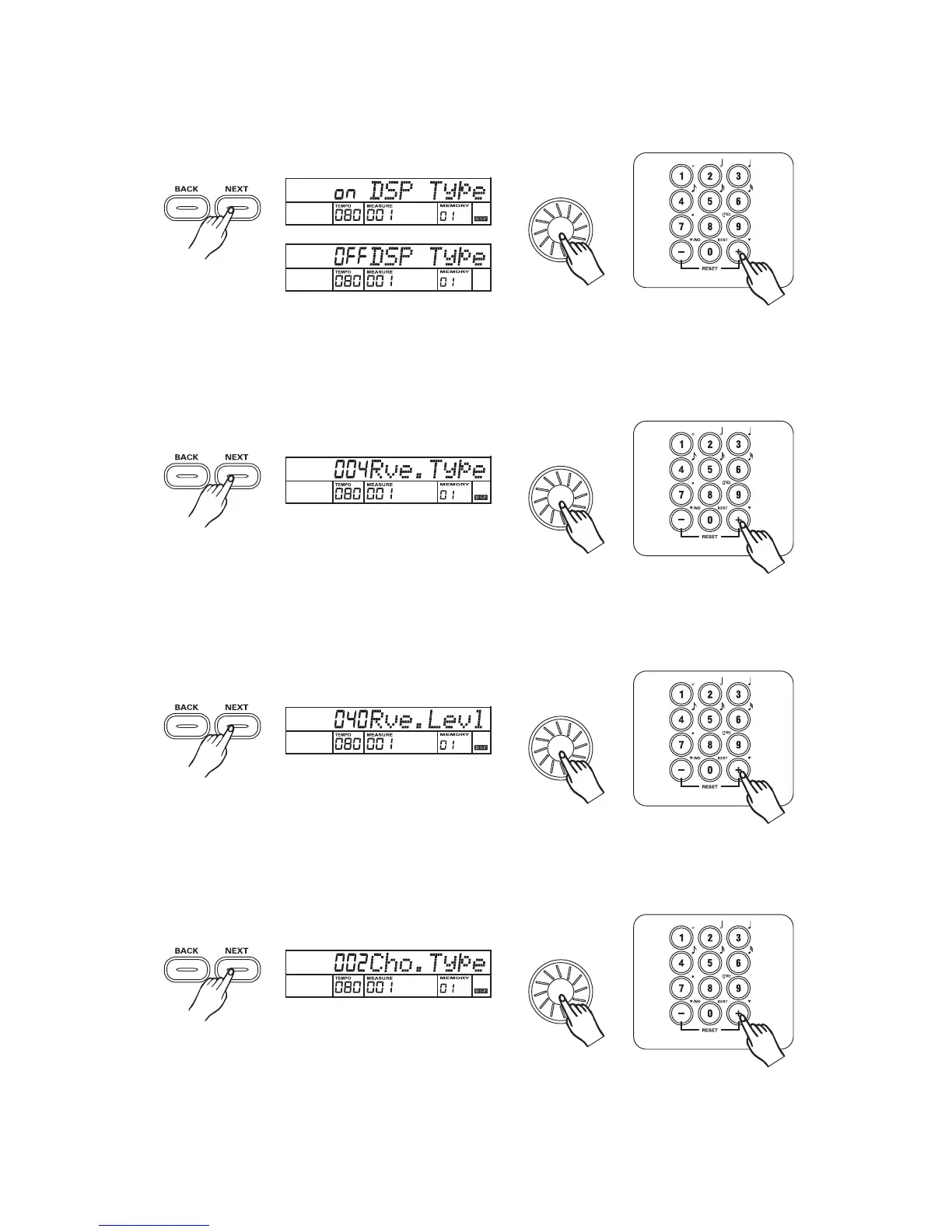
DSP on/off
3
3
3
3
33
Press the button to turn DSP on/off with the , ,
If you turn DSP off, the DSP sign will not appear.
[NEXT] dial [+/YES] [-/NO].
Reverb type
Press the button to adjust REVERB TYPE parameter with the , ,[NEXT] dial [+/YES],[-/NO]
Parameter Range: from 0 to 7.
Reverb level
Press the button to adjust REVERB LEVEL parameter with the , ,
Parameter Range: from 0 to 127.
[NEXT] dial [+/YES] [-/NO]
Chorus type
Press the button to adjust CHORUS TYPE parameter with the , , ,
- Parameter Range: from 0 to 7.
[NEXT] dial [+/YES] [-/NO]
[0] [9]



 To Next Page