One Touch Setting
One Touch Setting is powerful and convenient Style mode function that lets you instantly reconfigure
virtually all setting of the instrument by touching of a single button.
Voice R1 number and volume
Dual function.
Voice R2 number and volume
REVERB and CHORUS type and level
OCTAVE
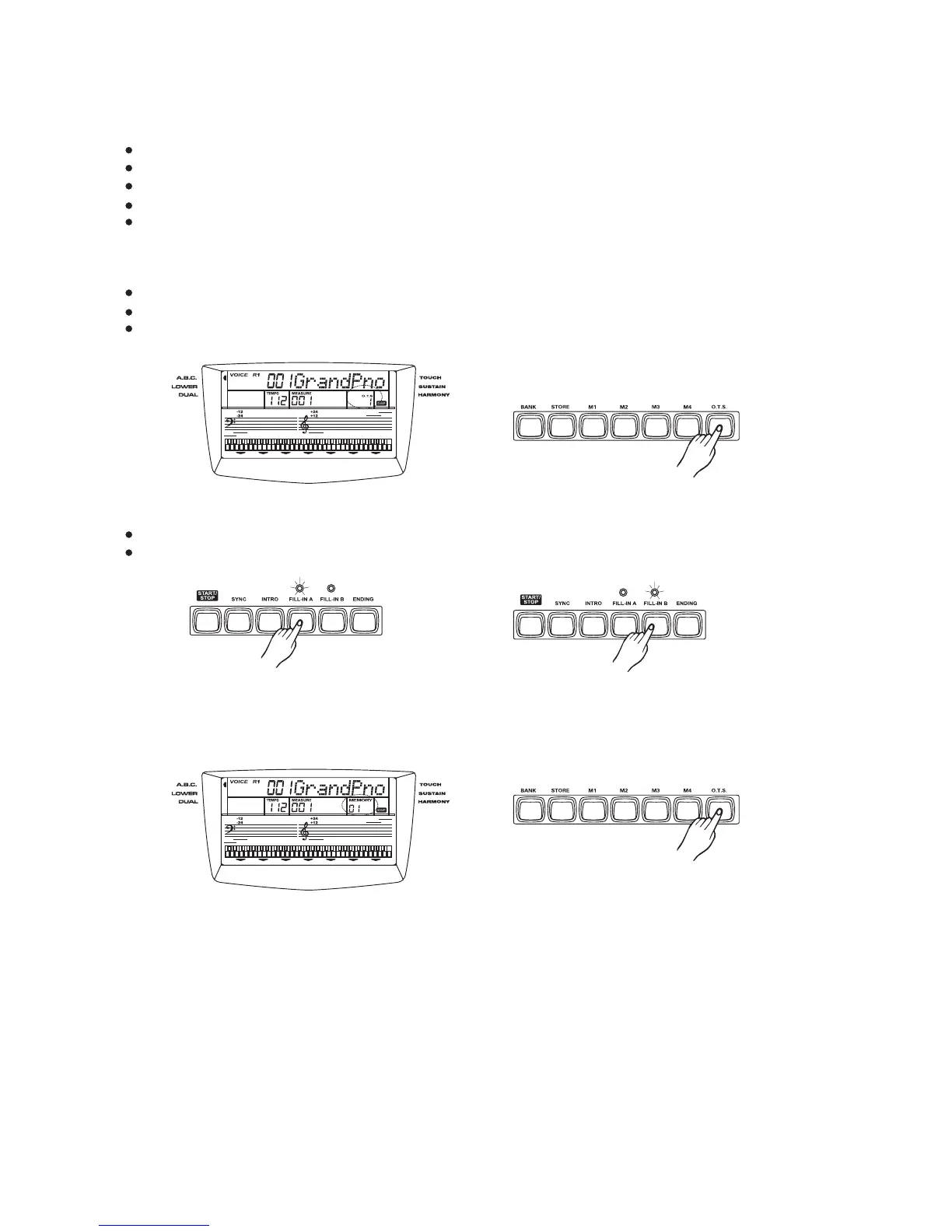
How to recall a one touch setting
Select one of the styles.
Each style has four desired settings.
Press the button. LCD displays O.T.S and turn A.B.C on automatically.[O.T.S]
Press the button, corresponding to the desired setting.LCD displays O.T.S1-4.[M1~M4]
When the style is playing,press to turn on the O.T.S mode.It will inset a "Fill in"[O.T.S]
automatically. Insert "FILL A" or "FILL B" according to the memory number.
Note:
Press [O.T.S] key again to turn off O.T.S mode. LCD displays "MEMORY".
23



 To Next Page