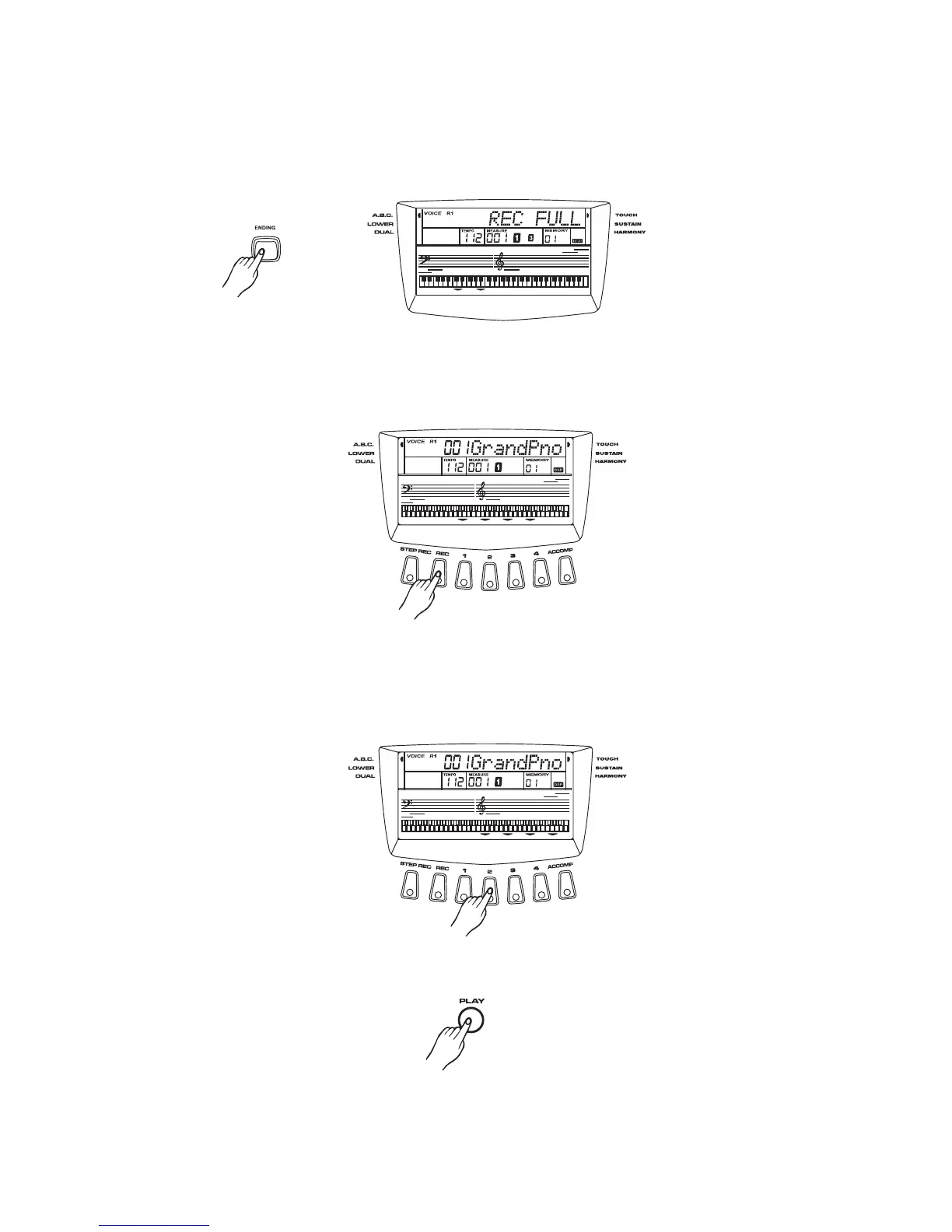
Stop recording
If the record memory is full in record mode,It will stop recording and exit record mode
automatically . A style will be turned off at the same time. The "FULL" will appear on the LCD.
It will also stop recording at the end of the style if pressing button when the
STYLE is playing.
[ENDING]
Pressing the button will stop recording when it is recording. If the recorded
track has data, the flag of this track will display on the LCD.
[RECORD]
Play back
Select track
Press the button to select a record track. A lighting
flag of the track indicates the track you select. The flag of the track is not lighten ,indicating
that there are no any record datas and the track is empty.
[Melody1],[Melody4],[Accomp]
Auto stop
Manual stop
Playback
Press button to begin playing after you have selected the tracks.[Play]
43



 To Next Page