[SYNTH]
The SYNTH Mode of this keyboard provides the tools for creating your own original tones. Simply select
one of the built-in tones and change its parameters to create your own original sound. You can even
store your sounds in memory.
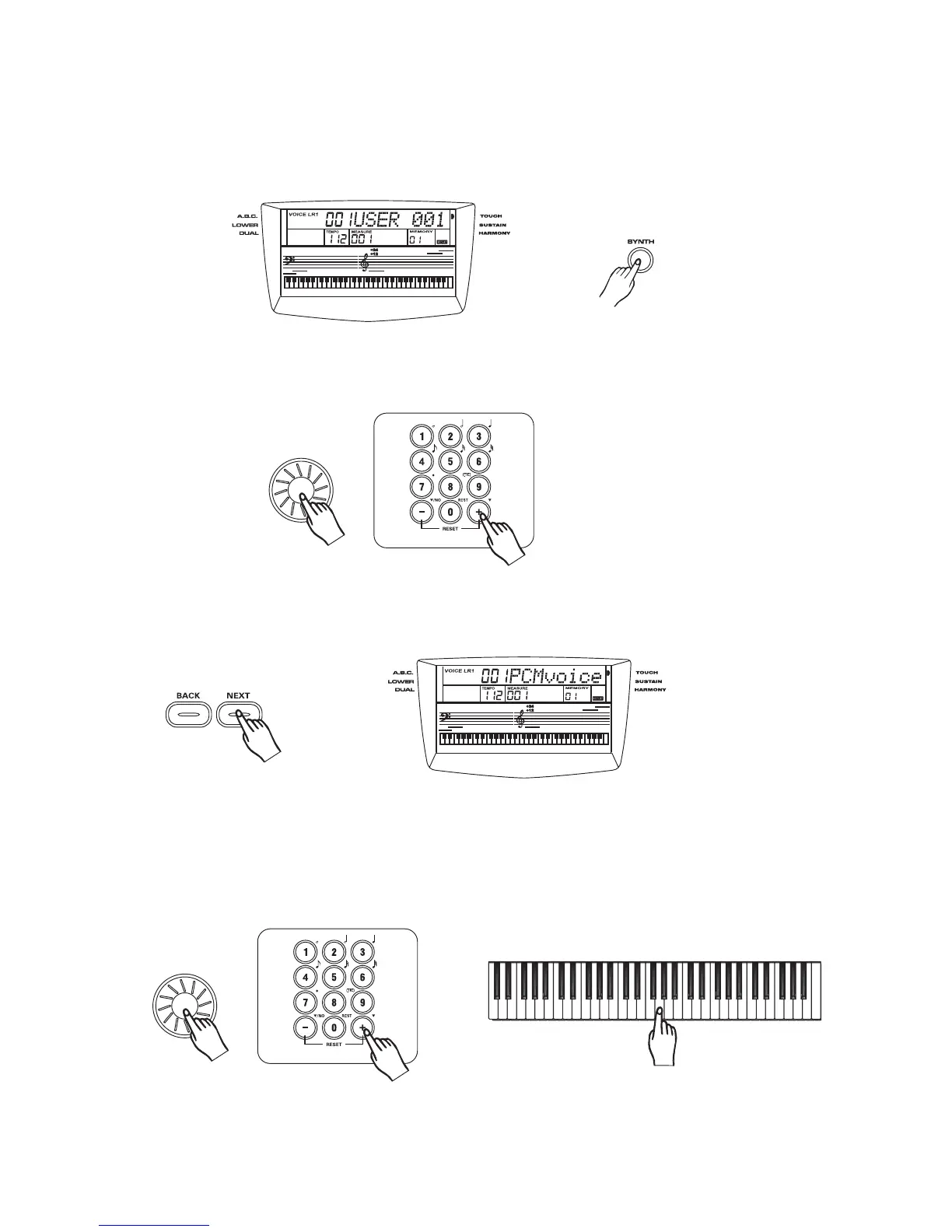
Press the button to select SYNTH function.
Synth
2
1
Select a User Voice
Select the desired User Voice number with the , , ,and .dial [+/YES] [-/NO] [0]-[9]
3
3
Edit a PCM Voice, that be stored as User Voice.
Press the button to select the desired PCM Voice number with the , , ,
and
[NEXT] dial [+/YES] [-/NO]
[0]-[9].
Press the or button to select the function: PCM Voice, Vibrate Rate,
Vibrate Depth, Vibrate Delay ,Attack, Decay, Release. You can adjust their parameters with ,
, ,and .
[NEXT] [BACK]
dial
[+/YES] [-/NO] [0]-[9]
25



 To Next Page