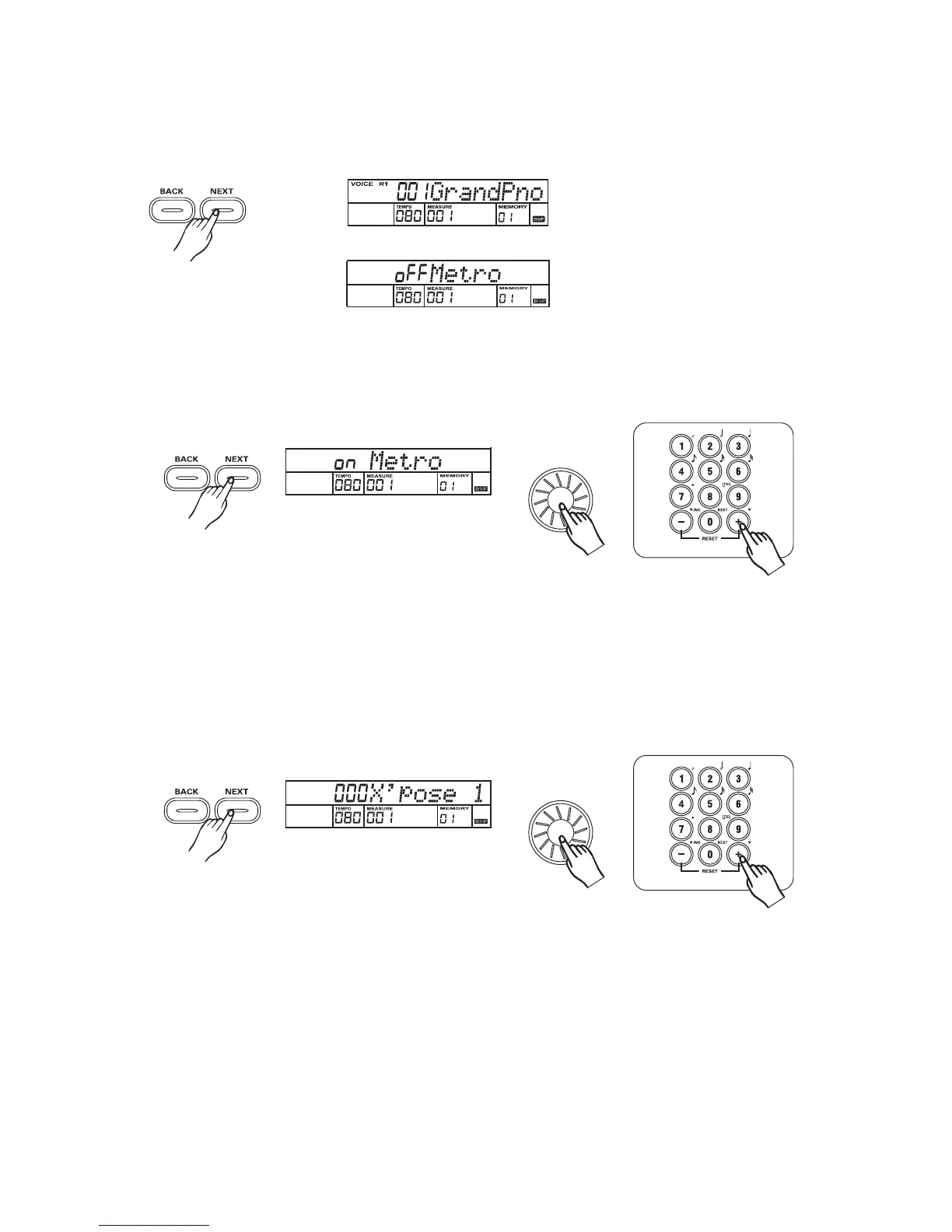
Press the or button to enter the menu of function.
For Example:
[NEXT] [BACK]
Function
Metro on/off
Press the button to turn Metro ON/OFF with the , , .[NEXT] dial [+/YES] [-/NO]
1
3
Note:
The metronome will sound during the accompaniment is turned on.
2
Transpose
Press the button to adjust transpose parameter with the , , ,
- .Parameter Range:-12 to +12 semitones.
[NEXT] dial [+/YES] [-/NO]
[0] [9]
3
Note:
Only select 0-12 with using [0] -[9] .
X'pose 1:adjust the transpose parameter of voice1;
X'pose 2:adjust the transpose parameter of voice 2;
X'pose L:adjust the transpose parameter of voice L.
29



 To Next Page