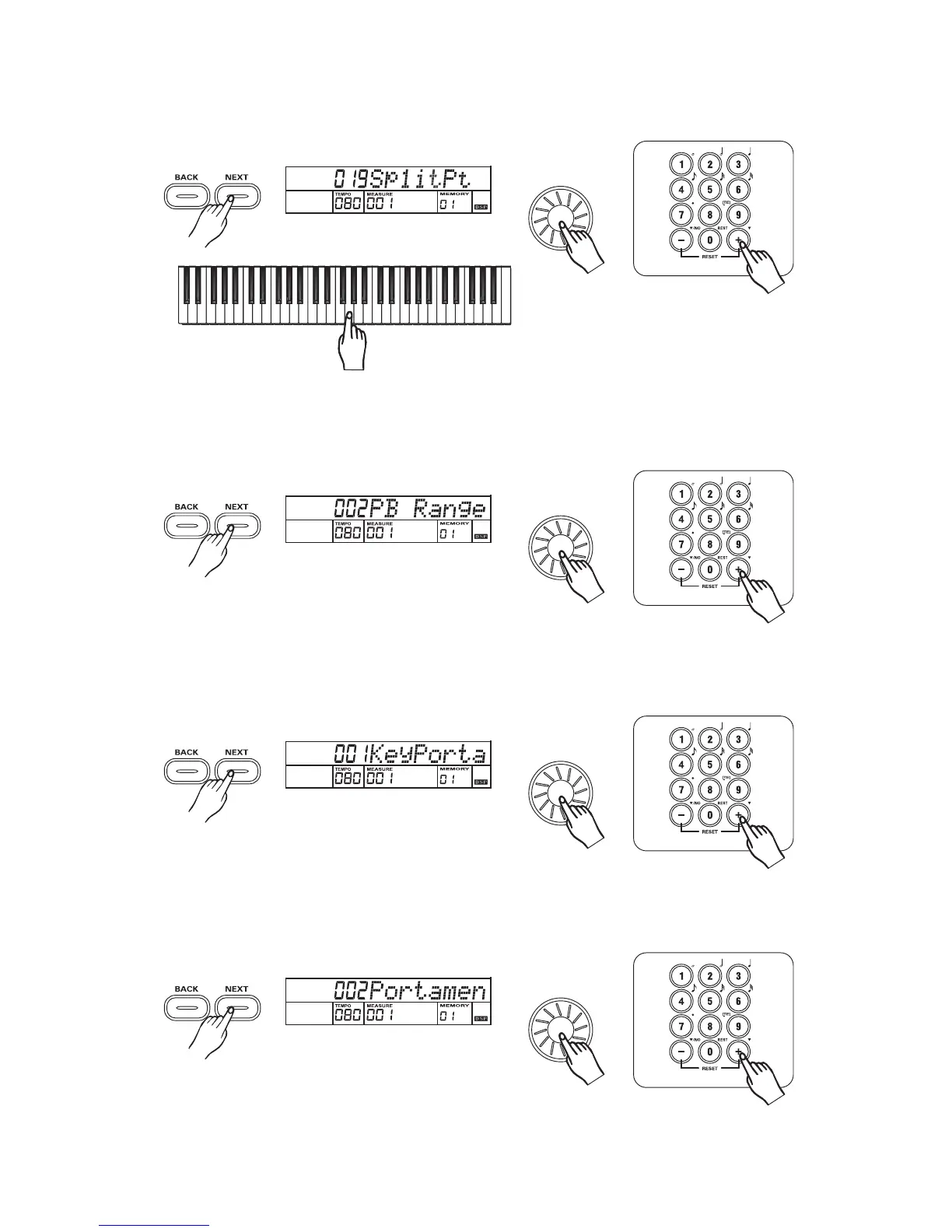
Press the button to adjust SPLIT POINT parameter with the , , ,
- Press the corresponding key to adjust the split point. Parameter Range: from 1to 61.
[NEXT] dial [+/YES] [-/NO]
[0] [9].
6
7
8
9
Split point
3
3
3
3
Pitch bend range
Press the button to adjust PITCHBEND RANGE parameter with the , ,
, - . Parameter Range: from 0 to 12.
[NEXT] dial [+/YES]
[-/NO] [0] [9]
Key select
Press the button to portamento or modulation with the , , -[NEXT] dial,[+/YES] [-/NO] [0] [9].
31
Portamento time
Press the button to adjust PORTAMENTO time with the , , ,
]. Parameter Range: from 0 to 3.
[NEXT] dial [+/YES] [-/NO]
[0]-[9



 To Next Page