19
1
Default parameters
Press the and button at the same time to set the parameter to default.[+] [-]
For example:
PARAMETER RANGE DEFAULT
METRO ON/OFF OFF
XPOSE -12~12 0
TUNE -50~50 0
OCTAVE -2~2 0
TOUCH OFF-1~3 2
SPLITPT 1-61 19
PB RANGE 0~12 2
KEYPORTA KEYPORTA/KEYMODUL KEYPORTA
PORTAMEN 0~3 2
PEDALSUS PEDALSUS,SOF,ACC,TAP,MEM PEDALSUS
DSP TYPE ON/OFF ON
REV.TYPE 0~7 4
REV.LEVL 0~127 40
CHO.TYPE 0~7 2
CHO.LEVL 0~127 0
LOCAL ON/OFF ON
RECEIVE 1~16 -ALL ALL
TRANSMIT 1-16 1
Disk
Using Floppy Disks
List Song Names of Disk
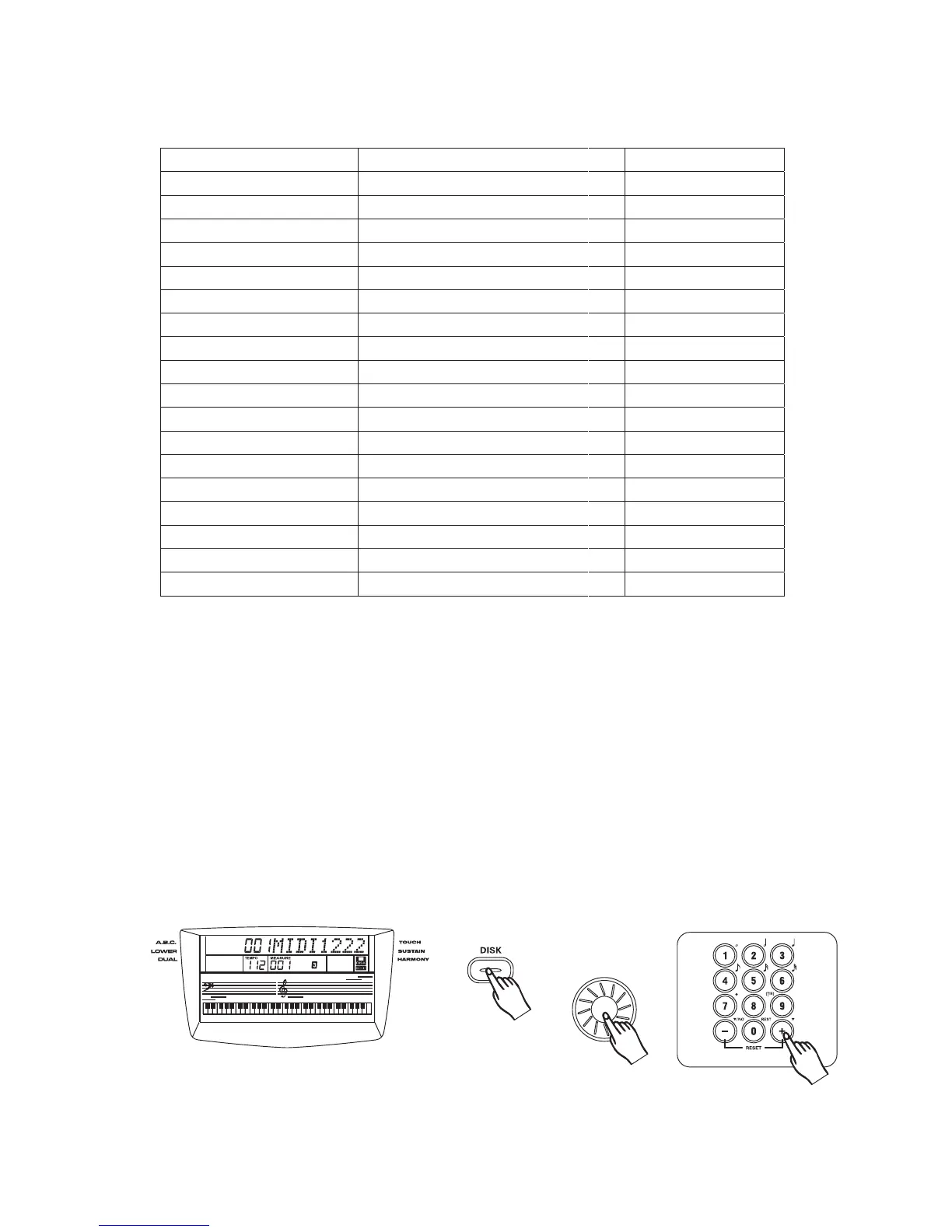
[DISK]
[+] [-],
[DISK]
Insert the floppy disk that containing standard midi file into the disk drive, and then press the
Button."Wait...." will display and disk icon will flash on the LCD during loading disk song names.
After finishing it, a song name of disk and disk icon is appeared on the LCD display . Only the names
which extension is .MID in disk will be displayed and max number of letter is 8.
For example, if the midi song file is SONG1.MID, the LCD display appears SONG1.
Press , number of button, and data dial to select the song names of disk you
want to playback..
If there is no disk in disk drive,"No Disk" appears on the LCD after pressing button.
3
35



 To Next Page