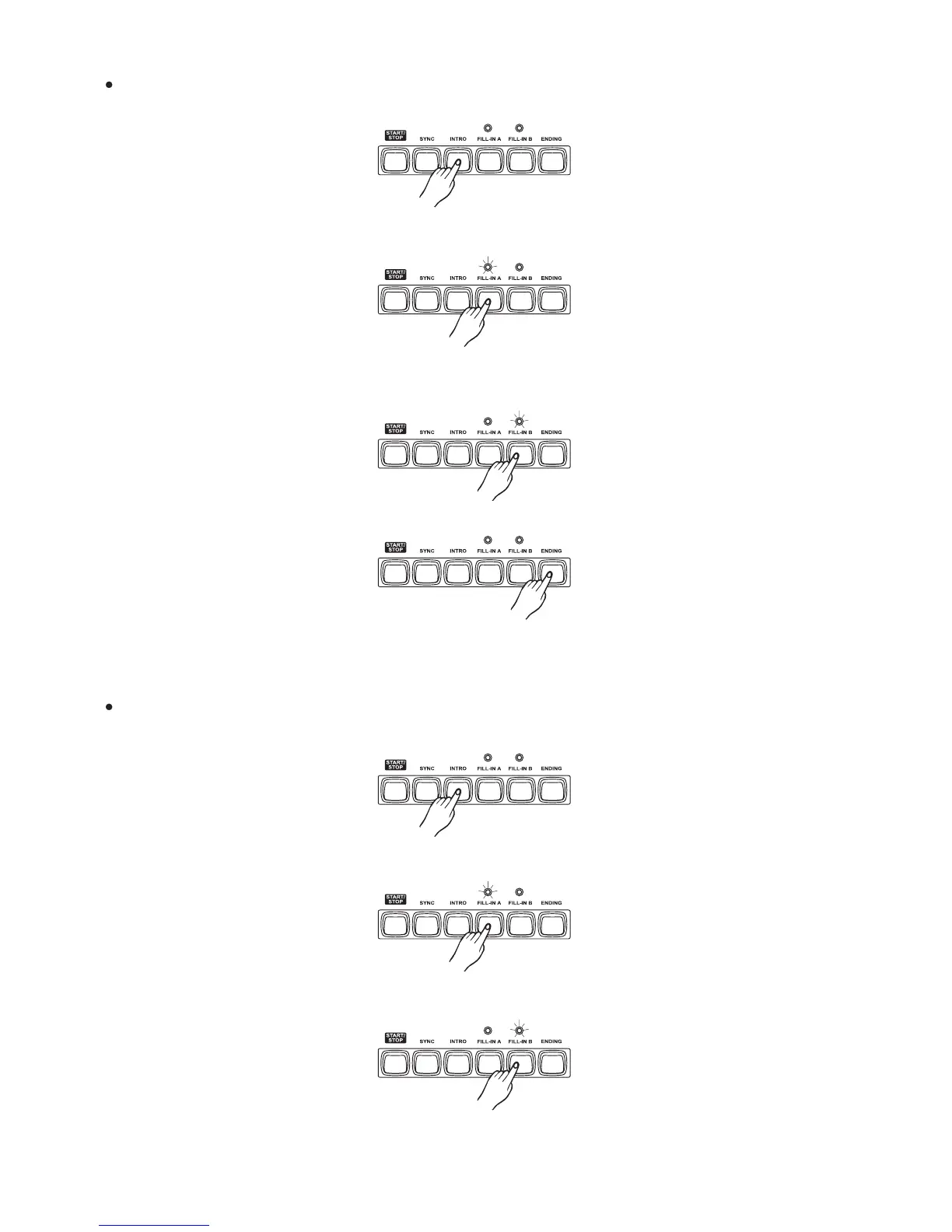
Playing the FILL section, the LED is flashing above the [FILL] button.
Press the button, the fill A will begin immediately and smoothly lead into the normal.
the LED will light up above the button.
[FILL A]
[FILL A]
Press the button, the fill B will begin immediately and smoothly lead into the
VARIATION. The LED will light up above the button.
[FILL B]
[FILL B]
It is no effect by pressing the button.[ENDING]
Press the button, the intro will begin from the first beat of the next measure.[INTRO]
In FILL B section, press the button and the fill A will begin immediately and
smoothly lead into the normal. The LED will light up above the button.
[FILL A]
[FILL A]
In FILL A section, press the button, the fill B will begin immediately and
smoothly lead into the VARIATION. The LED will light up above the button.
[FILL B]
[FILL B]
Press the button, the ending will begin from the first beat of the next measure.[ENDING]
Note:
If holding down the [FILL A] or [FILL B] button,mc620 will play the fill section all along.
Playing the ENDING section, the LED is flashing above the [FILL] button.
Press the button, the intro will begin from the first beat of the next measure.[INTRO]
17



 To Next Page