How to adjust
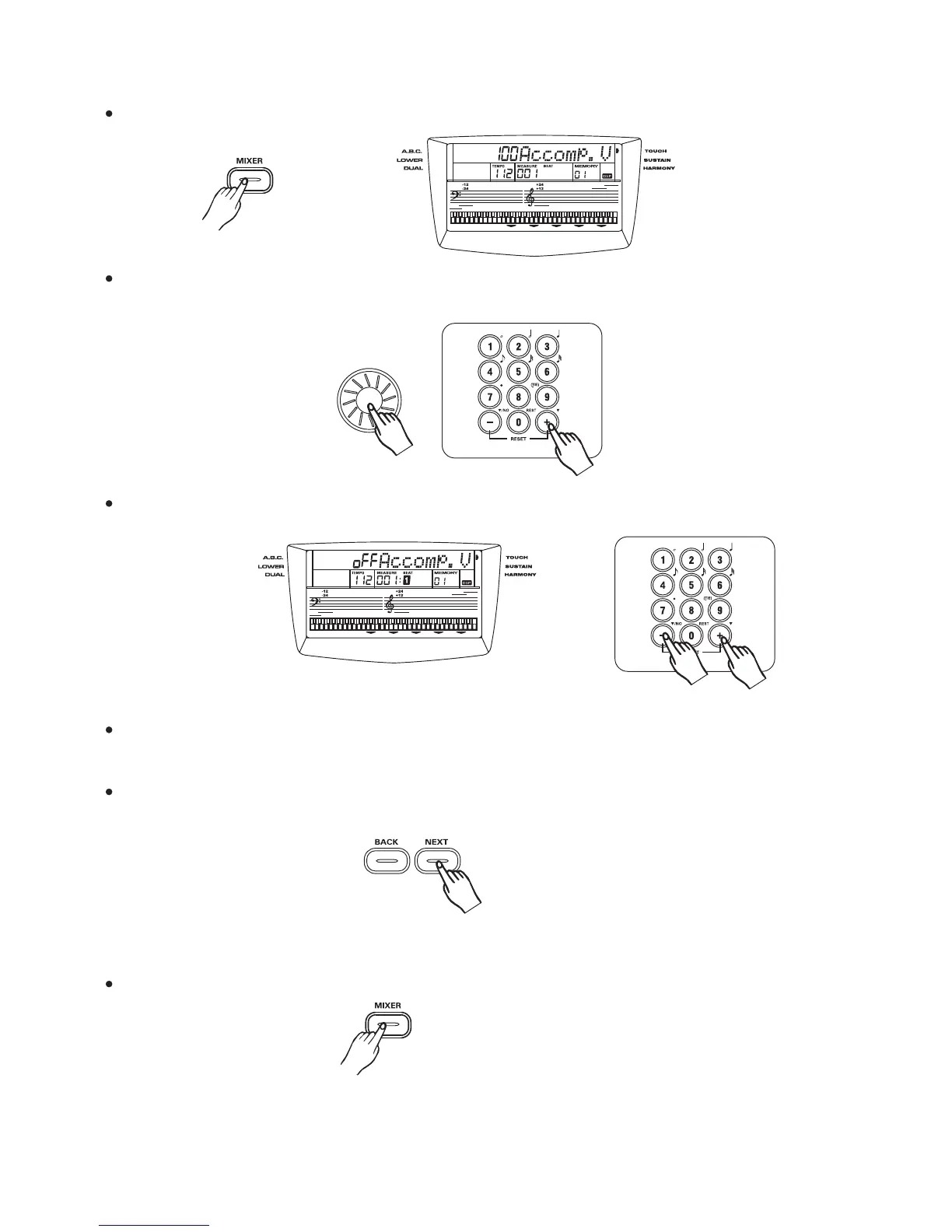
Press the button. LCD display "100 ACCOMP".[MIXER]
20
You can adjust the volume values of ACCOMP with , , ,and .
Parameter range :000-127.
dial [+/YES] [-/NO] [0]-[9]
3
3
Press or at the same time will set the ACCOMP volume to 0. LCD display:"OFF ACCOP".[-] [+]
Adjust the volume with and LCD displays" XXX ACCOMP"..dial,[+/YES],[-/NO], [0]-[9].
Press the or the button to select track that you want to adjust.They are
CHORD 1,CHORD 2,CHORD 3, DRUM, BASS.
[NEXT] [BACK]
The volume adjustment of other tracks is the same as ACCOMP track.
Press the button to exit this mixer menu.[MIXER]



 To Next Page