ACCOMP step record is similar to MELODY step record.
When melody track is being edited, the can be replaced by .notes rests
Play back the step record
same as the real time record.
48
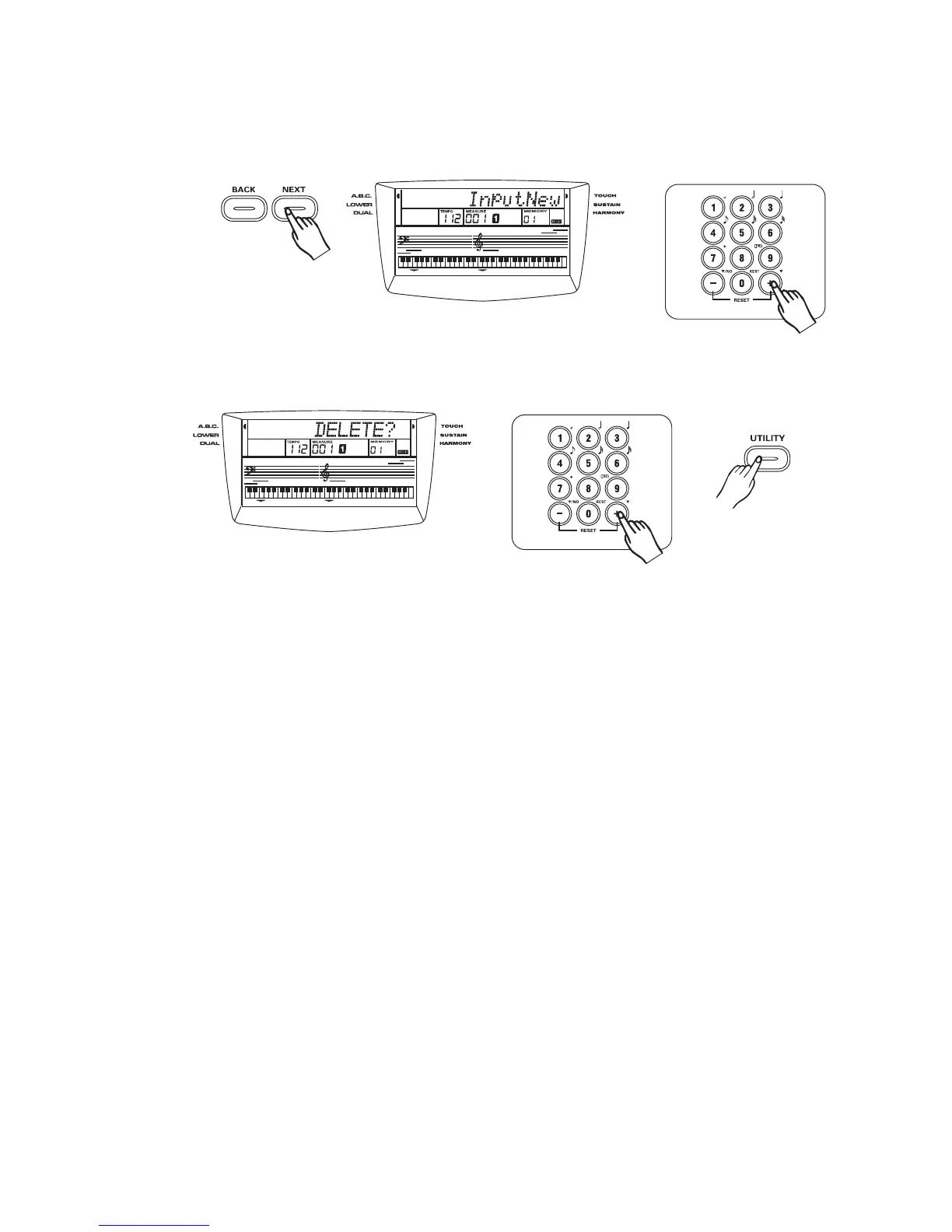
Press button to look for the note forward and the LCD will display the note,
velocity value. The measure, beat, tick will refresh. You can adjust the velocity and note
by pressing button and playing keyboard respectively. If the end of record data
has reached,"InputNew" will be displayed on the LCD.
[NEXT]
[+/YES]/[-/NO]
Pressing button when you move to a note, "DELETE?" will be displayed on
the LCD. Press the button for yes. Press the button for deleting the note.
[UTILITY]
[+/YES] [-/NO]
3
3



 To Next Page