After Sales Support TEL: 1 300 884 987 WEB Support: www.medion.com.au
35
Safety Handling
Components
Aid Appendix
Display
Unlike a normal monitor, the TFT display does not produce either radiation or flicker.
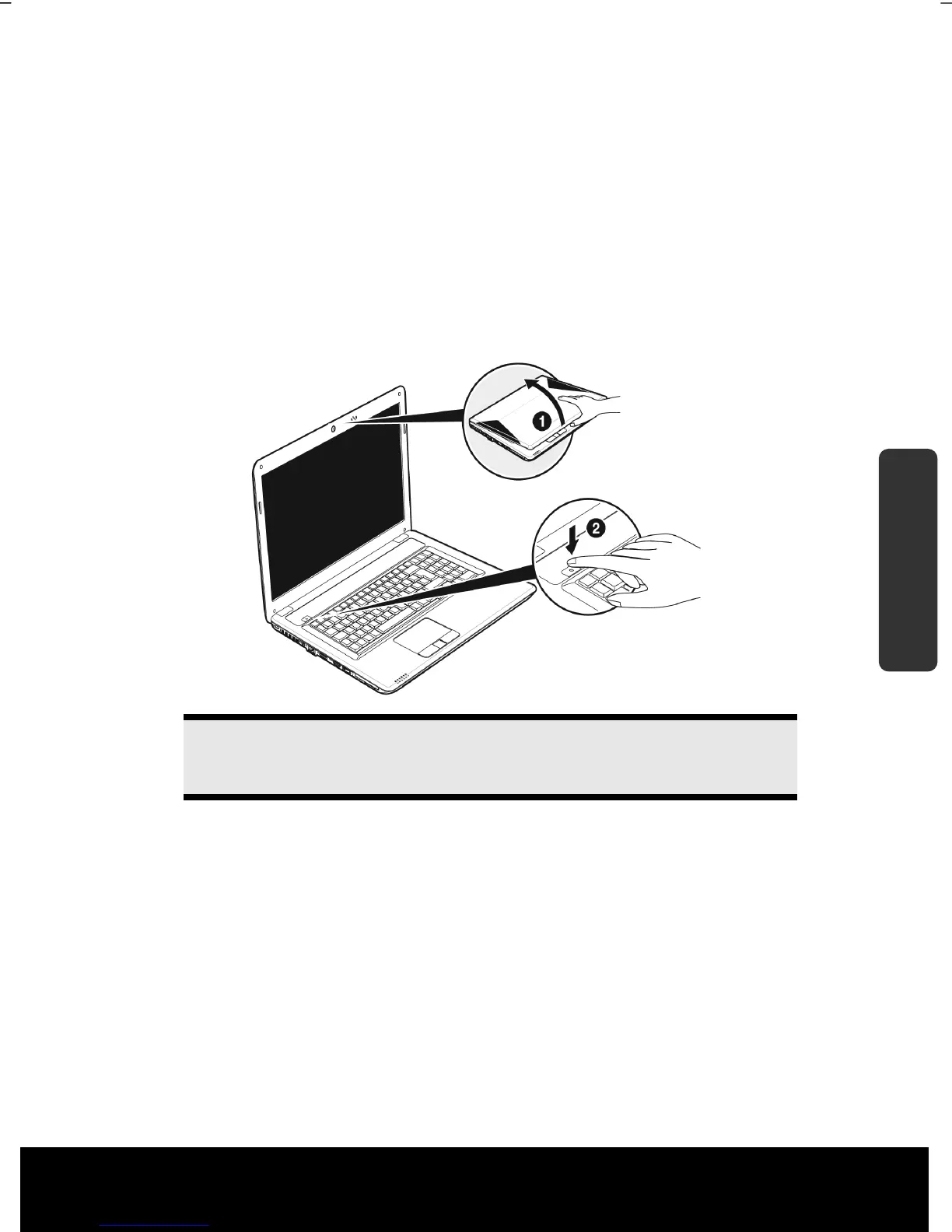
Opening and Closing the Display
The display is locked by means of a special construction of the display hinge so that an
additional lock is not necessary.
1. To open, lift the display with your thumb and index finger and position it as
desired.
Warning!
Do not forcibly open the display.
Various functions can be assigned to the opening and closing of the display. You will be
able to change these settings via the Power Management feature.
Screen Resolution
The integral screen has a native resolution of 1600 x 900 pixels. Using a higher resolution
can lead to distortion of the display, especially with text. Using a lower resolution may
cause the display to use only a portion of the screen area.
You can adjust the presentation to the mode supported with the Windows “Control Panel
Appearance and Personalization Display Settings Adjust screen resolution
Advanced Settings“ Help Program.



 To Next Page