After Sales Support TEL: 1 300 884 987 WEB Support: www.medion.com.au
38
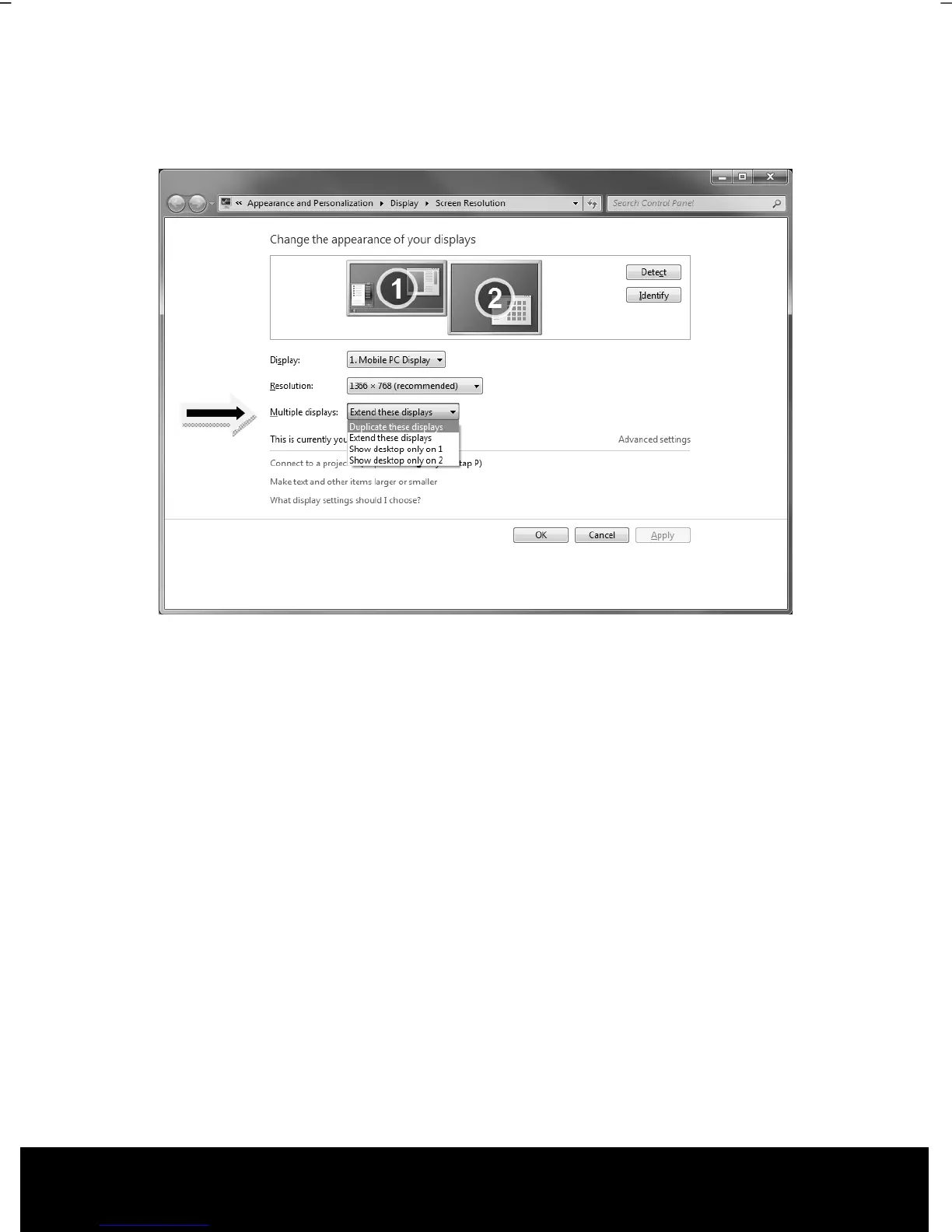
The external screen will be determined after the operating system has been loaded. Several
possibilities will be available to you. You will call them up as follows:
1. A right click on the display.
2. Select the Screen Resolution option in the selection window.
3. Select from the following options under Multiple displays:
Duplicate these displays
Extend these displays
Show desktop only on 1
Show desktop only on 2



 To Next Page