page 28 of 73
Curves smoothing - hardware improvement of the quality of the curves which may lead to
slightly modified paths. When on, the max. speed is limited to
500mm/min. The visual representation of smoothed curves may take a
long time to load for complicated drawings.
Polishing - this is used for spiral cuts to improve surface quality. When on, the
software leaves a thin layer of the material (polishing depth) for the
polishing operation. The tools moves along the spiral and before it
reaches the required milling depth, it goes back to the actual cutting
path. The before end setting determines the depth at which this
polishing operation begins.
Polishing depth- the distance the cutting path is offset in relation to the drawing during
the spiral movement, i.e. the amount of material which will be tooled
right before reaching the required milling deoth
Polishing speed - speed during the polishing operation
Before end - depth at which the polishing operation begins
Polishing spindle rpm - spindle rotation when polishing
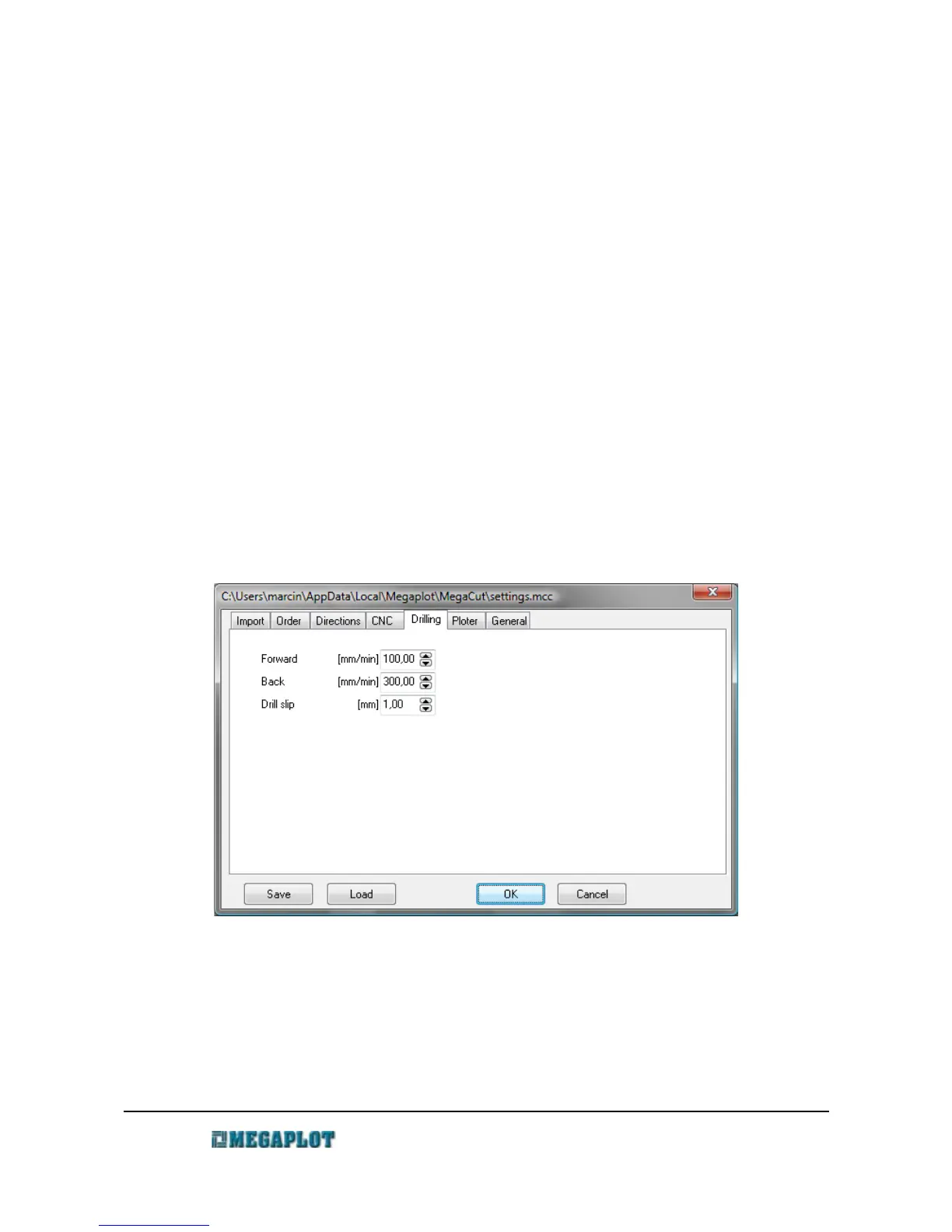
Drilling tab
Down - speed at which the tool drills the hole
Up - speed when going up
Drilling step - depth for each step of drilling. If, for example, the milling depth is set to 5mm
and the drilling step to 1 mm, the spindle will move down and back up
www.megaplot.com phone: +48 693 707 575 office@megaplot.com



 To Next Page