page 23 of 73
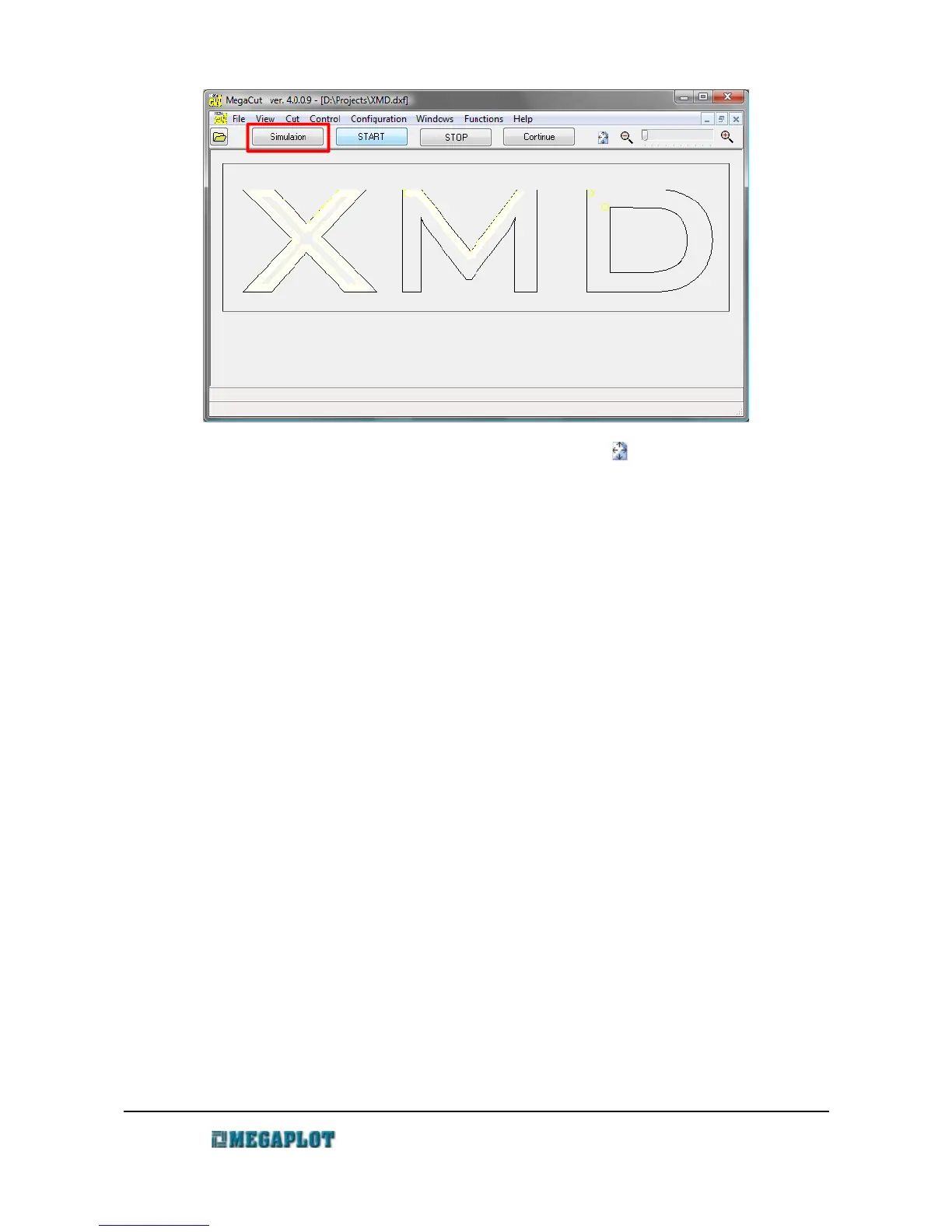
The simulation is not available when a project has been zoomed. To go back to the original view
of the entire shape which will bring back the simulation, please press .
Cutting direction and cutting sequence can be set in Configuration. Also in Configuration it is
possible to set whether the tool should move on the inside or the outside of a shape, ot move along
the center of the line
Configuration
Configuration
To enter the Configuration window, go to Configuration \ Main. The various available
parameters are available under different tabs and should be adjusted and saved prior to opening a
file.
The title bar of the Configuration window shows the location of the configuration file. You can
save a number of different configuration settings and then open them as needed.
If you have a problem with cutting a particular shape, we may sometimes request you send us the
configuration file. In this case, please send us the *.mcc file, the name and location of which is
shown in the title bar.
Import tab
Automaty
www.megaplot.com phone: +48 693 707 575 office@megaplot.com



 To Next Page