page 40 of 73
Homing process
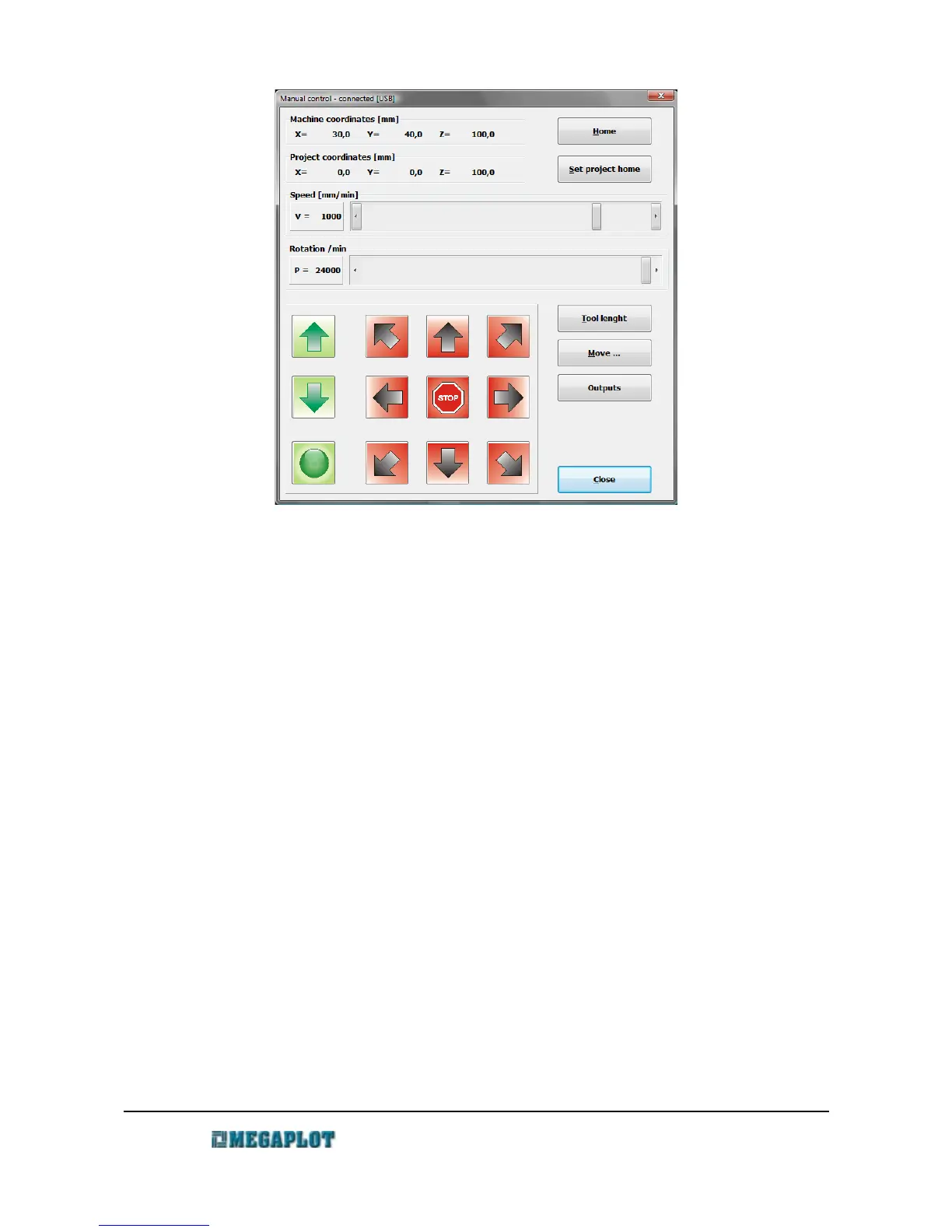
Homing (Manual Control – Home button) is used to bring the machine back to its original home
position by calibrating it in relation to the proximity sensors. It is recommended to perform the
homing process when the machine was blocked while moving or the tool got stuck inside of
material because of wrong cutting parameters. If the machine gets stuck in the material or by hitting
an object on its table, you will hear the sound of the motors trying to overcome the obstacle. In this
case, home the machine to bring it back to its original home position.
To ensure the homing process is performed properly and precisely, ensure the proximity switches
as well as the lead screw covers are clean and allow for free movement (see MAINTENANCE
RECOMMENDATIONS ).
Project's starting location
The difference between the machine home position and the project's starting locations was
described in Machine home position vs. the project's starting position.
To set a new starting position for a project, move the spindle to the required location, go to
Manual Control and select Set project's starting location.
www.megaplot.com phone: +48 693 707 575 office@megaplot.com



 To Next Page