page 67 of 73
Network connection (ethernet)
Network connection (ethernet)
The standard controller-PC is done via USB connection, yet ethernet communication is available
as an optional upgrade. The applicable options will be visible in the configuration only after the
correct parameter is set in the MegaCut icon shortcut properties.
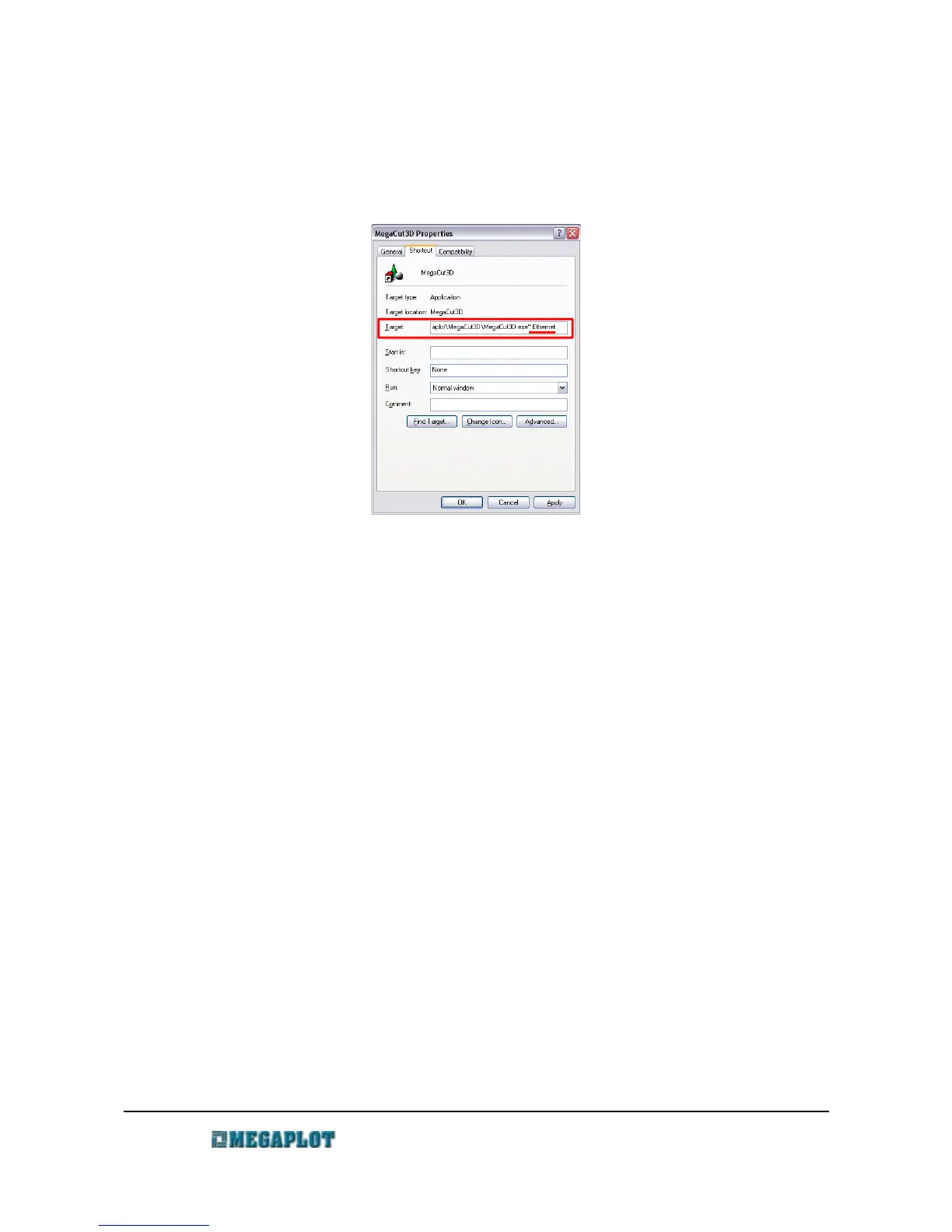
In order to control the machine via ethernet connection:
• connect the controller to the PC via standard USB connection
• right click on the MegaCut shortcut icon on PC desktop and modify the path by adding a
space at the end and adding the parameter ethernet. The target path should now look as
follows:
• "C:\Program Files\Megaplot\MegaCut\frez_mdi.exe" ethernet
• start MegaCut
• go to Configuration and the Ploter tab
• enter the ploter IP for the machine (it needs to be unique on your network)
• press the ploter IP button. The IP should now show up on the controller's display
• activate the network connection (ethernet) setting
• confirm by clicking OK
• close MegaCut
www.megaplot.com phone: +48 693 707 575 office@megaplot.com



 To Next Page