page 41 of 73
Next, press the Insert current machine location. Note this location will be remembered even after
the controller has been turned off and back on.
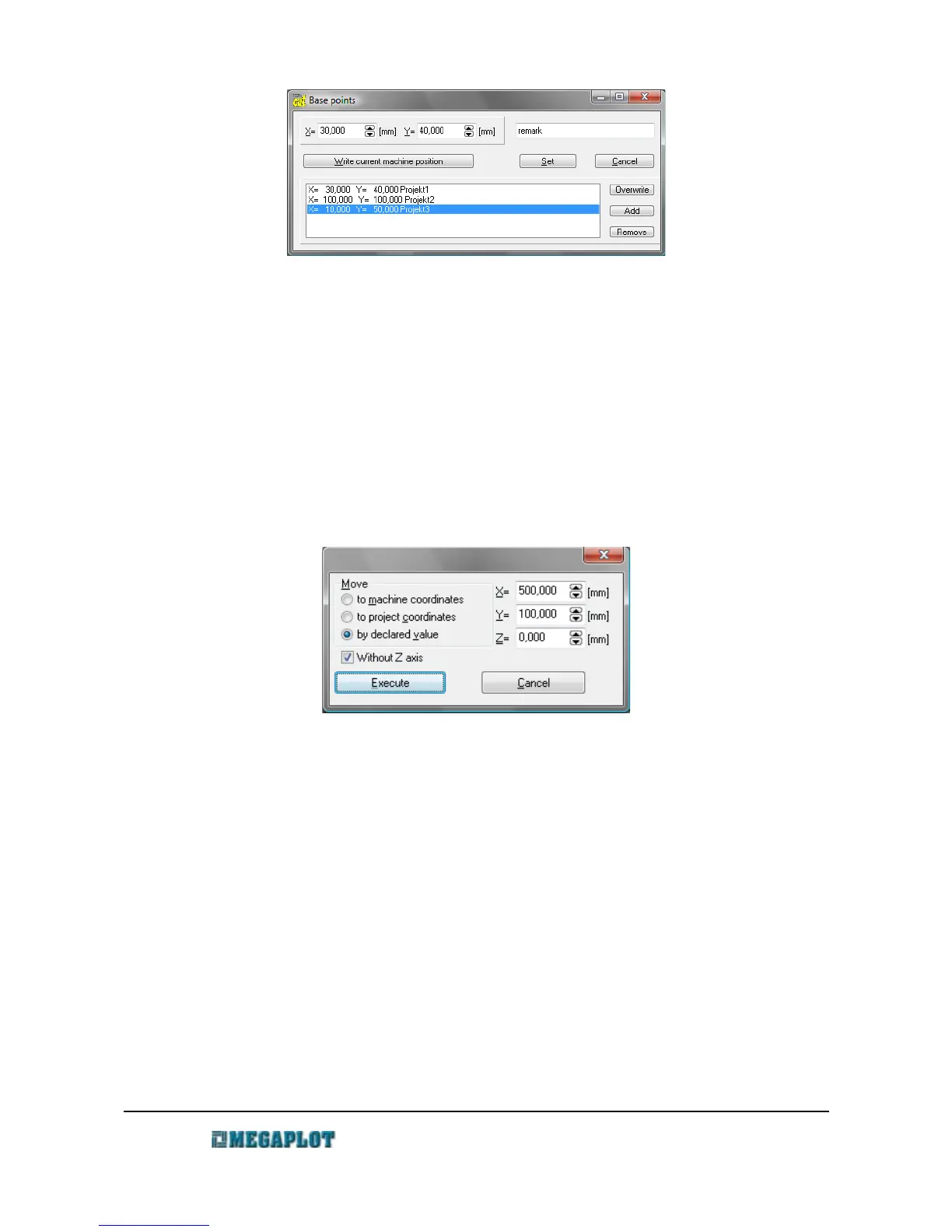
You can save any number of project's starting locations, name them and go back to them in the
future as required. Just select the one you wish to set and click Set.
Mote to and Move by
Apart from manual movement in the Manual Control window, you can also move the machine
precisely in each axis by using the Move... window. There are three choices available as shown
below:
Before you execute the movement, please make sure to bring the spindle up so the tool does not
run into the material or the material holders.
You can use this to check the location of last project's starting location. Simply select To
project's co-ordinates and insert 0 for all three axes.
Network connection (ethernet)
Network connection (ethernet)
The standard controller-PC is done via USB connection, yet ethernet communication is available
as an optional upgrade. The applicable options will be visible in the configuration only after the
correct parameter is set in the MegaCut icon shortcut properties.
In order to control the machine via ethernet connection:
www.megaplot.com phone: +48 693 707 575 office@megaplot.com



 To Next Page