page 25 of 73
other parameters: Skip the frame and Allow tool diameter.
Skip the frame – when selected, the frame will not be cut. The frame is often drawn when
creating a shape in order to position the shapes in relation to the
starting position of a project. The frame is the largest closed shape in
the drawing encompassing all other shapes within it.
Scale - allows to scale up or down a drawing. Keep in mind, scaling up a plt
with small objects may result in losing the smothness of curves. The
drawing's dimensions can be check by going to File \ Info.
G-codes
Absolute co-ordinates of arch centers - (I, J) will be interpreted as absolute co-ordinates in
relation to the project's starting location. When off, relative addressing
will apply (in relation to the last location.
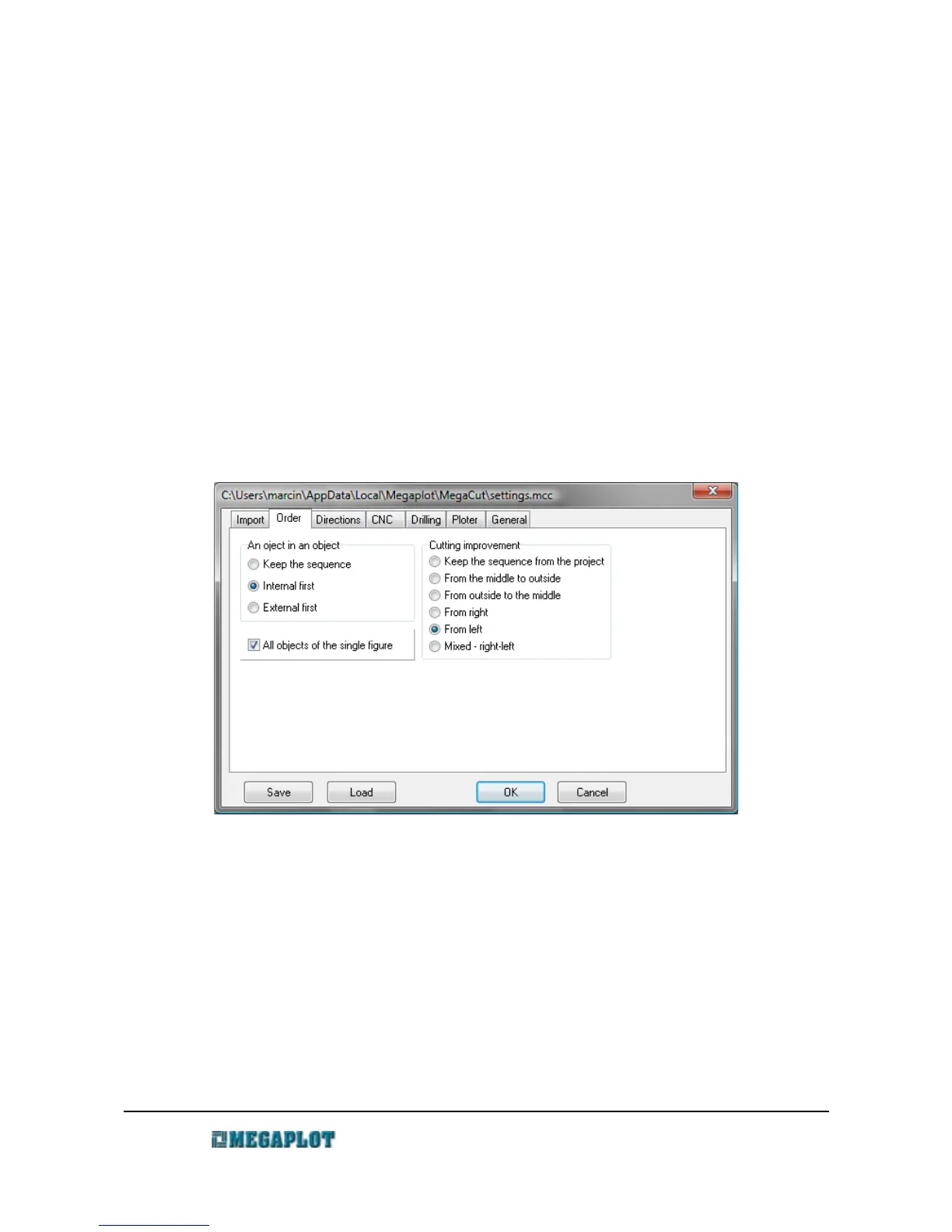
Sequence tab
Shape within shape – set the sequence of cutting of shapes consisting of smaller shapes inside
(e.g. letters O or P) .
Keep original sequence – keep the sequence from the drawing
Insides first – most commonly used, the small insides are cut first
Outsides first – less common, the outside outline is cut first.
All elements of a single shape – when on, all elements of a shape (e.g. letter O) will be cut before
the machine moves to another shape. If off, first all inside elements
www.megaplot.com phone: +48 693 707 575 office@megaplot.com



 To Next Page