page 62 of 73
very slowly to avoid breaking or damaging the tool
• open Manual Control and Tool Length
• press “Tool on table level” or “on material level”
• move the spindle up
If the new tool is shorter than the previous one and you use the semi-automatic way to measure
it, the spindle will not reach the table level as it is impossible to move the spindle into the negative
co-ordinates. In this case, enter the 999 values as described above.
When the router is switched off and back on again, the last tool measurement is remembered. If
the tool has not been replaced in the meantime, there is no need to measure it again.
Cutting
Cutting
Before starting a cut:
• make sure the spindle cooling system works properly and is turned on,
• move the spindle all the way up, as the moment you press Start the spindle will move to
the project's starting position so it needs to be able to move above the material.
Once you set the project's starting location, set the material size, measure the tool length and
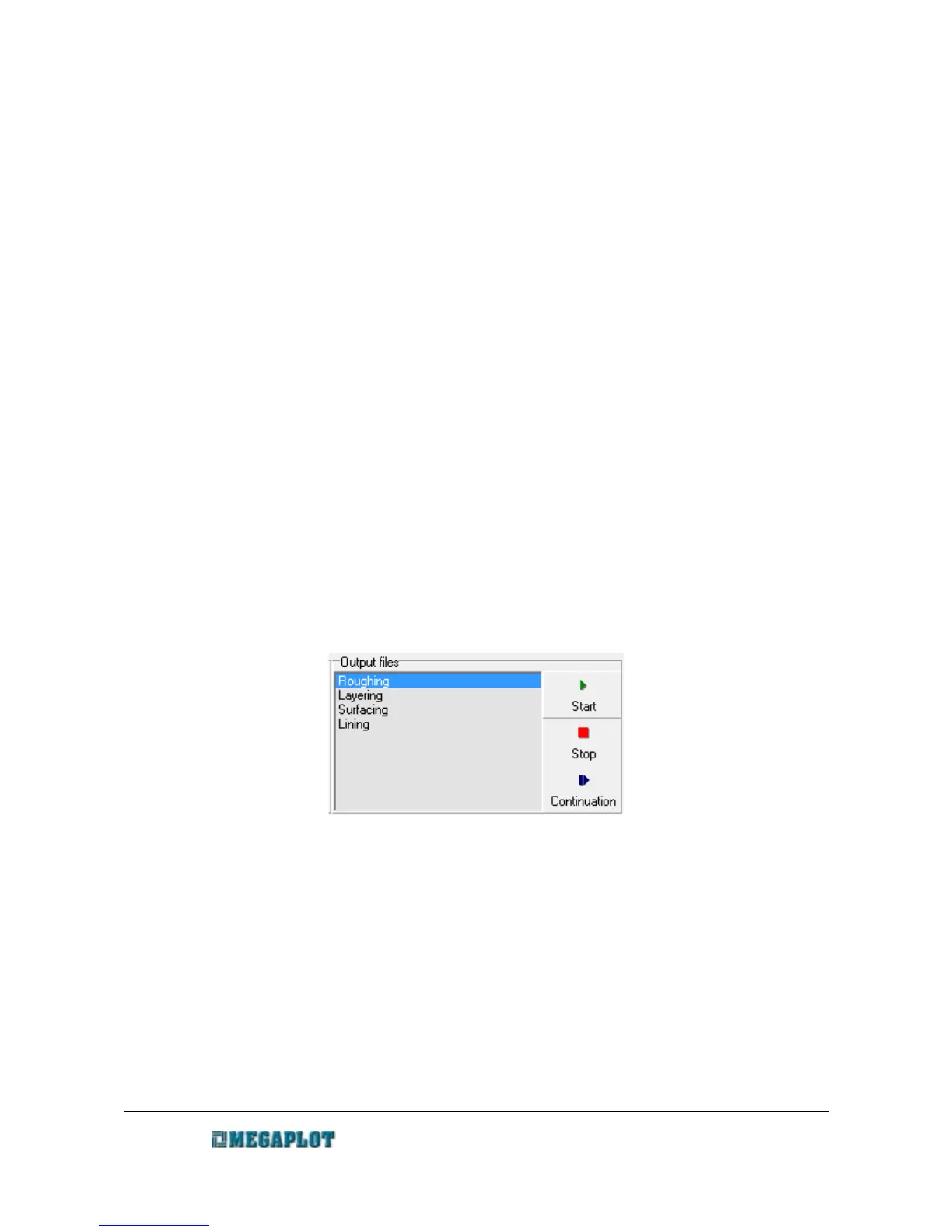
generate the output files, you are ready to start. Select one of the output files and click Start.
Always start with the roughing operation followed by one or more finishing operations (the
lining operation usually proves most useful).
Usually, you will need to replace the tool between operations. Once you replace it, make sure to
perform the tool measurement procedure. You will get a warning message before the next operation
starts to make sure you do not forget to change and measure the tool.
You can stop the cutting process at any time by clicking STOP. If it is necessary to clean the tool,
you can move the spindle to any location on the machine and once the tool is clean, press
CONTINUE or Shift +F2 and the router will move back to the location where the cutting process
was stopped and will continue from this spot.
www.megaplot.com phone: +48 693 707 575 office@megaplot.com



 To Next Page