page 47 of 73
Main Window
Main Window
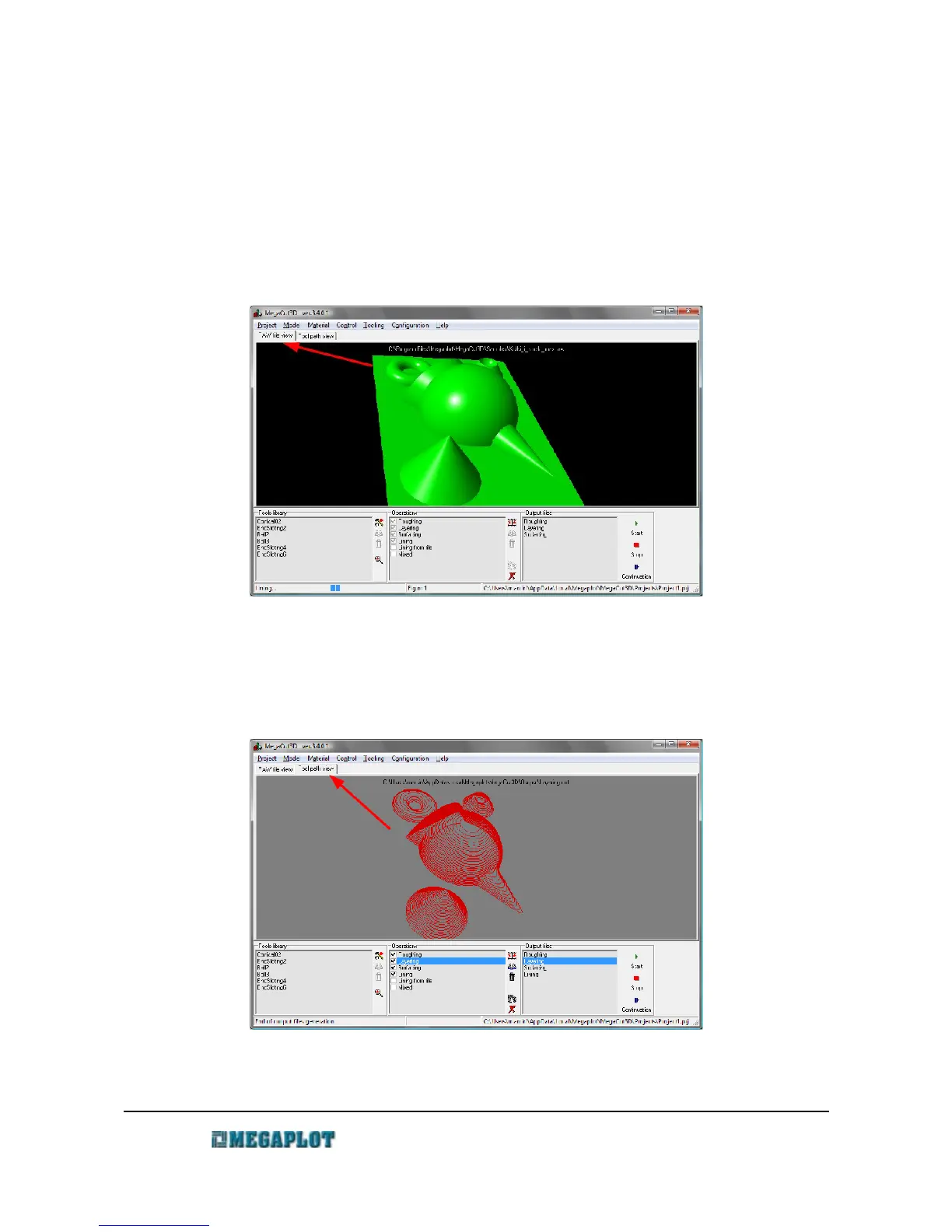
When you open MegaCut 3D, the main window shows two tabs: one is used to preview the 3D
model and the other tab is used to preview the output files/tool paths. Below the model, you will see
three lists: tool library, operations list and output files list.
The bottom bar displays current information as well as a progress bar indicating the process of
generating output files. On the right side, the name of the project is displayed.
www.megaplot.com phone: +48 693 707 575 office@megaplot.com



 To Next Page