Front Panel Controls
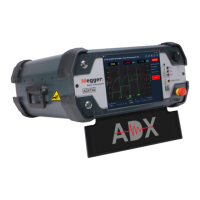
All Megger Baker ADX testers feature a large, 10.4-inch touch screen that displays the graphical user interface. The
interface features a logical layout of large touch icons that improve ease of use.
The units come with a Push-to-Test (PTT) button used during manual coil tests, and a variable voltage output ramp
switch to apply voltage during surge, coil, and DC tests.
In the lower right corner, an easily accessible E-Stop button quickly shuts off power to the unit’s high-voltage circuitry
during DC and Surge testing when needed.
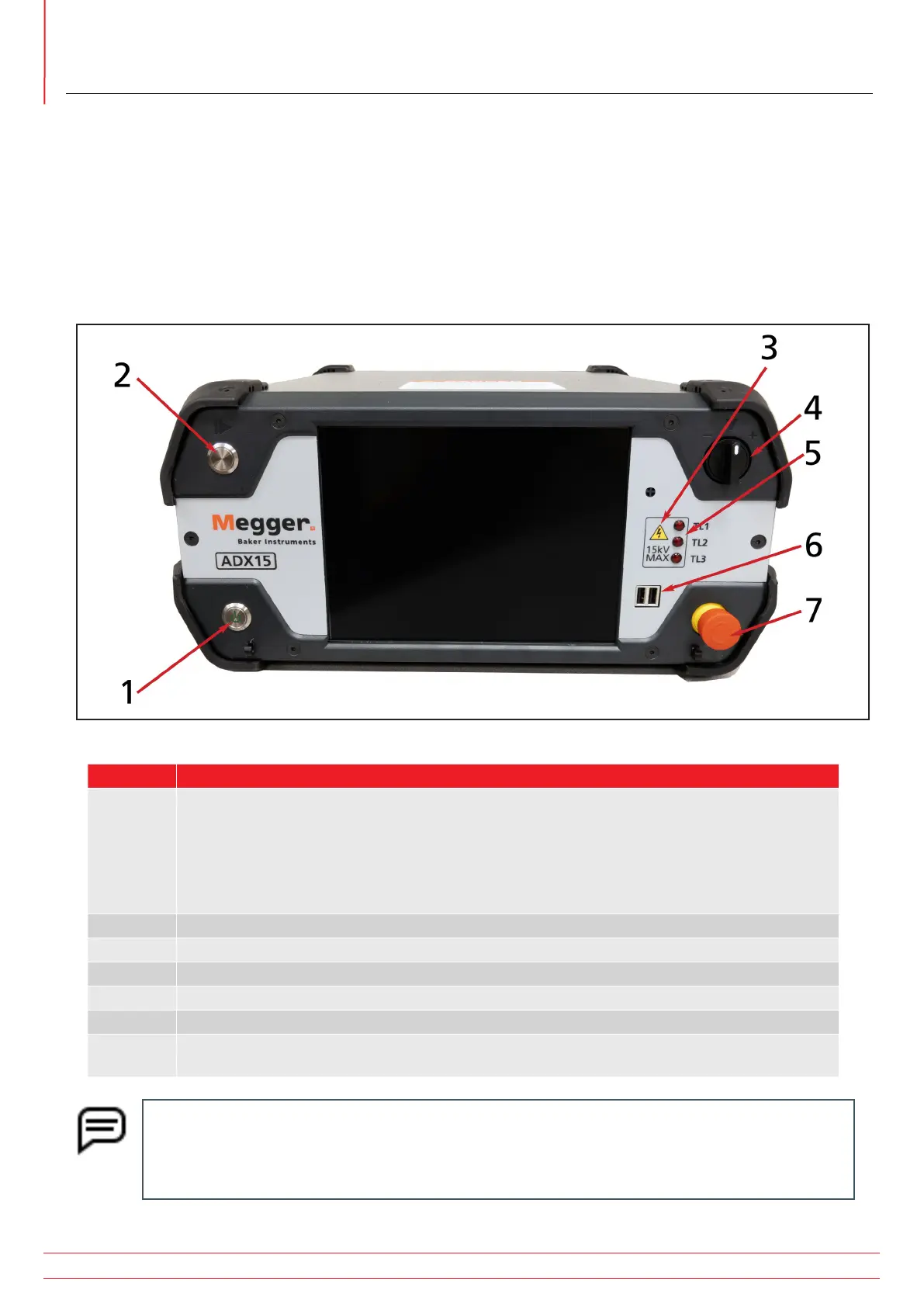
Fig 5: Front panel controls and features—ADX15.
No Description
1 Power On/Off button. The button has three modes of operation:
Screen sleep— Quick press-and-release.
Controlled shut-down or restart—Press one second and release then press Power Off or
Restart.
Hard power down—Press and hold for approximately 5 seconds.
2 Push-to-test (PTT) button.
3 Indicates maximum output voltage (in kV) of the ADX. (This is not a model number.)
4 Voltage output ramp switch.
5 Test Lead active LEDs. When LEDs are lit, indicated test lead is energized.
6 USB 2.0 connectors.
7 Equipment stop (E-Stop) button. See “Equipment Stop Button” in the “General Operating and Safety
Information” chapter for more information.
NOTE: The touch screen can be used with direct finger contact or using a suitable stylus. The screens
are typically sensitive and require only a light touch to select user interface items. Test the sensitivity by
lightly touching items for selection to get a feel for how your units responds. Pressing harder or longer
on an item will not affect response.
www.megger.com
Megger Baker ADX User Guide
10
Front Panel Controls


 To Next Page