3 — Preparing the Megger Baker ADX for Testing
Setting up the Megger Baker ADX
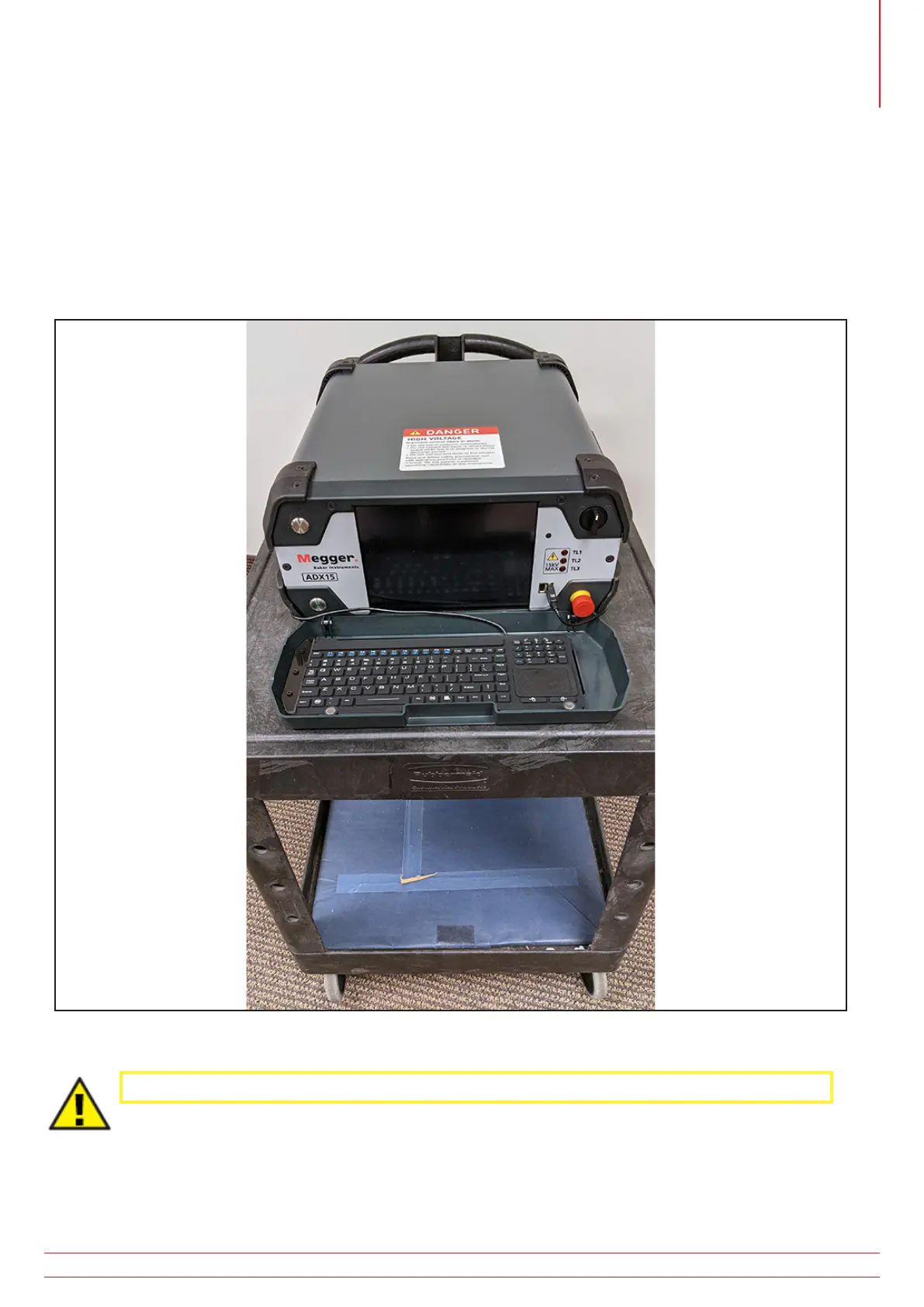
Set the ADX on a flat surface with all four bottom bumpers making solid contact with the work surface.
If the area in front of the ADX is long enough, you can leave the keyboard tray attached and use the keyboard inside
the tray. The keyboard tray can also be removed during use and stored aside.
Fig 20: ADX resting on work cart; all bottom bumpers making full contact; wheels locked.
CAUTION: If the ADX is placed on a wheeled cart, the wheels should be locked during testing.
If the ADX will be used on a flat surface similar to the application shown above, you can leave the keyboard in its tray
while in use; otherwise, you should remove the tray/cover as described in the next section.
www.megger.com
Megger Baker ADX User Guide
21



 To Next Page