18 TORKEL 900-SERIES ZP-CS01E CS033663DE
4 MENU SYSTEM
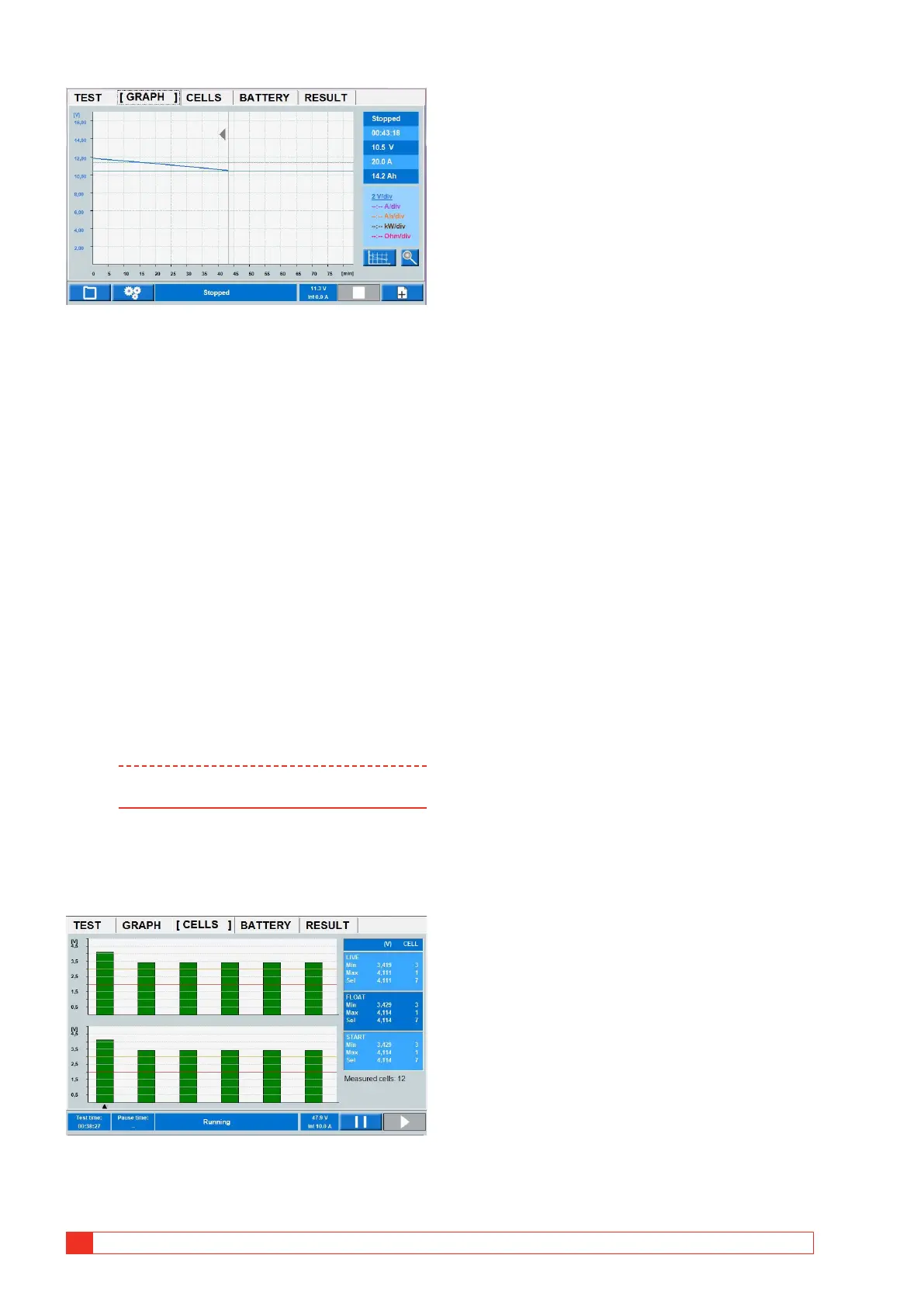
By pressing in the diagram, test data for the selected time
will be shown in the table.
The specific time interval can also be examined by
zooming the time axle.
1] Press in the diagram were you want to exam-
ine details on the voltage curve.
2] Press the control knob shortly and turn it
clockwise to zoom. Tap on the diagram and
to scroll the cursor for this time interval.
3] To return to the full test, press the control
knob shortly and turn it counterclockwise.
REPORT
4] The saved tests can be stored on an USB
memory stick and transferred to a PC. The
included PC software TORKEL Viewer can
be used to edit and print out reports. Edited
reports can be transferred back to TORKEL
i.e. you can design the test and settings in
TORKEL Viewer.
Note The USB memory stick must be FAT32 format-
ted.
CELLS (optional BVM)
When using the optional BVM equipment you get
information of the cell voltages, see also section "9.2
BVM - Battery Voltage Monitor" on page 37.
Diagram shows voltage per cell during the test.
▪ The LIVE voltage means the present voltage
▪ The FLOAT voltage means the voltage read prior to
removing the battery charger.
▪ The START voltage is when the discharge tests start.
1] By pressing a cell bar, readings can be seen in
the table as the "Sel" value.



 To Next Page