24 TORKEL 900-SERIES ZP-CS01E CS033663DE
5 MAKING A TEST
2] Press "Yes"
3] Disconnect the cables in reverse order as
described in section "Connecting the current
cables to the battery" on page 20
WARNING
Do not connect a discharged battery to a
battery that has not been discharged. The
batteries must be charged to the same
potential (voltage) before they are con-
nected together.
For viewing results and report see section "5.7 View-
ing results and reporting" on page 26.
5.5 Testing with a load
profile
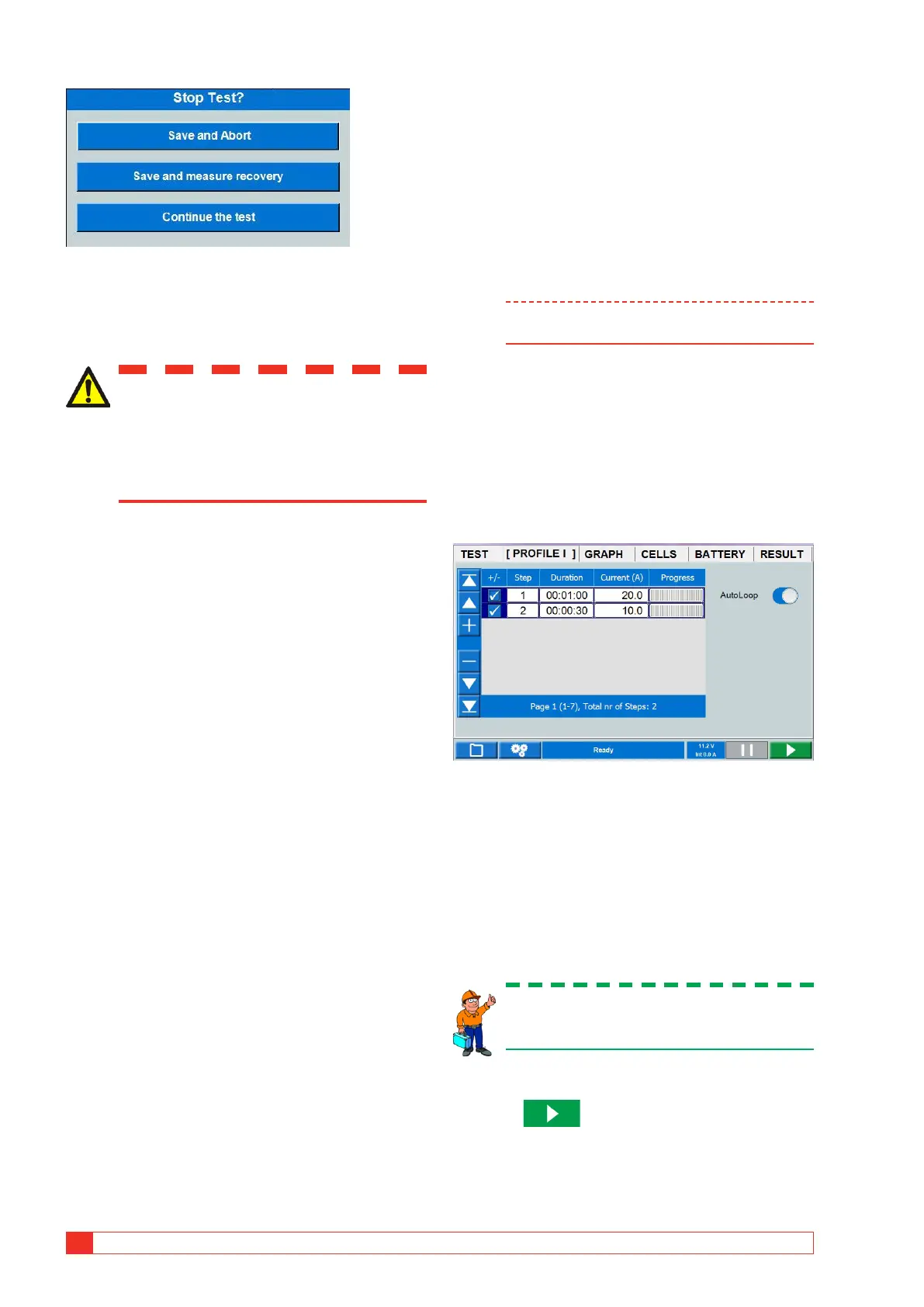
TORKEL can be used to conduct a test that incorpo-
rates a current profile or power profile. A profile can
consist of up to 20 time intervals. The duration and
the magnitude of the load can be specified for each
interval.
If you want step or steps to be repeated you enable
the "Auto Loop".
Note Using more than 20 steps will slow the sys-
tem.
Preparations
Follow the safety precautions set forth in section "2.2
Safety instructions" on page 8 and the prepara-
tions for testing in section "5.1 Preparations for test-
ing" on page 20.
Select "Test Method"
1] Press "Profile I" or "Profile P"
2] Set the desired "Duration" by pressing the
numeric field and make the settings for dura-
tion using the On-screen keyboard.
3] Set the desired current or power by pressing
the numeric field and make the settings for
current using the On-screen keyboard.
4] Make settings for warning and stop limits,
see section "Warning and stop limit param-
eters" on page 14.
Tip
You can change the settings for current/power
and limits at any time in "TEST".
Starting the test
5] Press
The current value (A) or power (kW) will be
displayed and the control knob lamp will
blink.



 To Next Page