CS033663DE ZP-CS01E TORKEL 900-SERIES
21
5 MAKING A TEST
Emergency stop button
The button is intended to be used if a fault occur in
the test object and/or the external testing cables.
1] Press the button to immediately inter-
rupt discharging.
TORKEL will still have power and the cooling
fans will run at maximum speed.
2] Reset the stop button by turning it right.
If you consider it safe to continue the test
you can start the test again.
5.2 Test at constant current
Preparations
Follow the safety precautions set forth in section "2.2
Safety instructions" on page 8 and the prepara-
tions for testing in section "5.1 Preparations for test-
ing" on page 20.
Select "Test Method"
1] Press "Constant I"
2] Set the desired current by pressing the nu-
meric field and make the settings for current
using the On-screen keyboard.
3] Make settings for warning and stop limits,
see section "Warning and stop limit param-
eters" on page 14.
Tip
You can change the settings for current and
limits at any time in "TEST".
Starting the test
1] Wait for "Connected ready" to be displayed
on the information bar and the control knob
is lit.
2] Press
The current value (A) will be displayed and
the control knob lamp will start blinking.
Pausing the test
1] Press
2] Restart by pressing
Note Any TXL Loads connected to TORKEL must be
restarted manually.
Ending the test
WARNING
Do not disconnect any cables until the test
is completed and stopped
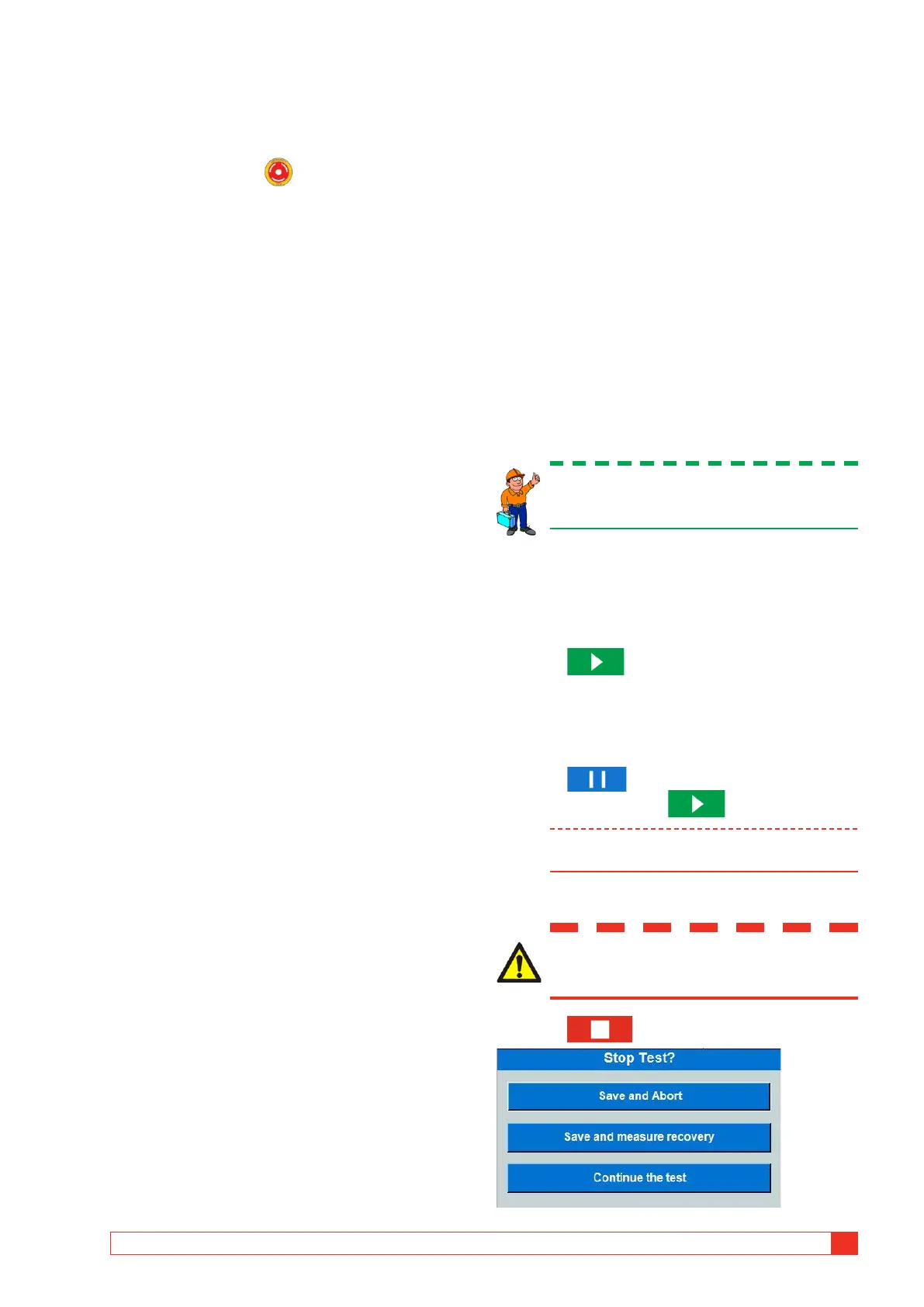
1] Press



 To Next Page