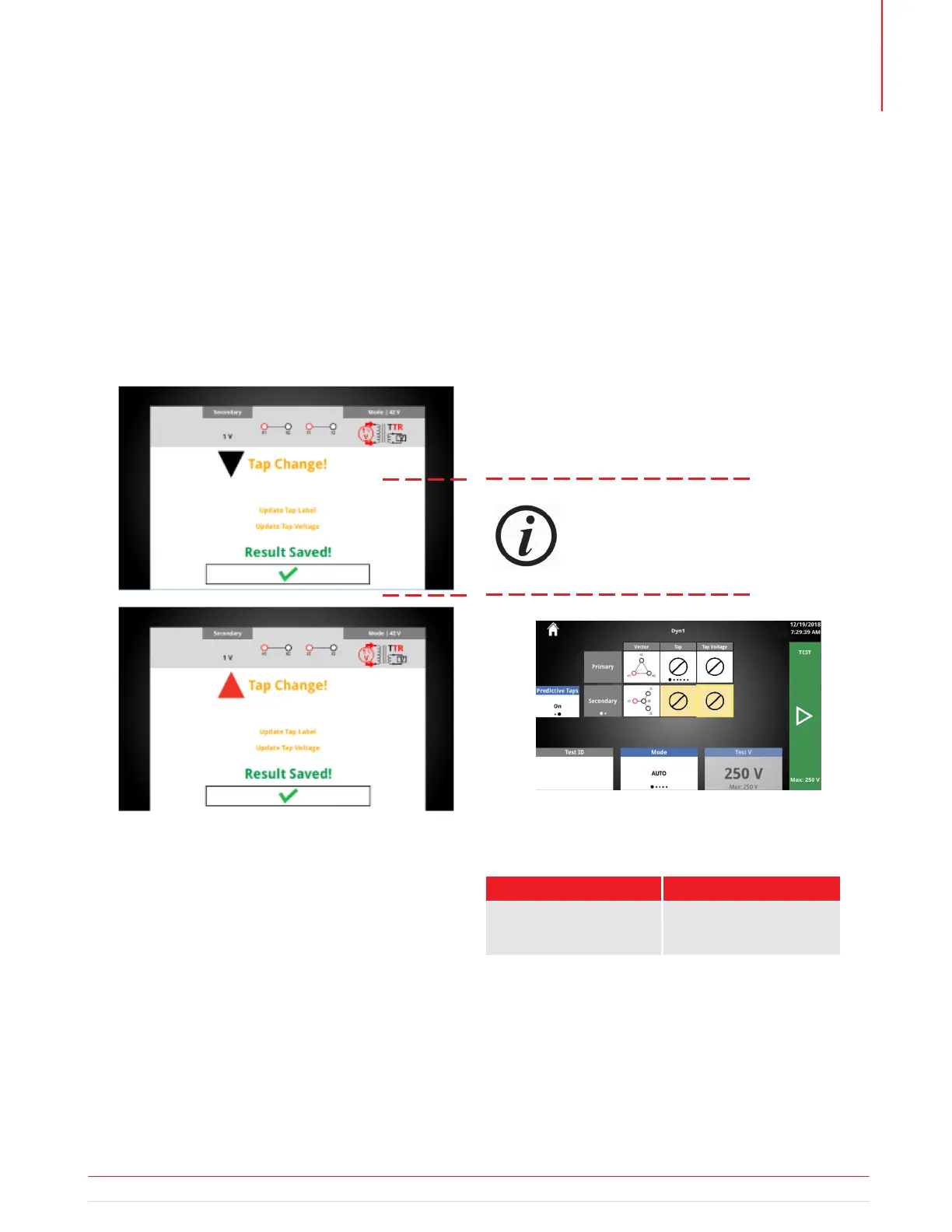
5.18.1 OLTC Tap Change
Test Success
Pressing the physical tap up or tap down button
while on the test success screen will display a noti-
fication that the tap change is in progress.
After releasing the tap change button, a message
will appear alerting the user that the result has
been saved, and to update the OLTC tap label and
voltage.
Predictive Taps allows you to quickly test a trans-
former with an OLTC, without having to set up a test
plan. After using the manual tap up/down button:
1. The OLTC winding tap label and voltage is high-
lighted yellow.
2. If a tap label was selected, the next tap label will
be displayed.
3. If two tap labels and tap voltages have been
entered, the next tap voltage will be displayed.
4. The rotary control knob will default to the OLTC
tap voltage, allowing for quick adjustment of the
voltage.
Predictive Taps will not predict correct
tap labels and voltage for every OLTC tap
change. It is the responsibility of the user
to match the tap labels/voltages to the
nameplate and adjust accordingly.
5.18.3 Predictive Taps Options
Option
Available Settings
On
Off
Predictive Taps
5.18.2 Quick Test Setup
Predictive Taps
Information subject to change without notice 35
Operation



 To Next Page