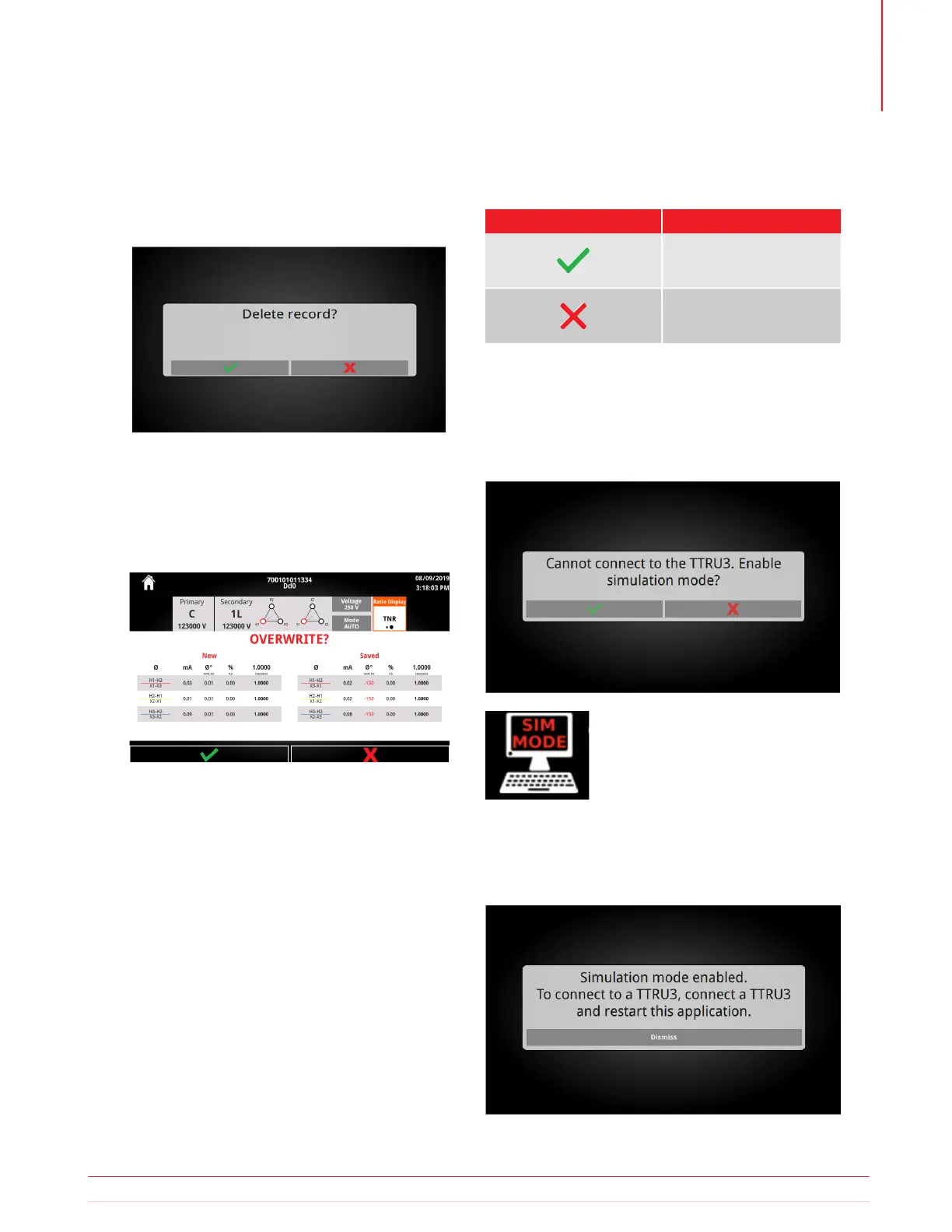
Deleting the result requires confirmation that the
action is intended.
5.24.7 Delete Result
After retesting from a saved result, the TTRU3 will
ask if the result should be overwritten.
5.18.8 Overwrite Result
5.24.8 Overwrite Result
Buttons
Button Description
Confirm
Overwrite saved results
with new results
Cancel
Discard new results and
keep saved results
5.25 Simulation Mode
After launching the TTRU3 PC SW, if no TTRU3 is
detected, simulation mode will be available
Clicking on the icon displays the following message:
“Simulation mode enabled. To connect to a TTRU3,
connect a TTRU3 and restart this application.”
All software features are unlocked
in simulation mode. Simulation
mode is noted by an icon in the
menu bar
Information subject to change without notice 51
Operation



 To Next Page