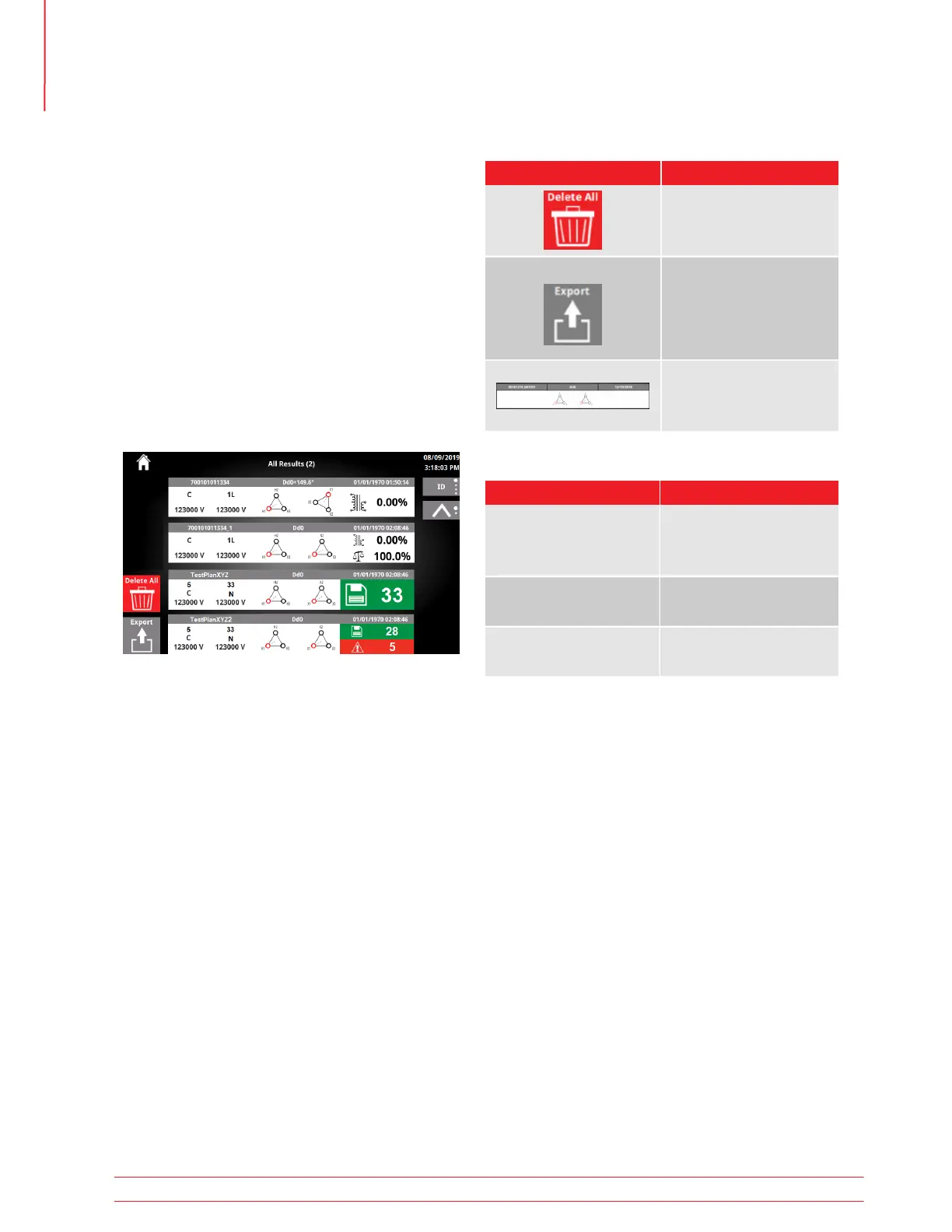
After running a test and saving a result, the results
button will be enabled on the Home Screen.
Clicking on the results button will bring you to the all
results screen.
Max Ø % error and/or imbalance is displayed for
each result, depending on the test setup.
Test Plans will show the number of saved results that
did not fail measurement limits next to the save icon.
The number of saved results that failed measurement
limits will show next to the warning icon.
5.24 Results
5.24.1 Results Buttons
Button Description
Individual Result
Click to review the result
details
Export
Exports all results
Delete All
Delete all results
5.24.2 Results Options
Button Description
ID
Date
Vector
# or Results
Ascending
Descending
Scroll through
available results
Sort Type
Sort Order
Scroll Bar
Operation
48 TTRU3 User Manual us.megger.com



 To Next Page