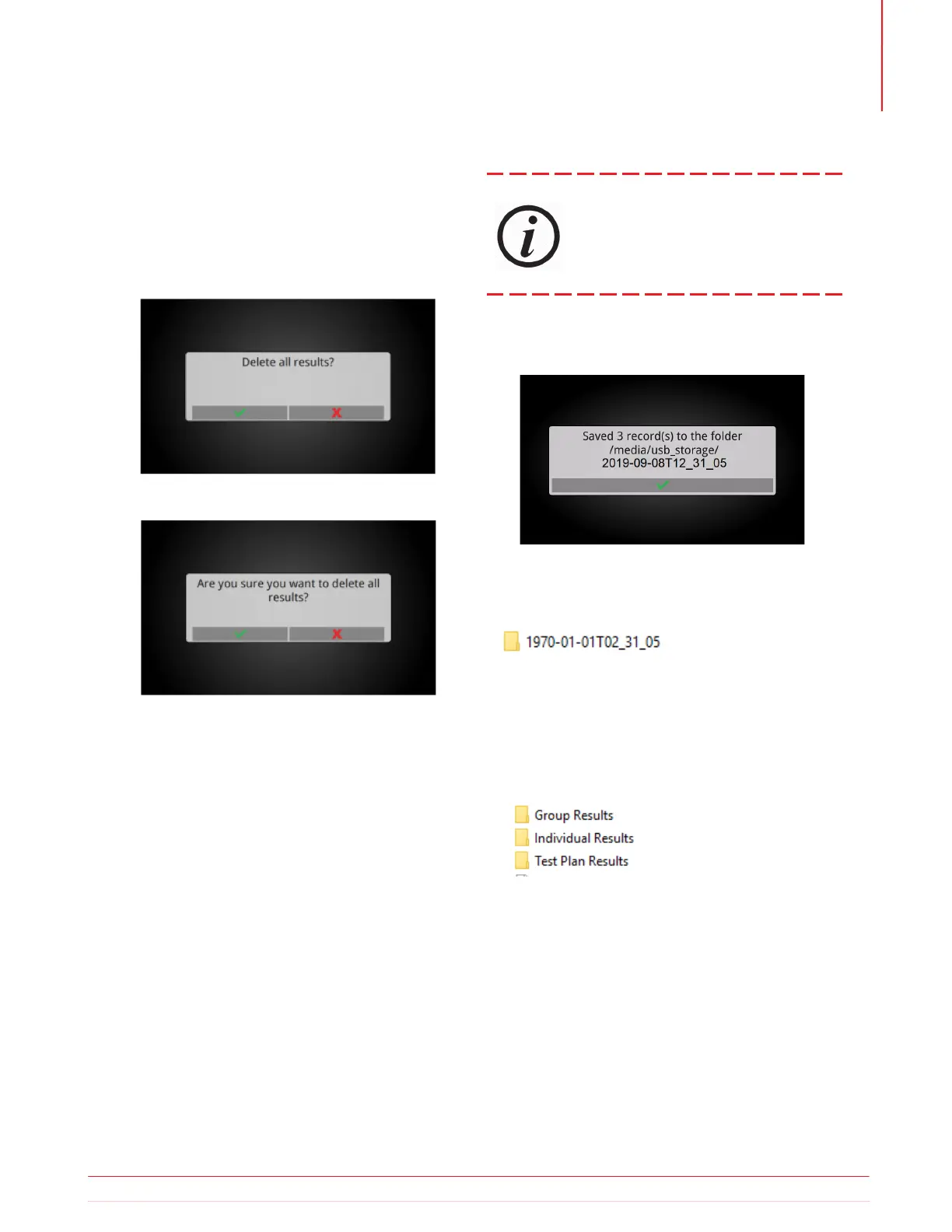
5.24.3 Delete All Results
Deleting all results requires double confirmation that
the action is intended.
After deleting all results, the TTRU3 will return to the
Home screen.
Results are exported to the root of a thumb drive in a
folder with a date/time stamp.
Within the date/time stamp folder, there is a CSV
file will all the results for importing into PowerDB,
a folder with grouped results based on file names
(see section on Test ID Grouping), and a folder with
individual results.
5.24.4 Export All Results
Periodically export all results and store lo-
cally, preferably on a network with sched-
uled backups. THE TTRU3 IS
NOT INTENDED TO BE A PERMANENT
REPOSITORY FOR YOUR TEST DATA.
Insert a thumb drive to export results. A brief pro-
gress bar followed by the screen below will be dis-
played after a successful export.
Information subject to change without notice 49
Operation



 To Next Page