5.26 PowerDB 3Ø Form
PowerDB provides a 3Ø form for importing results
and controlling the TTRU3 (as well as data from oth-
er Megger instruments).
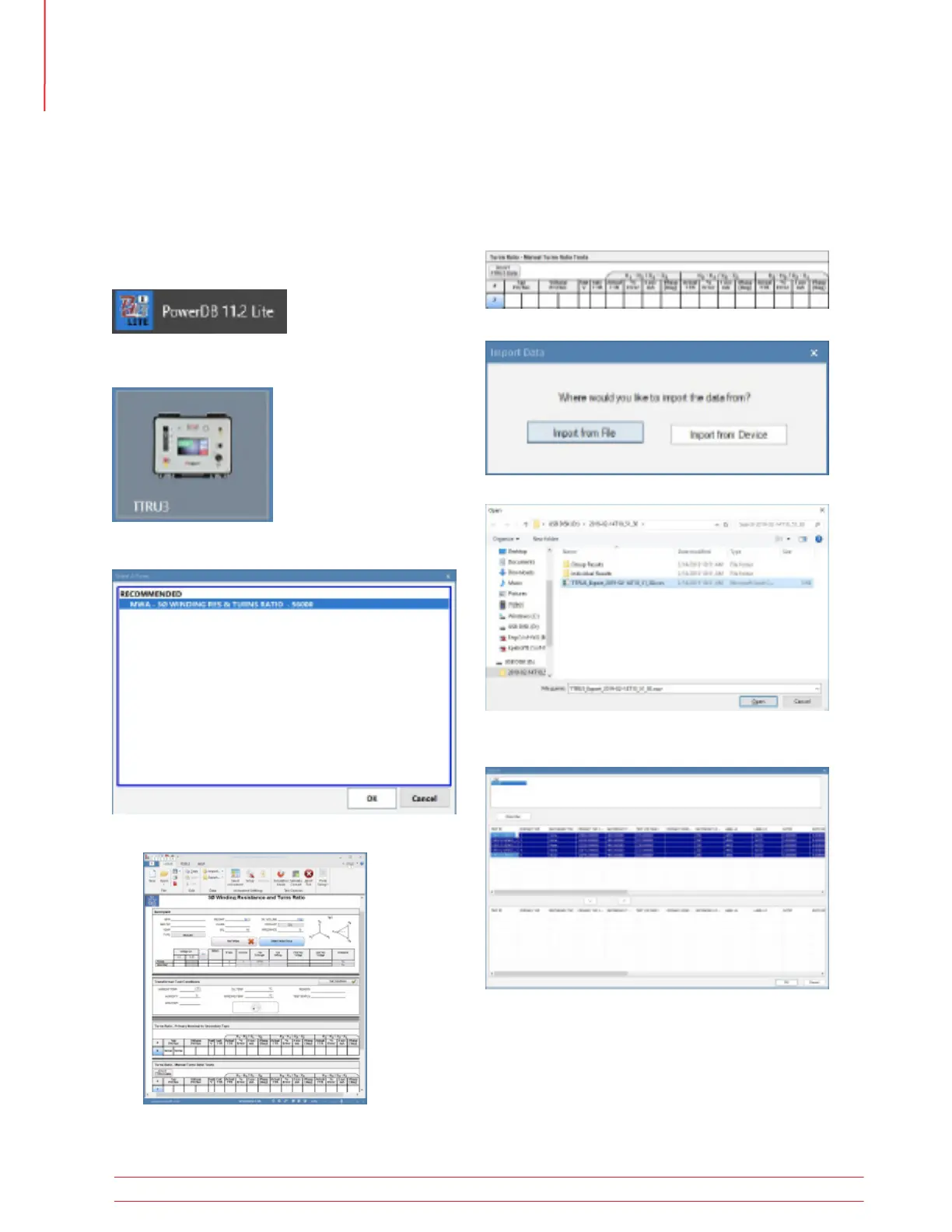
To begin using PowerDB, launch PowerDB Lite.
To import data exported to a thumb drive, find the
table where there data should be imported and
select “Import TTRU3 Data”
Next, select Import from file
Find the csv file that was exported and select Open
Select results from the top table using shift + left
mouse click.
Select the Down arrow to transfer the data to the
bottom table. Select results one at a time if you
want to change the order of the data
Next, select the TTRU3 from the Instrument Selection
screen.
Select the Recommended 3Ø Form and select OK
The form below will be displayed
5.26.1 PowerDB Import from
File
Operation
52 TTRU3 User Manual us.megger.com



 To Next Page