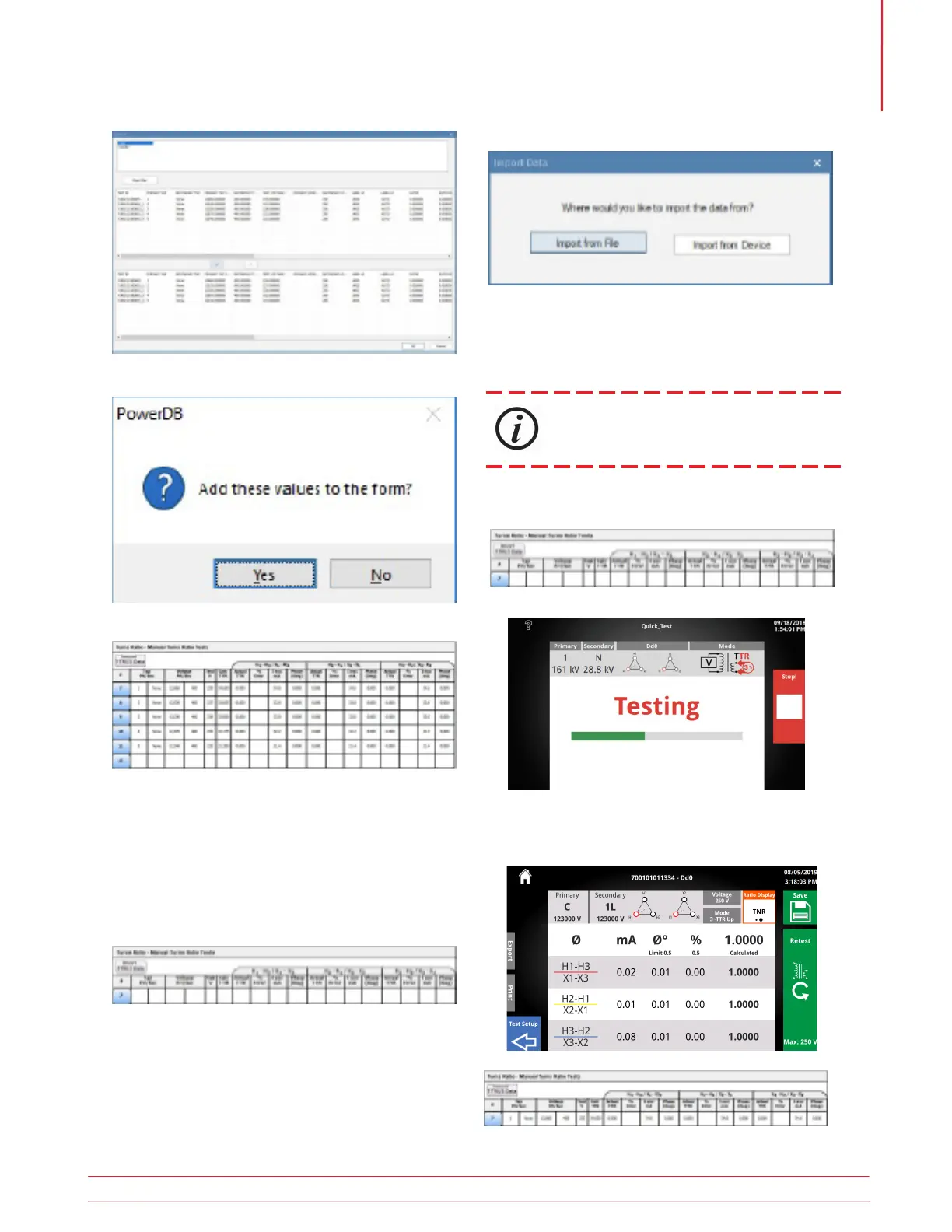
To import data directly from the TTRU3, first connect
the TTRU3 to a PC with the supplied USB B cable.
Find the table where the data should be imported
and select “Import TTRU3 Data”
To run a test, click on the blue in the table where the
result should be displayed.
The Test In Progress screen will be displayed.
After the test completes, click Save, Test Setup, or
close out of the GUI to import the result to the form.
Click Ok, then click Yes to add the data to the form.
Select Import from Device
Follow the steps as outlined in 5.18.1 to complete
the import.
The data will now appear in the table in PowerDB
5.26.2 PowerDB Import from
Device
5.26.3 PowerDB Control
PowerDB Control is an optional SW feature
Information subject to change without notice 53
Operation



 To Next Page