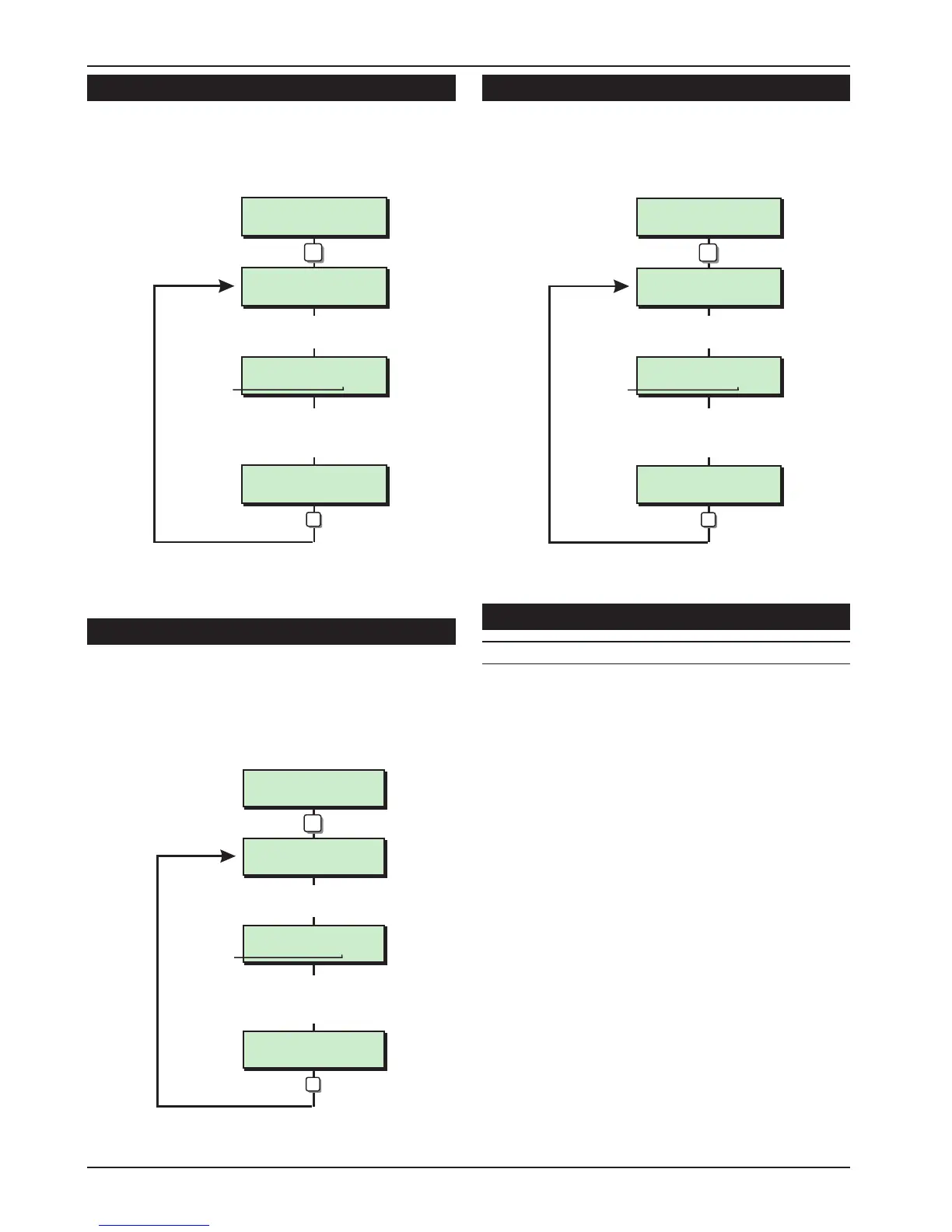
Keypad Outputs [1.1]
Outputs 1-4 can be programmed to any of the
output types shown on pages 22 to 24.
Digicom Outputs [1.2]
The 5 digicom outputs on the control panel PCB
can be programmed to any of the output types
shown on pages 22 to 24. In addition, all outputs
can be inverted, see “Configuration option 19” on
page 31.
Digicom Channels [1.3]
The 8 plug-on digicom channels can be
programmed to any of the output types shown on
pages 22 to 24.
Programmable Output Types
No Type/Description
000 Bell On
Activates when the main Bell trigger is on and
deactivates at the end of the Bell Duration
time or when the alarm is cancelled by the
user.
001 Strobe On
Activates when the Strobe trigger is on, and
deactivates when the alarm is cancelled by
the user.
002 Switch 12V
Activates when the system is set and
deactivates when an alarm occurs or the
system is unset. This output is normally used for
latching detectors.
003 Detector Reset
Normally active at all times and deactivates
for 3 seconds when a valid passcode is
entered prior to setting the system. This output
is normally used for detector that required
power to be removed in order to reset them,
e.g., smoke detectors.
22
Engineer’s Menu 1 TS590 Installation Manual
Keypad Output ?
Enter Number > -
Keypad Output 1
is type > 004
Keypad Output 1
is type > 021
Enter new output type
Type No.
1
Enter output No. 1 - 4
e.g. 1
ENT
e.g. 021
Engineers menu 1
Select Options :-
LCD
Panel Outputs Flowchart
Digi Output ?
Enter Number > -
Digi Output 5
is type > 055
Digi Output 5
is type > 043
Enter new output type
Type No.
2
Enter output No. 1 - 5
e.g. 5
ENT
e.g. 043
Engineers menu 1
Select Options :-
LCD
Digi Outputs Flowchart
Digi Channel ?
Enter Number > -
Digi Channel 8
is type > 055
Digi Channel 8
is type > 043
Enter new output type
Type No.
3
Enter channel No. 1 - 8
e.g. 8
ENT
e.g. 055
Engineers menu 1
Select Options :-
LCD
Digi Channels Flowchart



 To Next Page