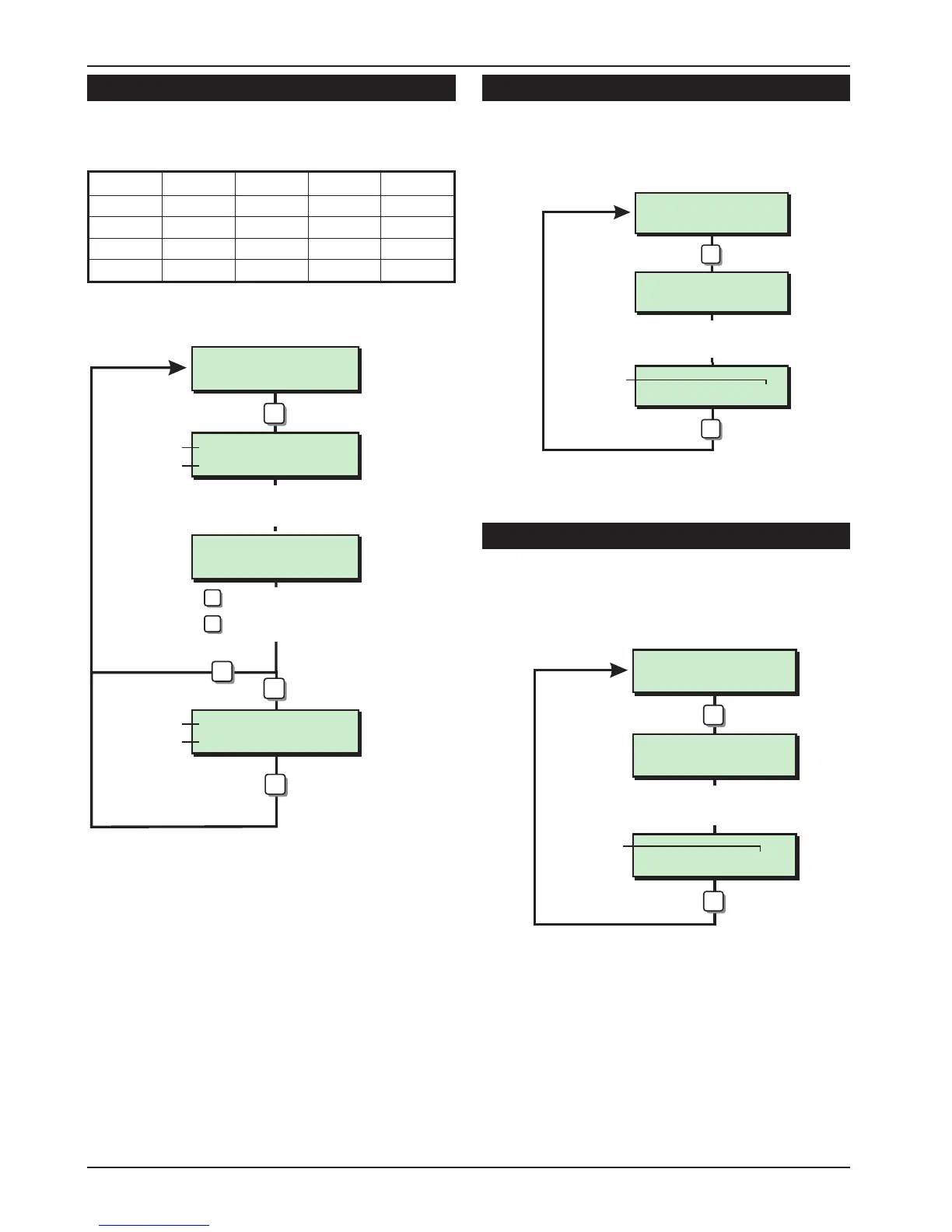
View Circuits [2.1]
Each detection circuit may be viewed to
ascertain its status. The circuit status conditions
and resistance are shown below:
Status Response Normal Min. Max.
Healthy None
2.2 KΩ 54 Ω 4.1KΩ
Active Alarm
6.9 KΩ 4.1 KΩ 54 KΩ
Tamper Tamper
∞ 54 KΩ∞
Shorted Alarm
0 Ω 0 Ω 53 Ω
Set System Time [2.2]
The system time is displayed in a 24hr format on all
remote keypads and is also used to time stamp
events in the system event log.
Set System Date [2.3]
The system date is displayed in a day/date/month
format on LCD remote keypads. it is also used to
provide date stamps for events in the system log.
36
Engineer's Menu 2 TS590 Installation Manual
Front Door
CCT 01 Heathly
Back Door
CCT 10 Healthy
Circuit text
Enter circuit No.
e.g. 10
Circuit No. &
status
= Next Circuit
1
ESC
A
B
= Previous Circuit
TS690
= Diagnostics (LCD Only)
C
Engineers menu 2
Select Option :-
LCD
ESC
Back Door
CCT 10 is 2K2Ω
Circuit text
Circuit No. &
resistance
View Circuits Flowchart
Set Date > ----
Set Date > 2804
New date
Enter date
e.g. 2804
3
ENT
Engineers menu 2
Select Option :-
LCD
Set System Date Flowchart
Set Clock > ----
Set Clock > 1605
New time
Enter time
e.g. 1605
2
ENT
Engineers menu 2
Select Option :-
LCD
Set System Time Flowchart



 To Next Page