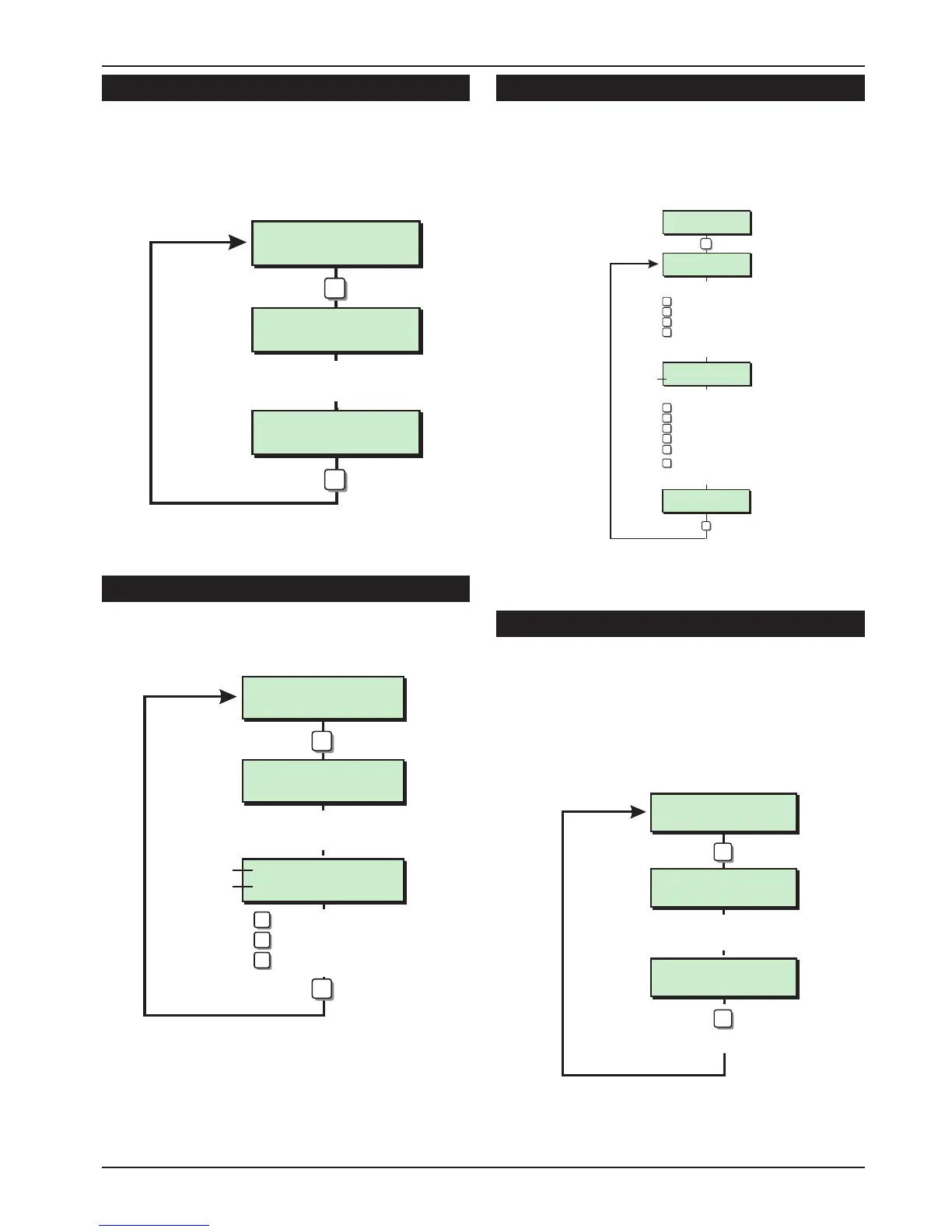
Change Passcode [2.4]
This option allows the engineer to change their
passcode. The default passcode is 1234 but the
installation engineer should change this to their
own personal 4 digit passcode.
Chime Circuits [2.5]
This option allows an alternative method of
programming circuits as “chime”.
Alter Shunt Group [2.6]
Circuits can be assigned to the shunt group. The
shunt group can be isolated by using user menu 1
option 6 or by using a “Shunt” code see “User
Manual”.
Print System Log [2.7]
The system log stores 700 events, if a printer is
connected to the system it is possible to print a
selected number of events. Once the printout has
been started it can only be stopped by selected
this option again and entering “000” for the
number of events.
37
TS590 Installation Manual Engineer's Menu 2
Alter Chime ccts
Enter CCT No.>--
Font Door
CCT 10 Silent
Circuit No &
Status
Enter circuit No.
e.g. 10
Circuit text
= Next Circuit
5
ESC
A
= Alternate Chime/Silent
B
= Previous Circuit
C
Engineers menu 2
Select Option :-
LCD
Chime Circuits Flowchart
Setting Mode ?
Enter Group > -
Full Set
by Final Exit
Full Set
by Timed Exit
Enter group:
= Full Set
= Part Set A
= Part Set B
= Part Set C
Set Mode
6
0
A
B
C
e.g. 0 for full set
Select Set Mode:
= Final Exit
= Exit Terminator
= Timed Exit
1
2
3
= Instant
4
ENT
e.g. 3 for timed exit
Engineers menu 1
Select Options :-
LCD
= Deferred
5
= Lockset
6
Alter 24hr Group Flowchart
Print System Log
No. events> ---
Print System Log
No. events> 100
Enter number of events
e.g. 100
to start printing
7
ENT
Engineers menu 2
Select Option :-
LCD
Print System Log Flowchart
Change pass code
New code > ----
Change pass code
New code > 2580
Enter new passcode
e.g. 2580
4
ENT
Engineers menu 2
Select Option :-
LCD
Change Passcode Flowchart



 To Next Page