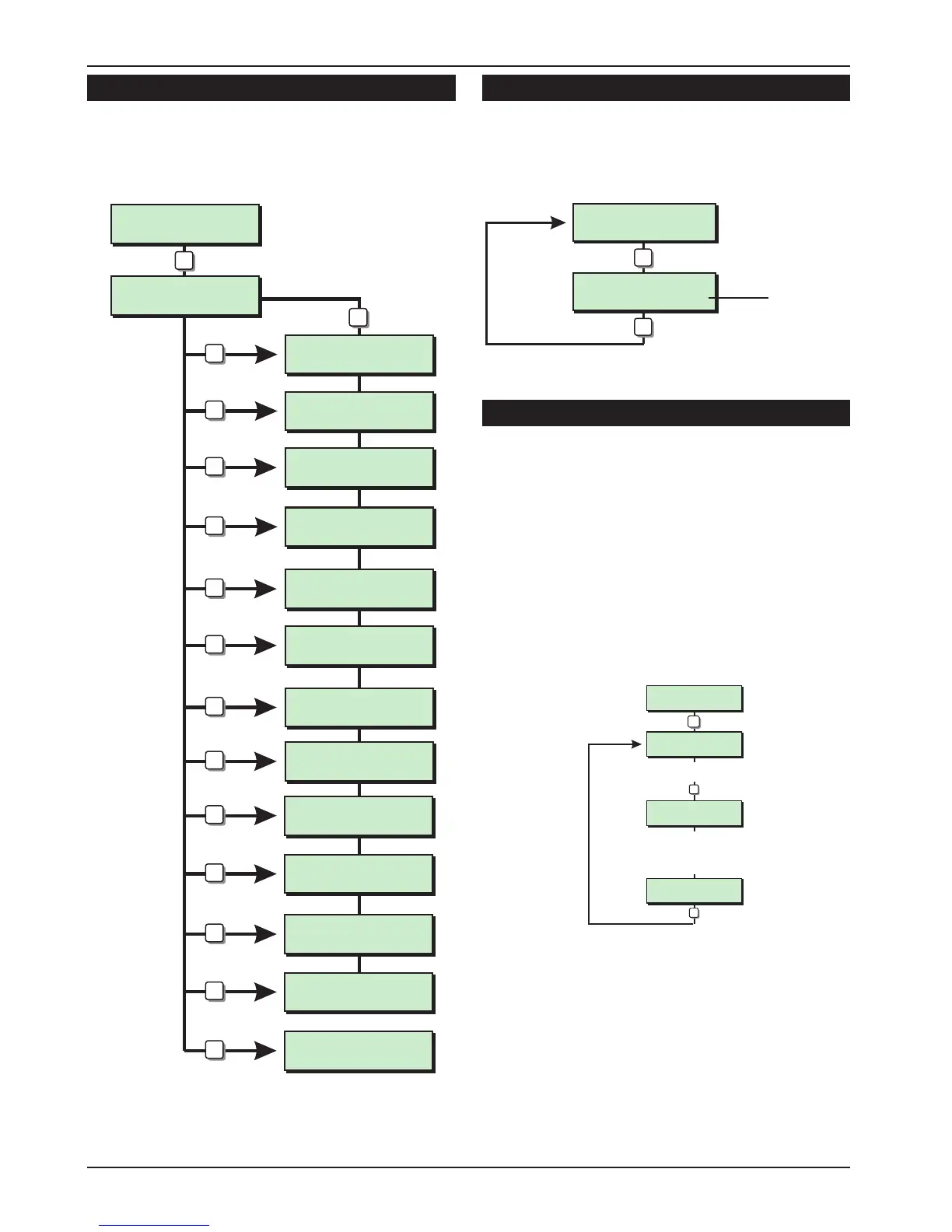
Go to User Menu 1 [1.0]
This option allows the engineer to access “User
menu 1", the flowchart below shows the options
within ”User menu 1", for full details refer to the
"Operators Manual".
View Location Text [1.B]
This option allows the engineer to view the panel
location text. The text message is programmed in
"Engineers menu 2", see page 41.
Relearn Hardware [1.C]
If the system hardware configuration has
changed whilst in engineers mode, for example a
remote keypad added or removed from the
system. The system will show “RELEARN REQUIRED”
when exiting from engineers mode. To clear this
message you must re-select engineers menu 1
and press [C], the panel will generate an
acceptance tone and all current hardware is
re-logged on to the system. It is advisable that you
confirm the new hardware by viewing the system
log, see page 38.
34
Engineer’s Menu 1 TS590 Installation Manual
User menu 1
Select Option :-
Please Exit Now.
Time left > 0029
Please Exit Now.
Time left > 029
Sounder. ON > 08
Press ESC to end
Walk Test
Press ESC to end
Remote Reset
Quote > 6846
Change passcode
New code > ----
Chime ccts are
Enabled
CCTS ISOLATED
08:30 Sun 28 Apr
Omit Circuits
Enter CCT No.>--
Silent Set ?
Enter Group > -
SYTEM OPEN
08:30 Sun 28 Apr
1
2
3
4
5
6
7
8
0
0
ESC
ESC
Engineers menu 1
Select Option :-
A
Please Exit Now.
Time left > 0029
B
Please Exit Now.
Time left > 0029
C
Bell Test
Walk Test
Remote
Reset
Change
code
Enable
Chime
Omit Shunt
Group
Omit
Circuits
Silent Set
Full Set
Part Set A
Part Set B
Part Set C
User Menu 1 Flowchart
PANEL IS IN
RECEPTION CLOSET
Location Text
B
Engineers menu 1
Select Options :-
ESC
LCD Only
View Location Text Flowchart
Re-map Devices
Enter Device >--
Re-map Devices
to Circuit >18
Enter ID device No (01 - 30)
e.g. 18
The display shows the
current mapping.
Enter new circuit No.
e.g. 21
C
ENT
ENT
Engineers menu 1
Select Options :-
LCD
Re-map Devices
to Circuit >21
Relearn Hardware Flowchart



 To Next Page