46
Chapter 4
1. Visit http://mwlogin.net, and log in with the password you set for the router.
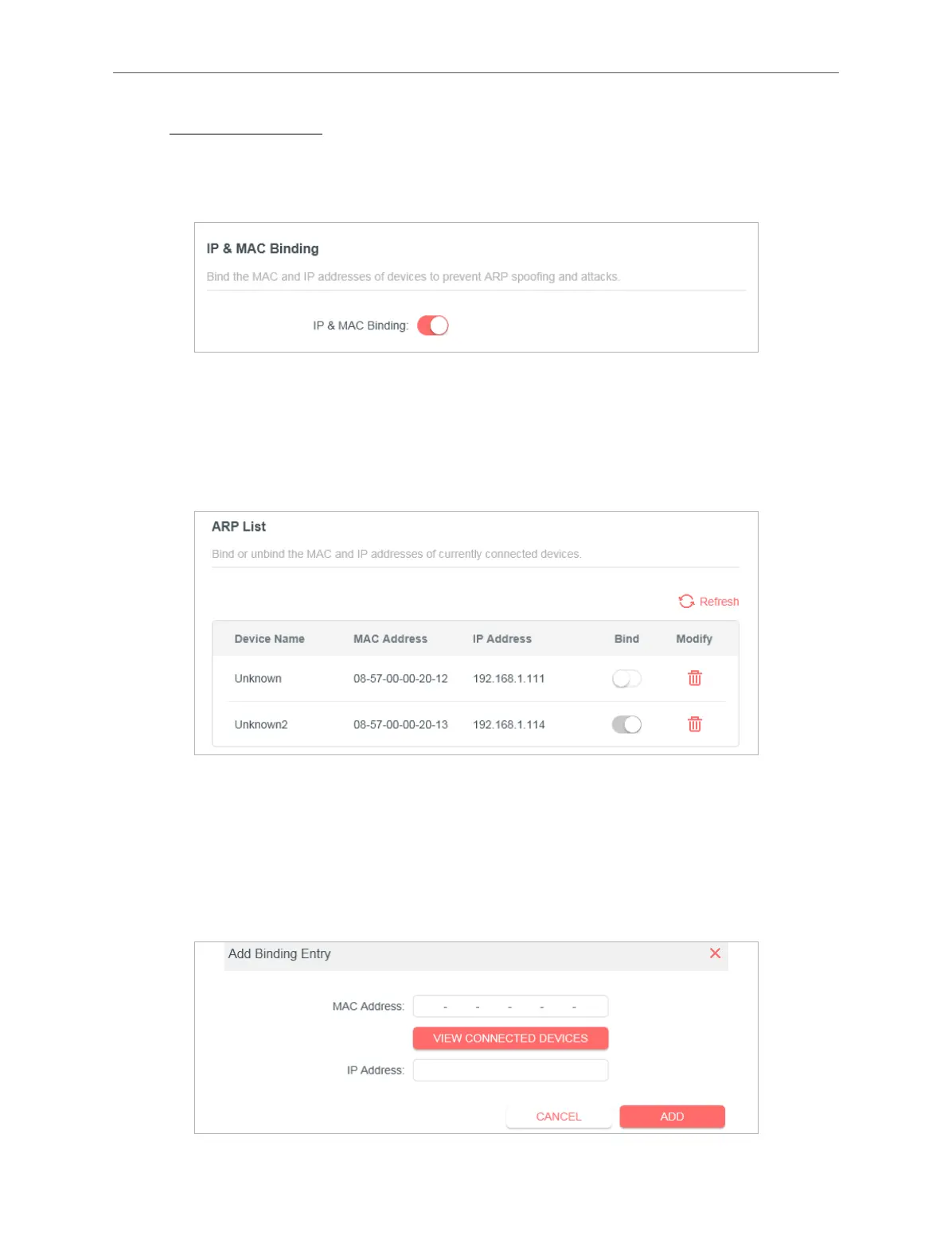
2. Go to Advanced > Security > IP & MAC Binding.
3. Enable IP & MAC Binding and click SAVE.
4. Bind your device(s) according to your need.
To bind the connected device(s):
Locate the ARP List section and enable Bind to bind the IP and MAC addresses of a
specific device.
To add a binding entry:
1 ) Click Add in the Binding List section.
2 ) Click VIEW CONNECTED DEVICES and select the device you want to bind. Or enter
the MAC Address and IP Address that you want to bind.
3 ) Click ADD.



 To Next Page