User Manual : General Settings
User Manual
104
Virtual Transport
General
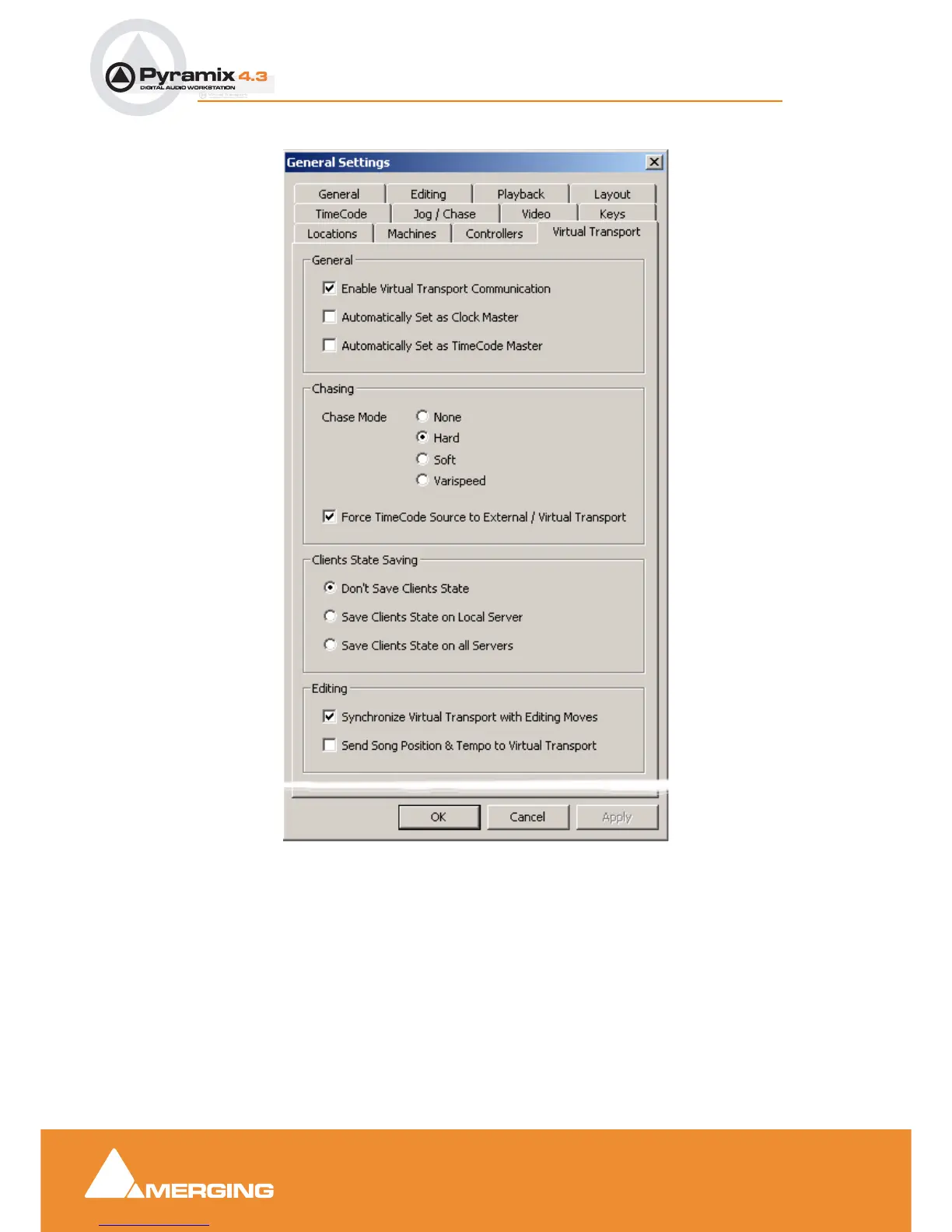
Enable Virtual Transport Communication
When checked, Pyramix communicates bi-directionally with Virtual Transport.
Automatically Set as Clock Master
When checked, the Pyramix Client is set as Clock Master. I.e. Pyramix is the master clock reference for
all Clients
Automatically Set as TimeCode Master
General Settings dialog box - Virtual Transport Tab page



 To Next Page