User Manual : Using the Mixer
User Manual
68
Show / Hide
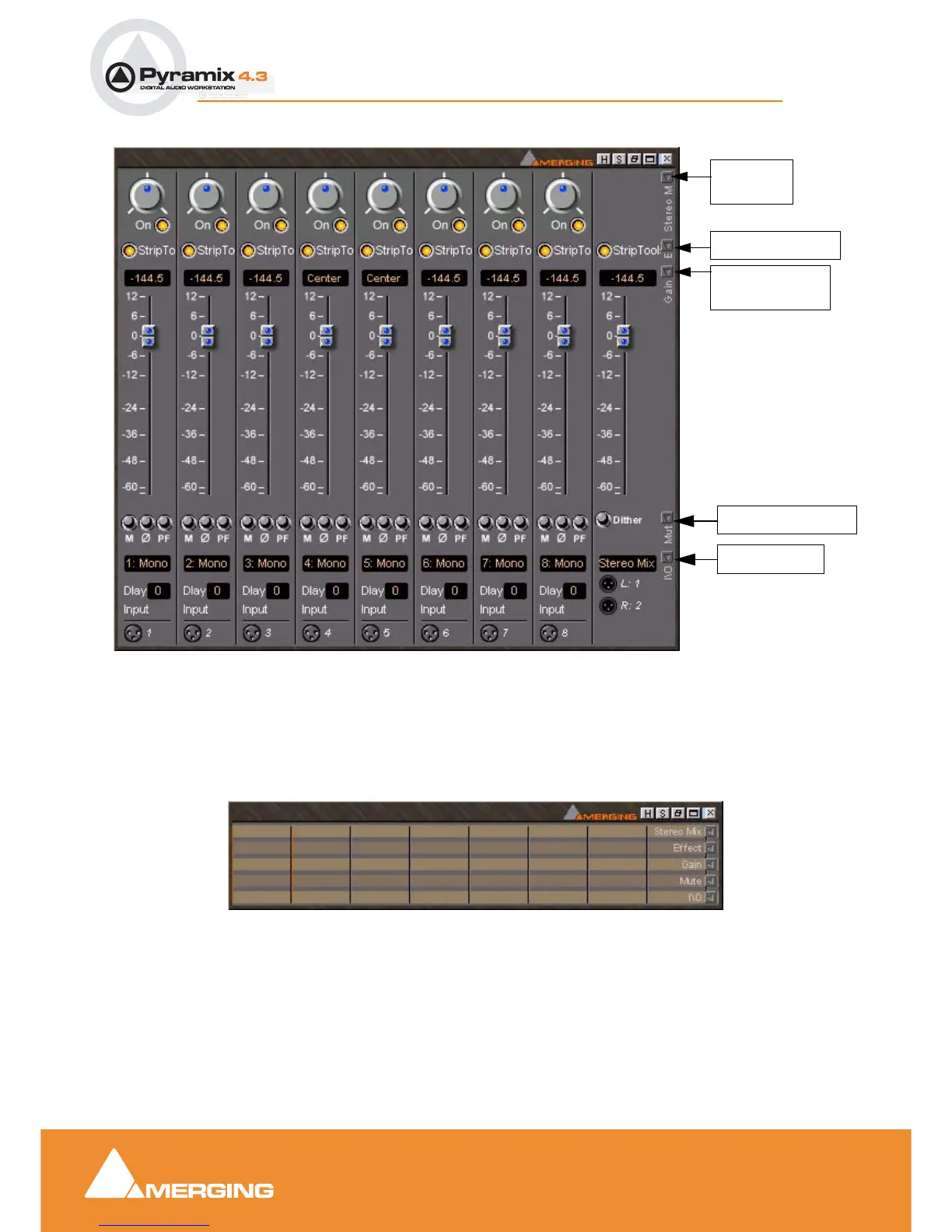
The small, grey arrows on the right of the mixer surface toggle horizontal areas of the mixers surface
visible or hidden. Show / Hide can reduce clutter by concealing unused controls. This is the same mixer
with all areas hidden:
Simple 8 X 2 stereo mixer Window with all areas visible
Show/Hide
Show/Hide Effects
Show Hide Gain
Show Hide I/O
(Fader)
Stereo Mix
Show/Hide Mute etc.
Simple 8 X 2 stereo mixer Window with all areas hidden



 To Next Page